Introduction
Personal Passkey enables secure, passwordless access to the Tenant Admin Portal using a passkey associated with an individual user account.Prerequisites
- You must have access to the Tenant Admin Portal.
- Ensure Passkey is enabled for the user. Refer: How to Enable Passkey SSO in Tenant Admin Portal
- Personal Passkey is enabled for your account. Refer: How to Generate Personal Passkey in the Tenant Admin Portal
Steps to log into Tenant Admin Portal using Personal Passkey
- Launch your browser.
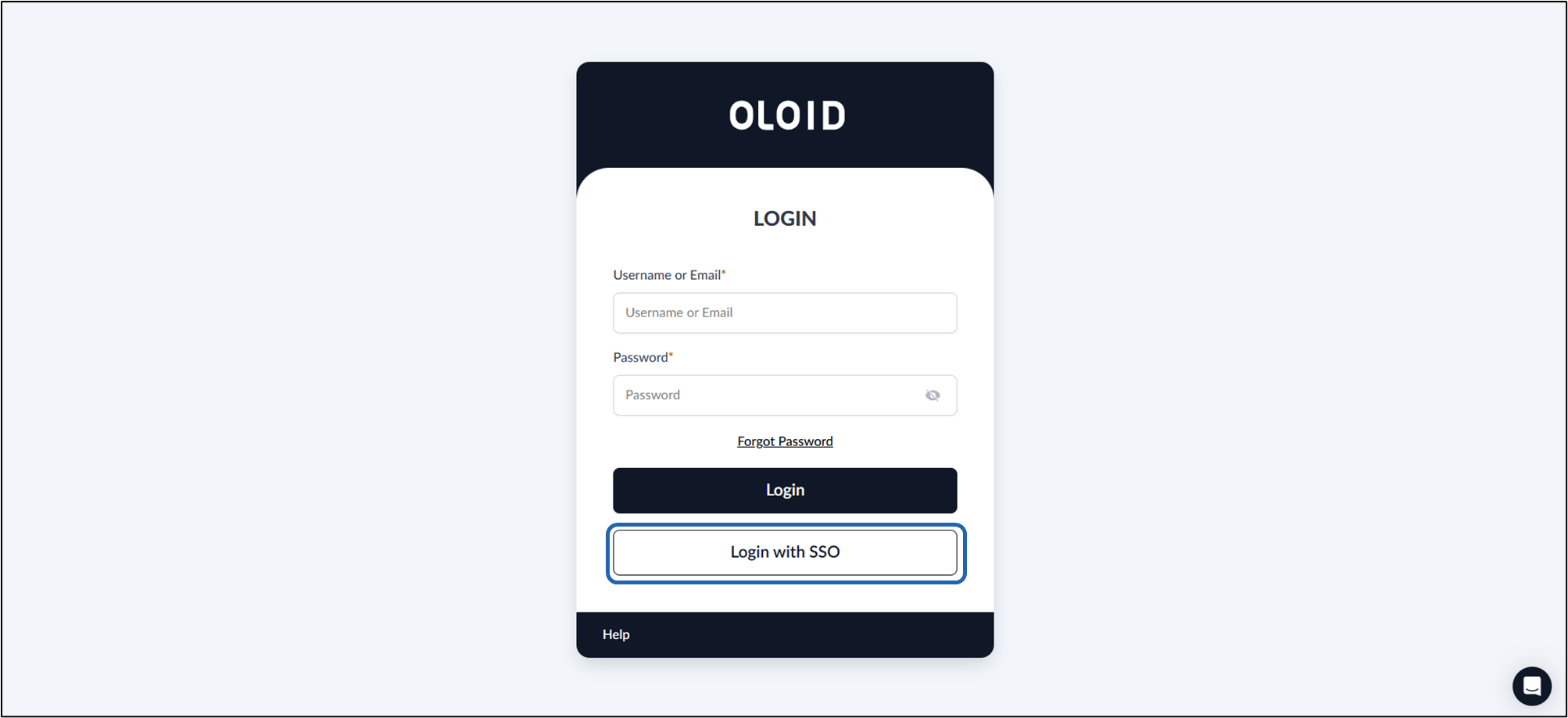
- Enter the provided URL in the browser’s address bar and press Enter. The Oloid Login page is displayed.
- Click Login with SSO.
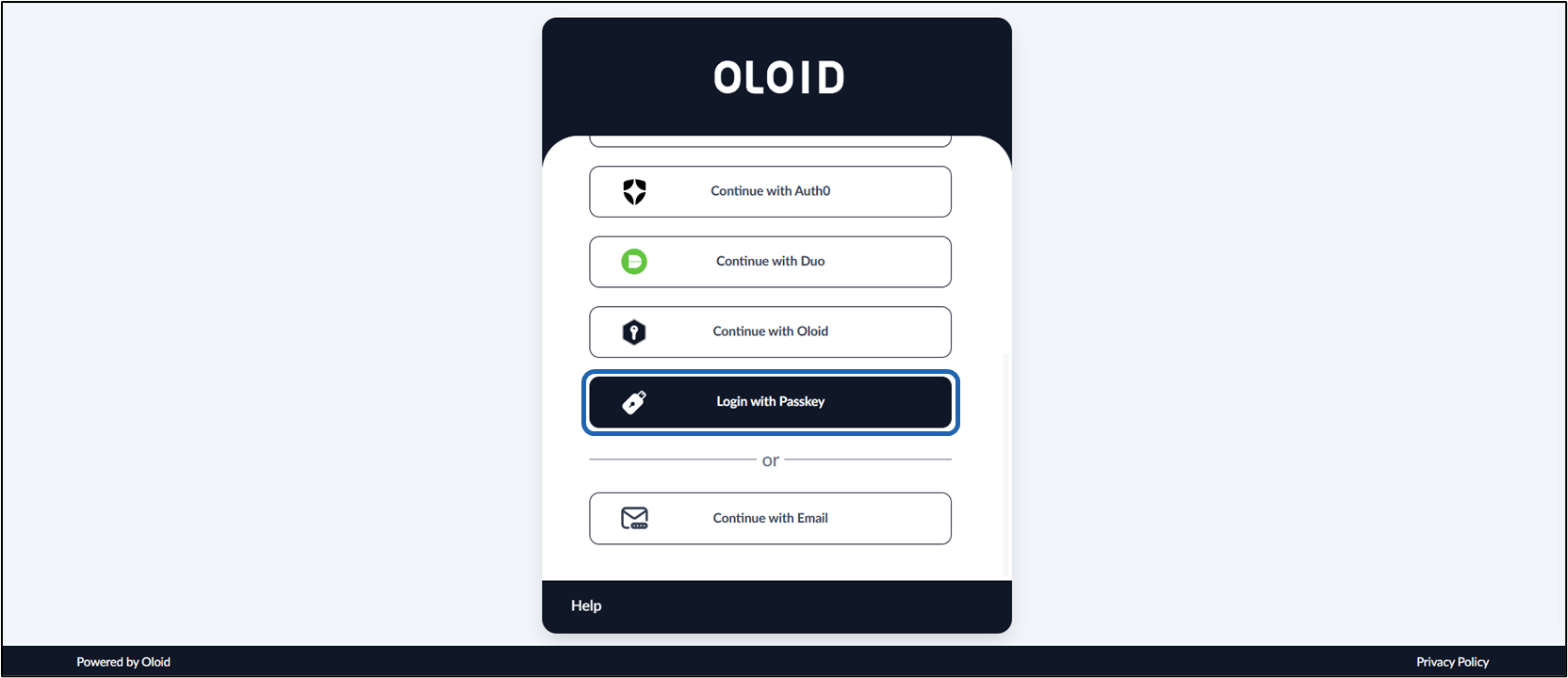
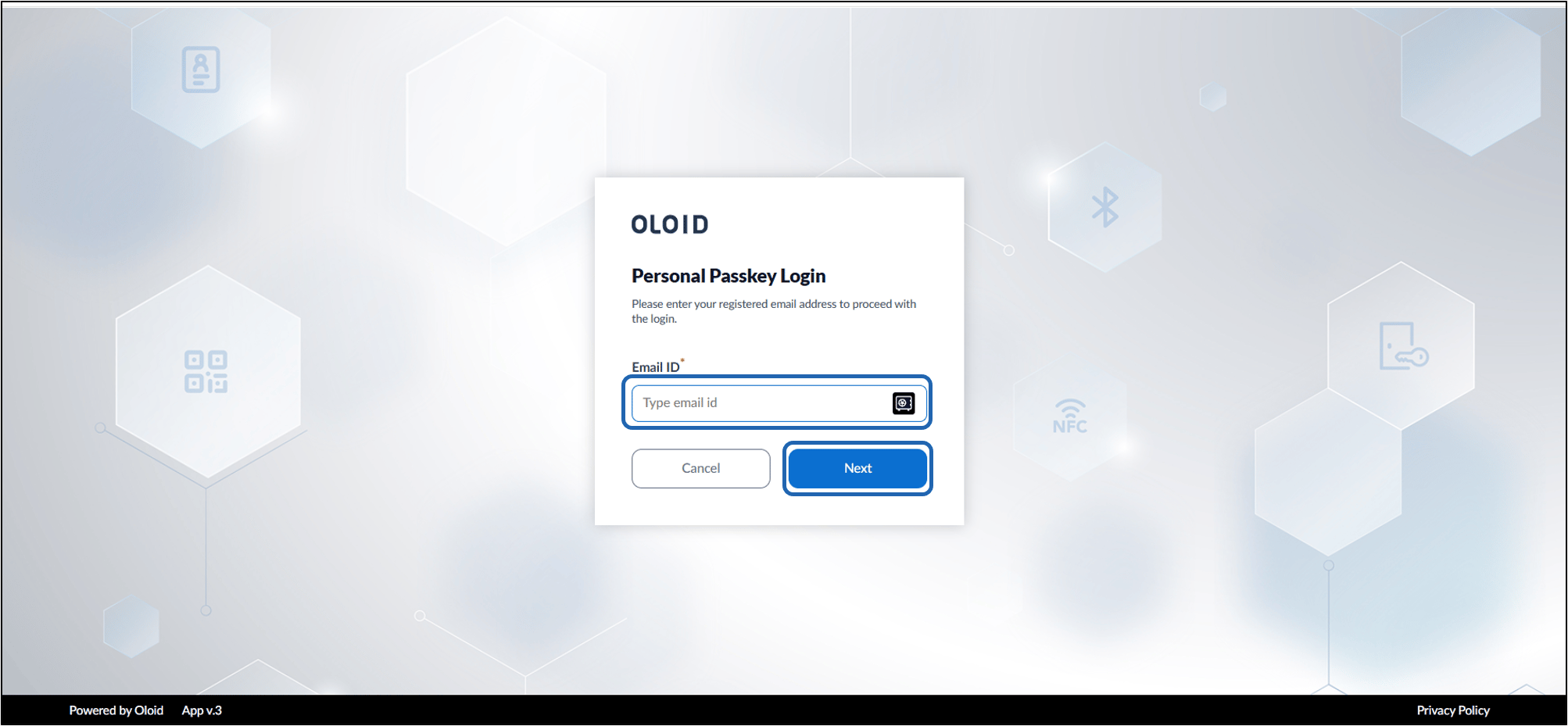
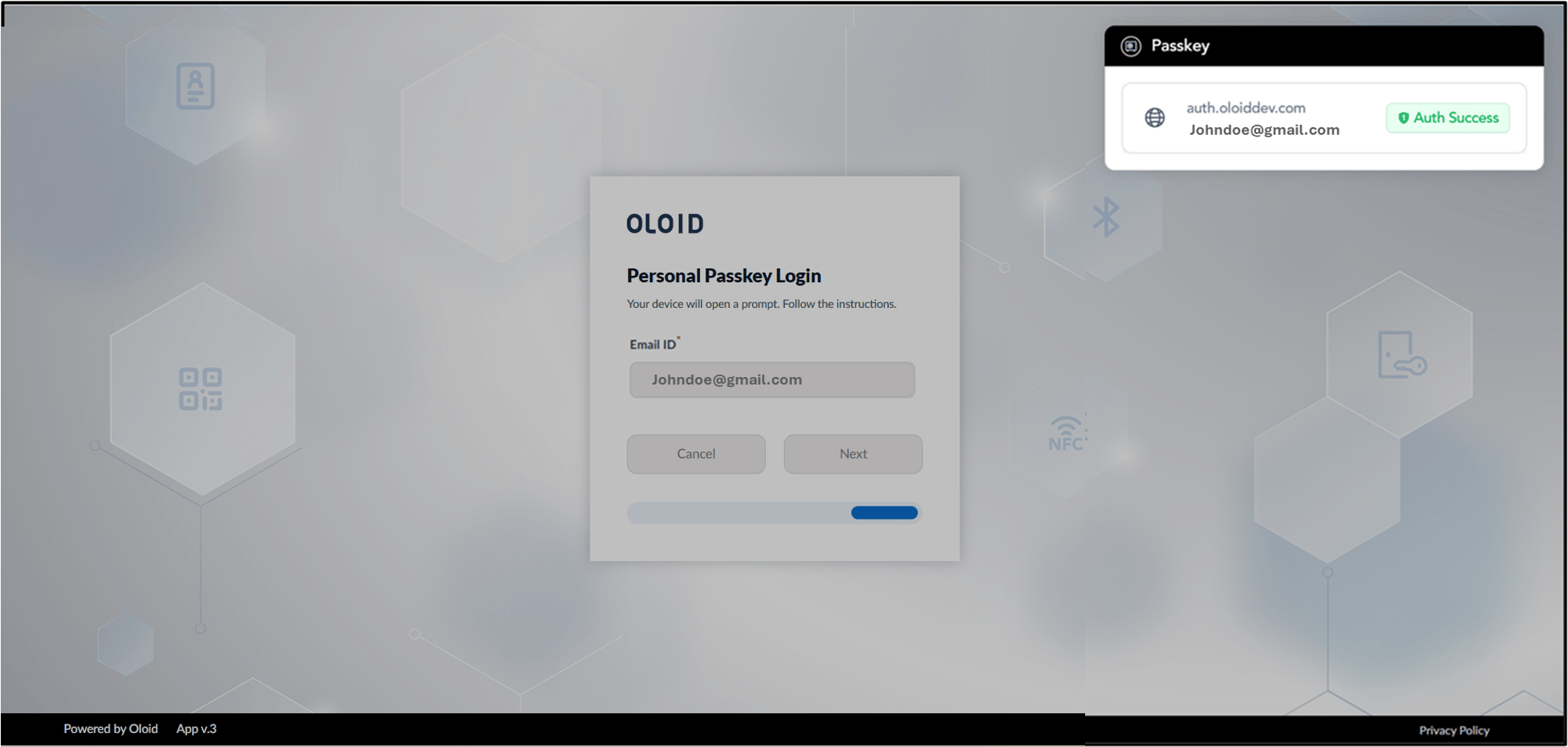
- Click Login with Passkey.