Steps to enable Show Camera Flip Button

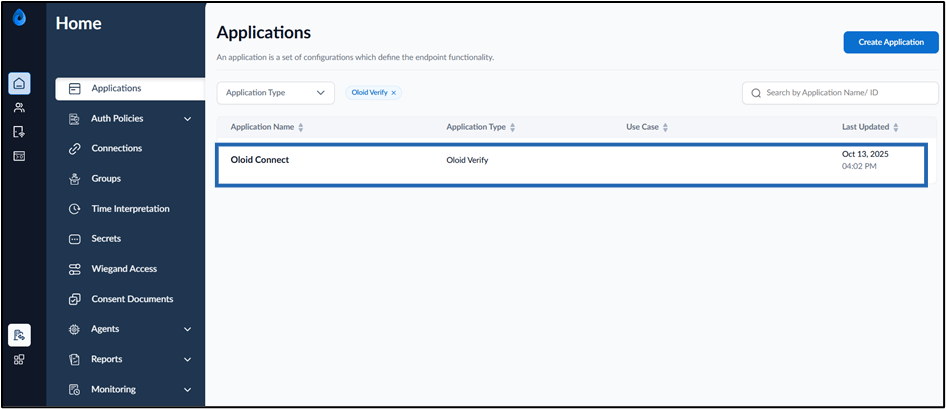
  1. Log in to the Tenant Admin Portal.
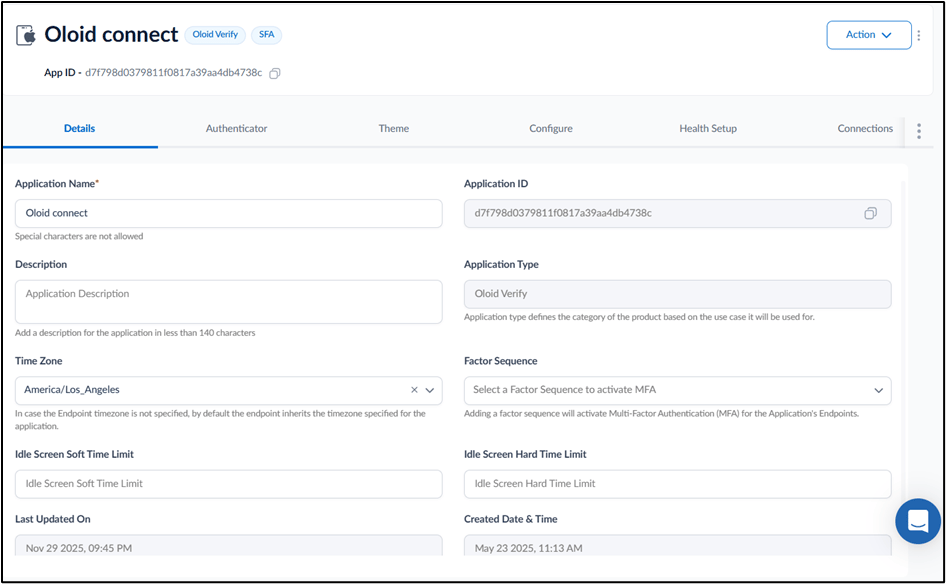
  2. On the Applications page, click on the Oloid Connect application. How to Enable Show Camera Flip Button... - screenshot 1 The application page is displayed. How to Enable Show Camera Flip Button... - screenshot 2
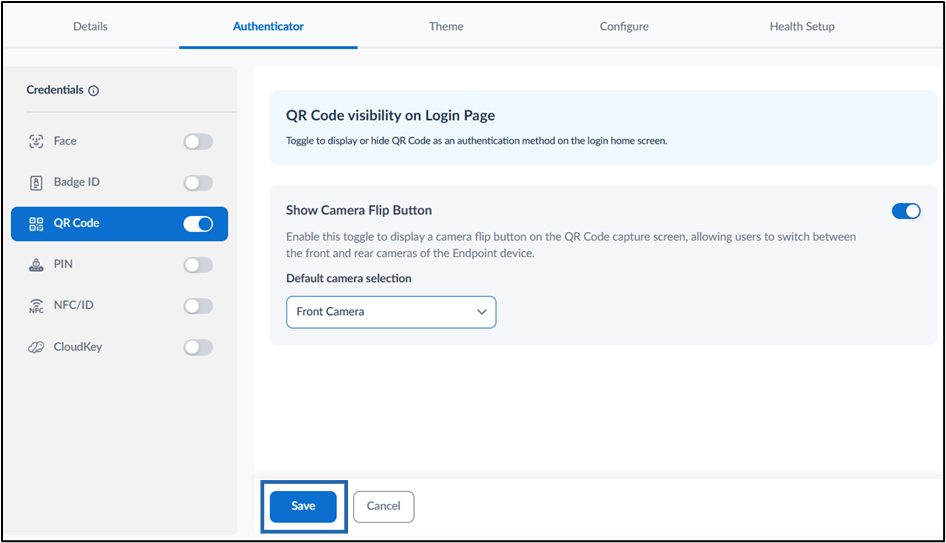
  3. Go to Authenticator > QR Code tab. How to Enable Show Camera Flip Button... - screenshot 3
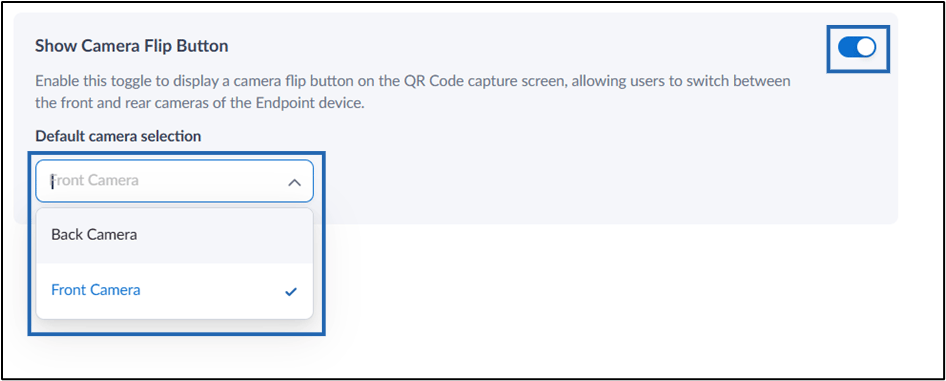
  4. Turn on Show Camera Flip Button toggle button. How to Enable Show Camera Flip Button... - screenshot 4
  5. Click Save. How to Enable Show Camera Flip Button... - screenshot 5 The configuration is saved successfully.