Introduction
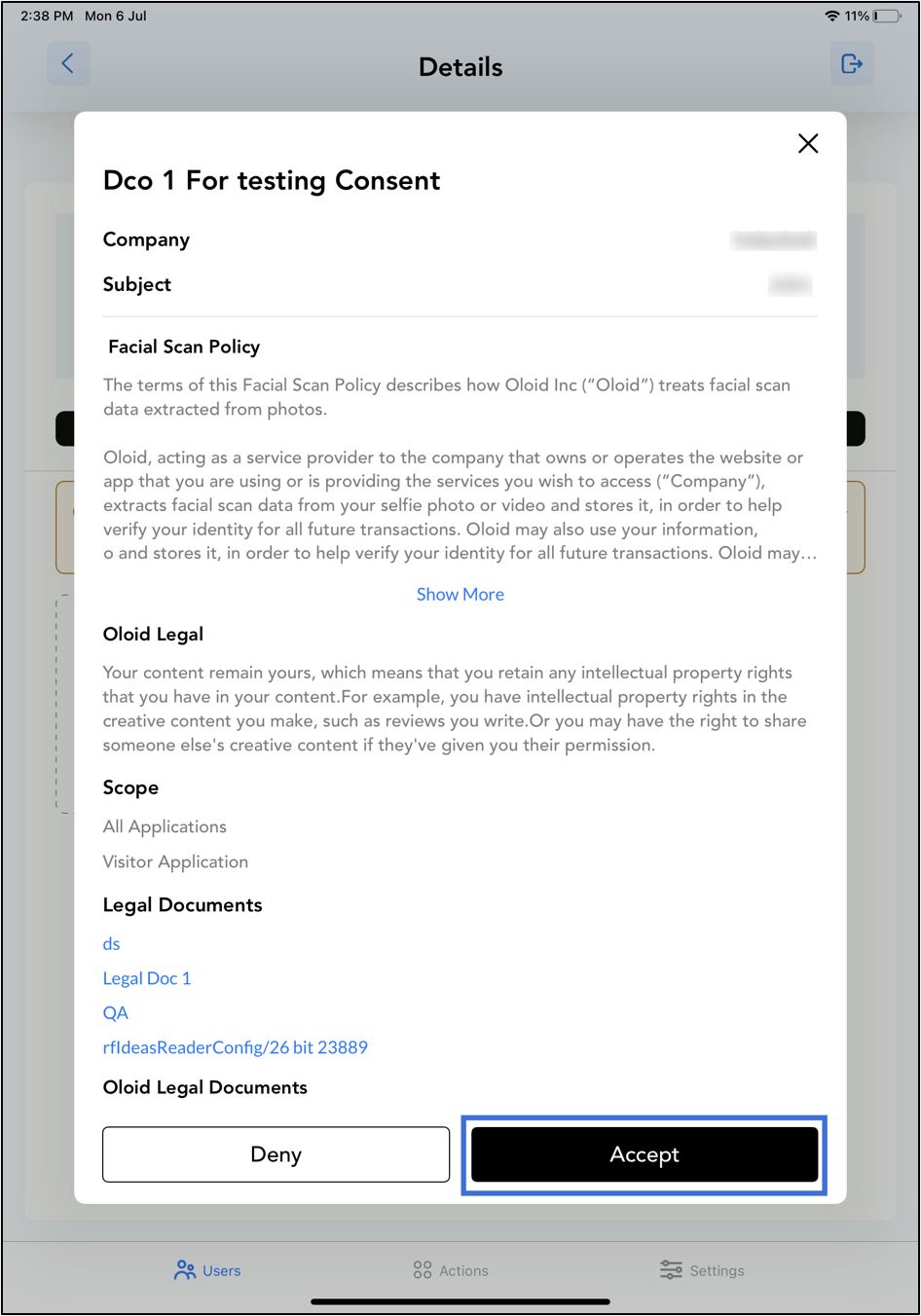
If the consent template is updated in the Tenant Admin Portal after a face credential is added, the previously submitted consent becomes outdated. The admin must submit the updated consent again in the Oloid Connect endpoint.Prerequisite
Face credential must be added for the user. For more, refer to Oloid Connect - Add Face.Step to Re-Submit Consent on the Endpoint
-
Launch the Oloid Connect
 The Settings page is displayed.Note: For more information about how to log in to the Oloid Connect, refer to How to log in to the Admin mode in Oloid Connect App.
 -
Tap Users on the menu at the bottom of the screen.

-
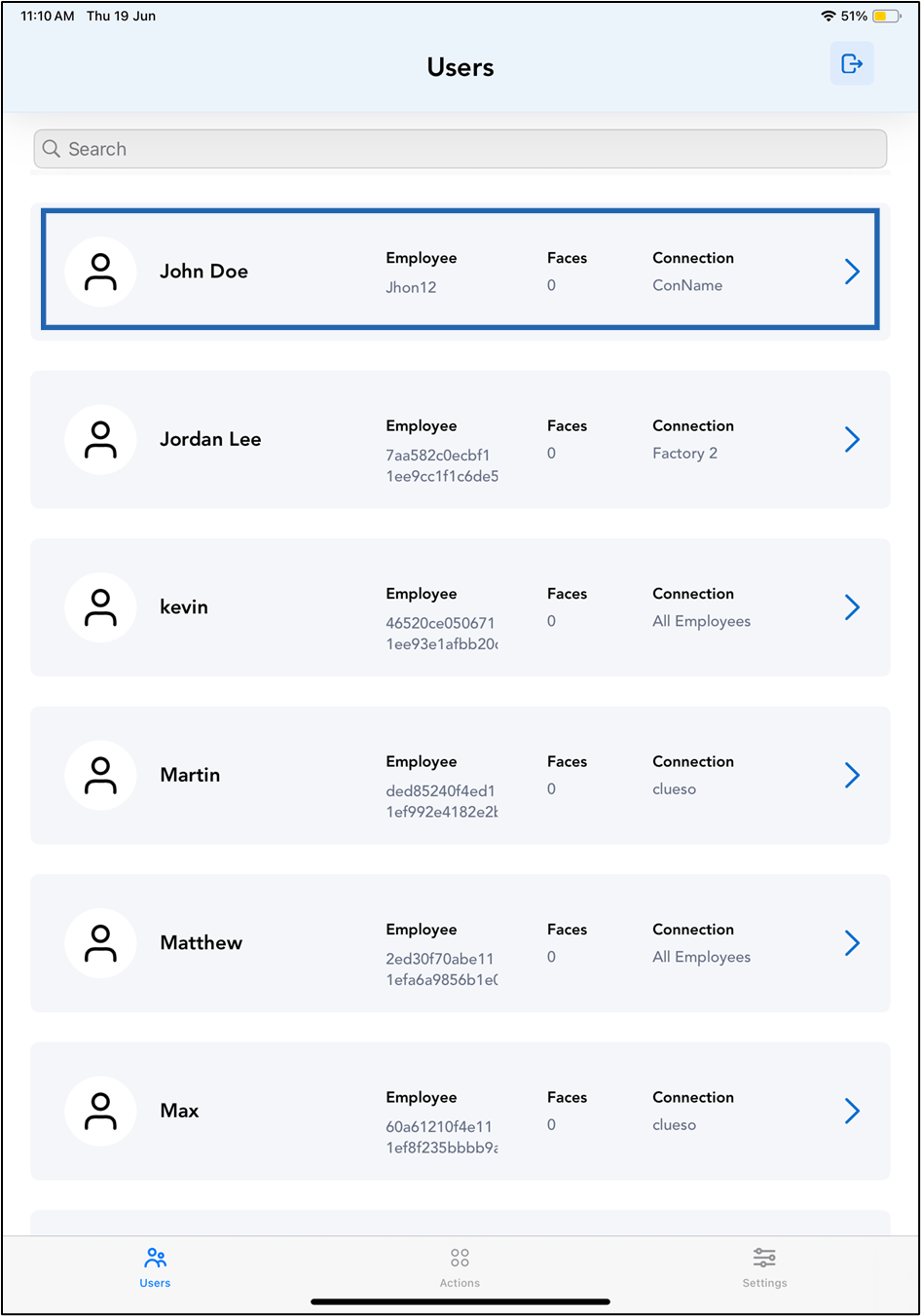
Tap on the selected user to Re-Submit consent, or search for a user using the search bar at the top.
-
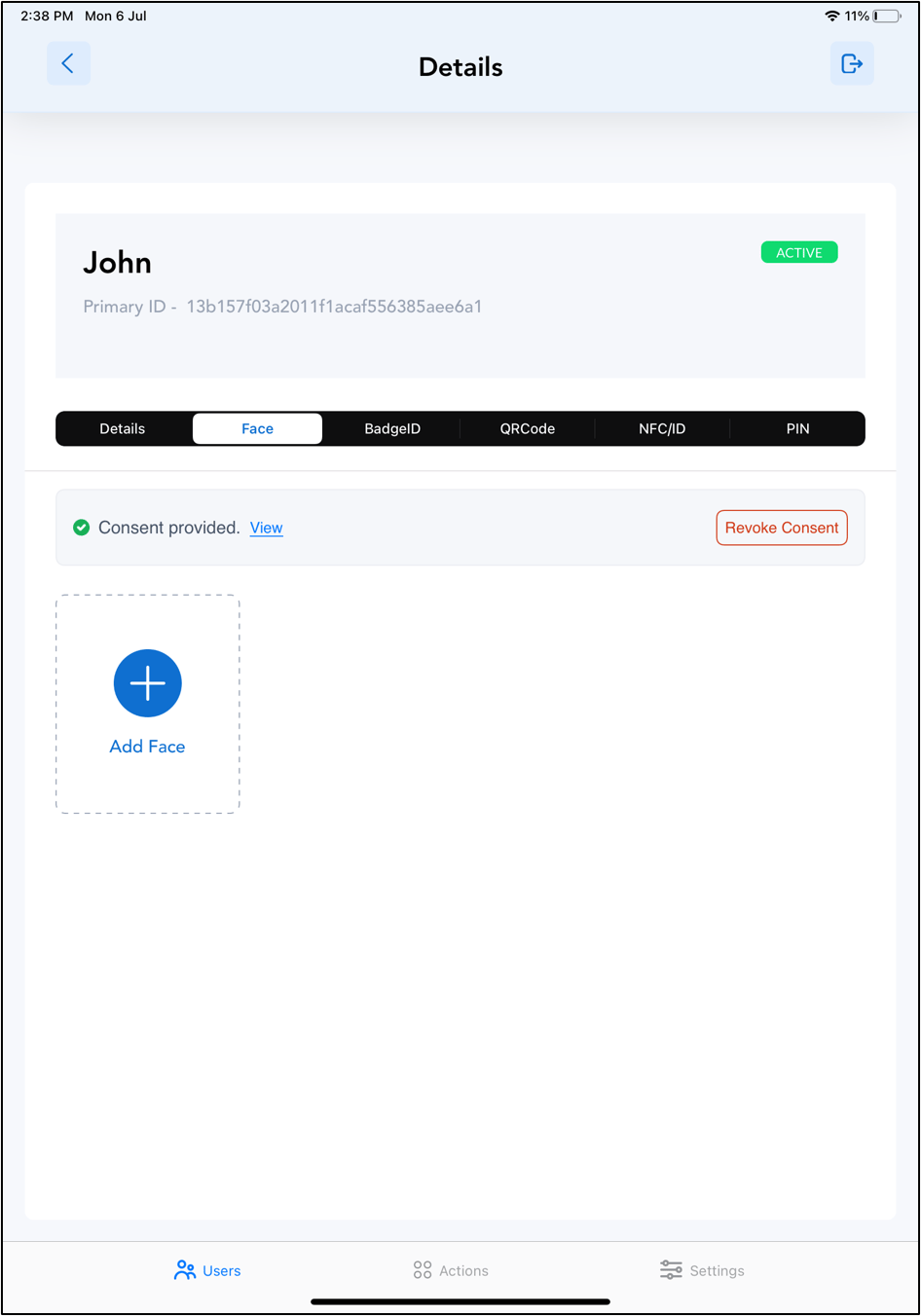
Tap Face tab > Tap Submit Consent.