

Steps to Create Users
- Log in to the Tenant Admin Portal.
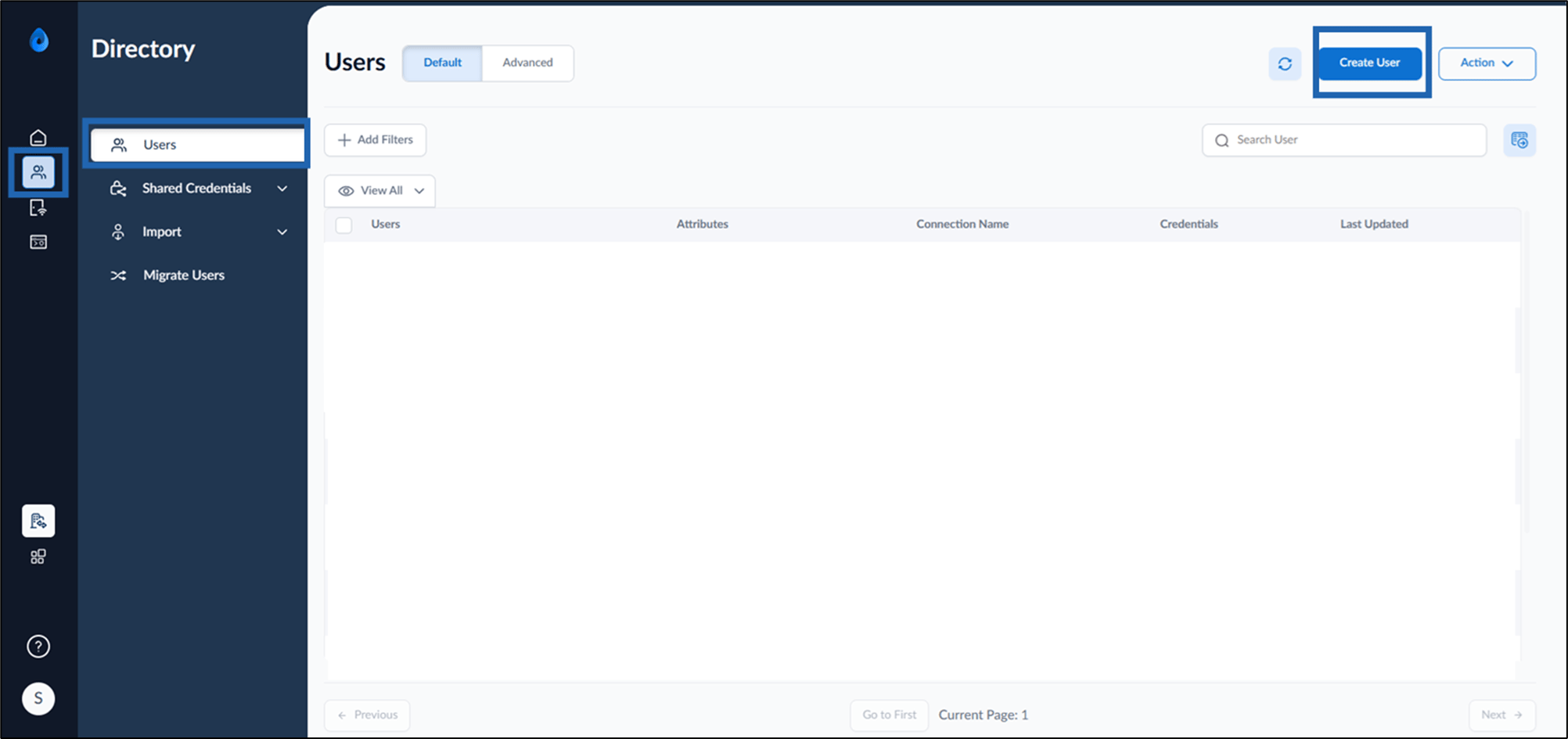
- Go to Directory > Users > click Create User.
- Do the following:
- Enter Full Name.
-
Enter Primary ID.
Note: Select the checkbox, to use Oloid as Primary ID.
- Select Connection from the drop-down list.
-
Click Create.
