

Introduction
The PingOne SSO Login feature in the Oloid Connect App allows Tenant Admin and Supervisor to securely access Admin Mode using PingOne SSO credentials.Prerequisites
- You must create and configure the Oloid Connect application in the Tenant Admin Portal. For more, refer to How to create and configure Oloid Connect Application in Tenant Admin Portal
- You must download the Oloid Connect app from App Store. For more details, refer How to download Oloid Connect app.
Steps to log in with PingOne SSO
- Launch the Oloid Connect

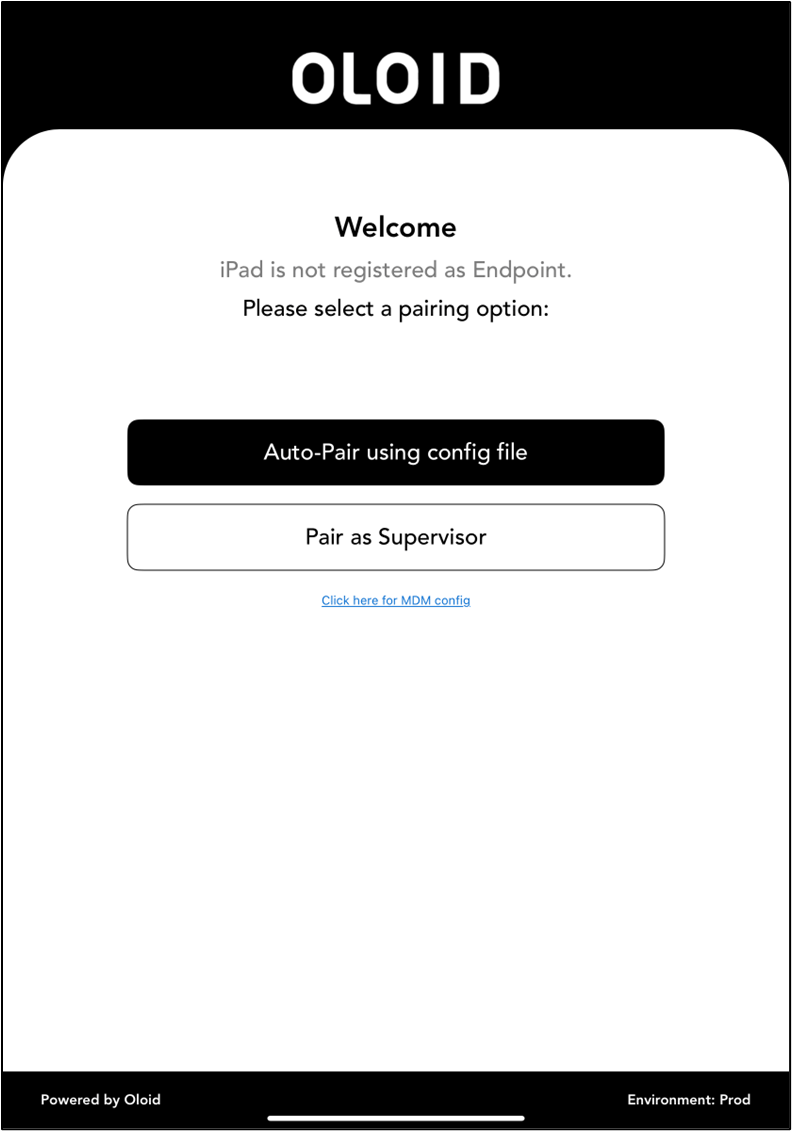
- Tap Pair as Supervisor.

- Enter Tenant Name, then tap Next.

- Tap Login with SSO.

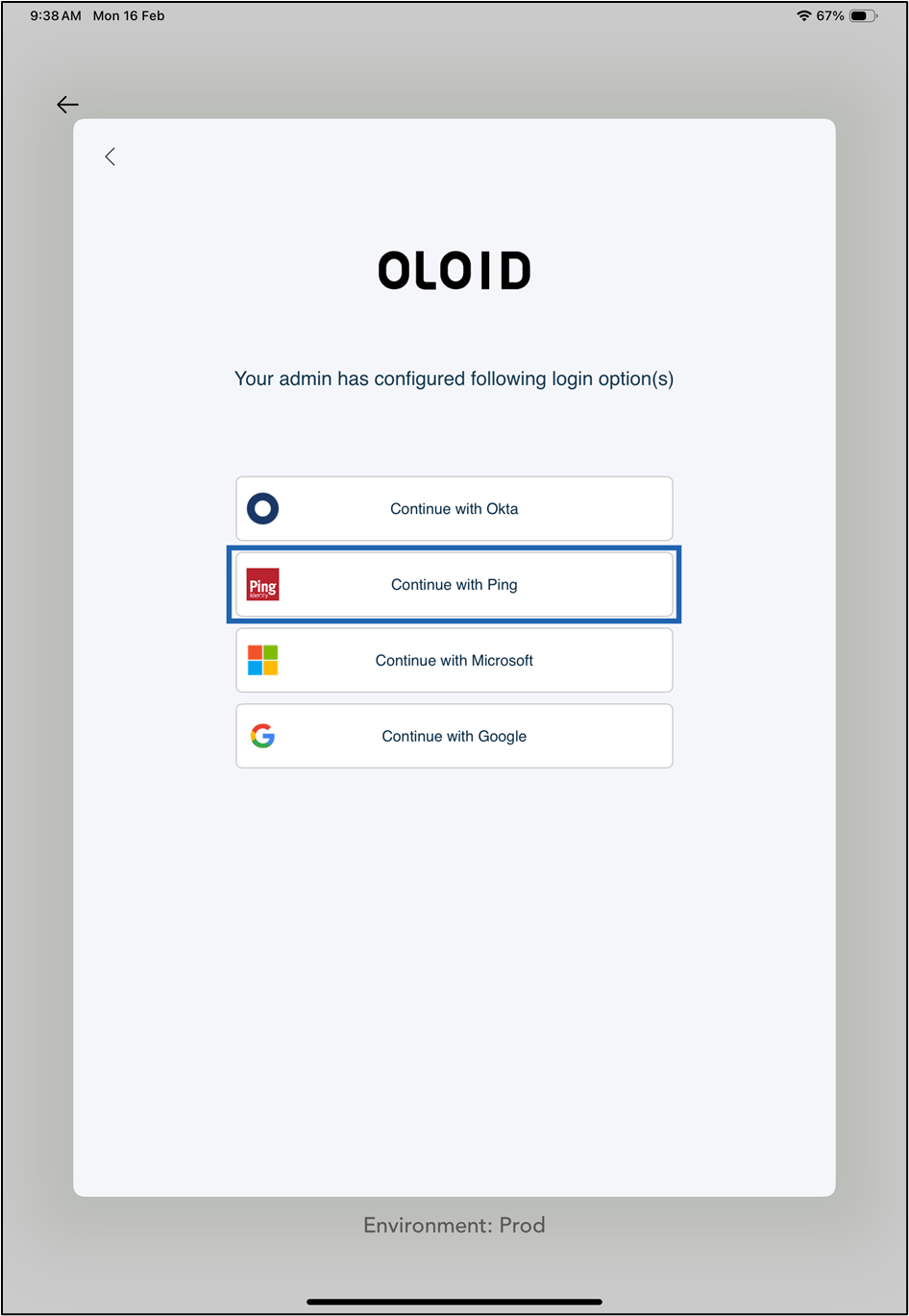
- Tap Continue with Ping.
- Do the following:
- Enter Username.
- Enter Password.
- Click Sign in.

