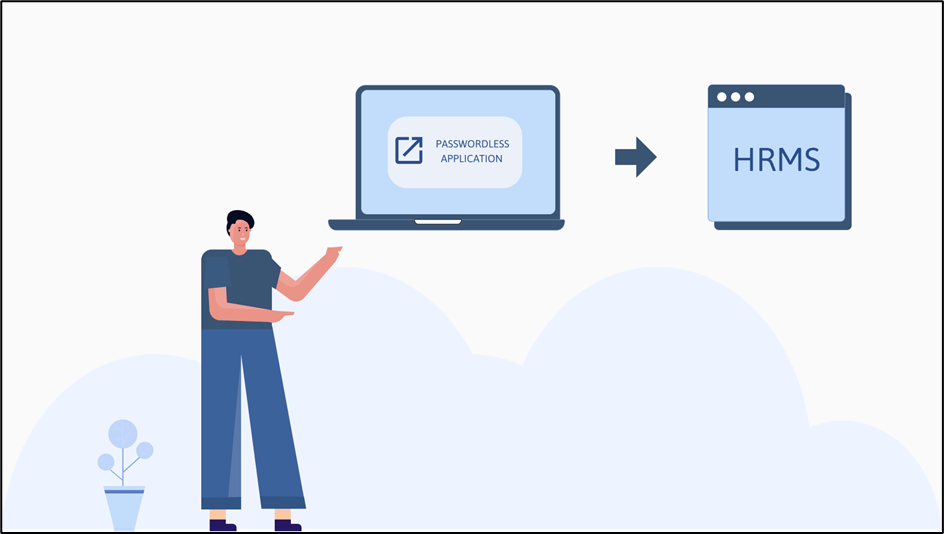
- Create and Configure Your Passwordless Application in Oloid Portal:
- Start by setting up your Passwordless Application in the Oloid Portal. Customize authentication methods and configure user access policies as per organizational requirements.

- Start by setting up your Passwordless Application in the Oloid Portal. Customize authentication methods and configure user access policies as per organizational requirements.
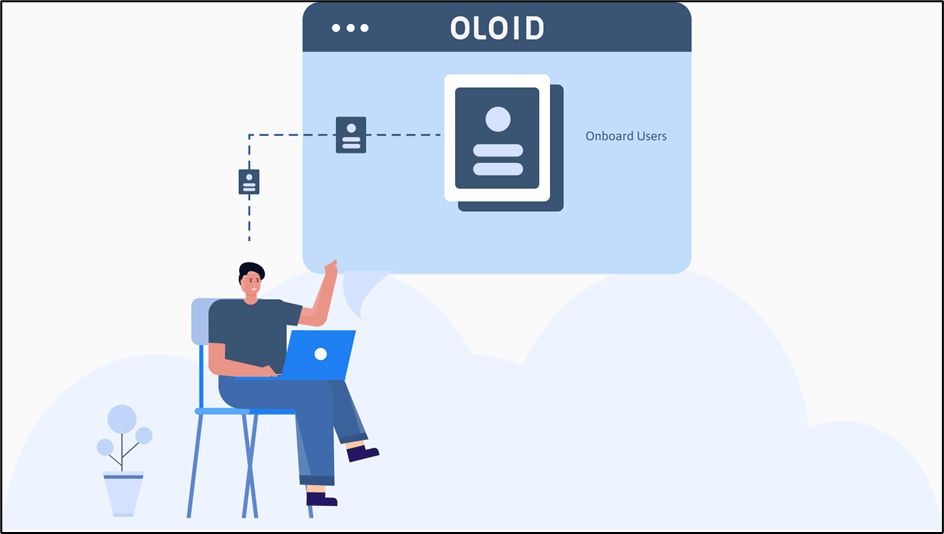
- Onboard Users:
- Onboard employees by linking their virtual identities with physical identity factors such as Face ID, Badge, NFC Tags, or PINs.
- Onboard employees by linking their virtual identities with physical identity factors such as Face ID, Badge, NFC Tags, or PINs.
- Onboard Credentials:
- Register the necessary credentials for each user, ensuring that they are mapped to the appropriate identity factors for secure authentication.

- Register the necessary credentials for each user, ensuring that they are mapped to the appropriate identity factors for secure authentication.
- Launch Your Passwordless Application:
- Deploy the application on required devices (Windows Desktops/Laptops, Android Tablets, iPads) and integrate it with Workforce/HRMS Platforms like OKTA, VMware WorkspaceOne, Workday etc.

- Deploy the application on required devices (Windows Desktops/Laptops, Android Tablets, iPads) and integrate it with Workforce/HRMS Platforms like OKTA, VMware WorkspaceOne, Workday etc.
- Authenticate Using Your Credential to Log Into the Application:
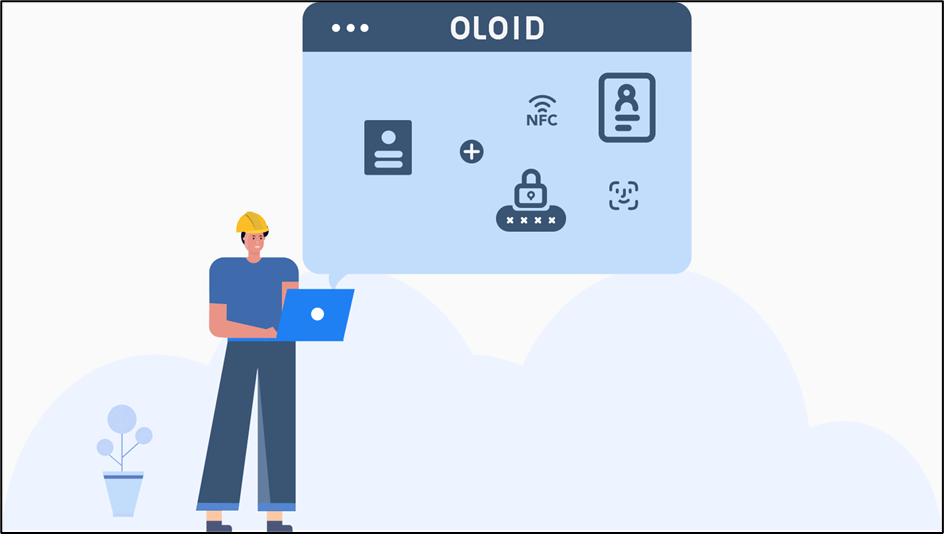
- Employees can securely log into devices and Workforce/HRMS platforms using their registered identity factor (e.g., Face ID, Badge, NFC Tag, or PIN) without needing a username or password.
- Employees can securely log into devices and Workforce/HRMS platforms using their registered identity factor (e.g., Face ID, Badge, NFC Tag, or PIN) without needing a username or password.
View Your Workforce/HRMS System on Successful Authentication
- Upon successful authentication, employees gain secure access to their required devices and Workforce/HRMS systems, enhancing productivity and user experience.