

Introduction
Connections are collections of users associated with an application. Adding connections allows administrators to define which users can access the application using passwordless login.Prerequisites
- A Passwordless application of type Windows Login has been created. For further details, refer How to create a Windows Login Application.
- At least one connection is created. For further details, refer How to Create a Connection.
Steps to add Connections
- Log in to the Tenant Admin Portal.
- On the Applications page, click the Windows Login application you want to edit.
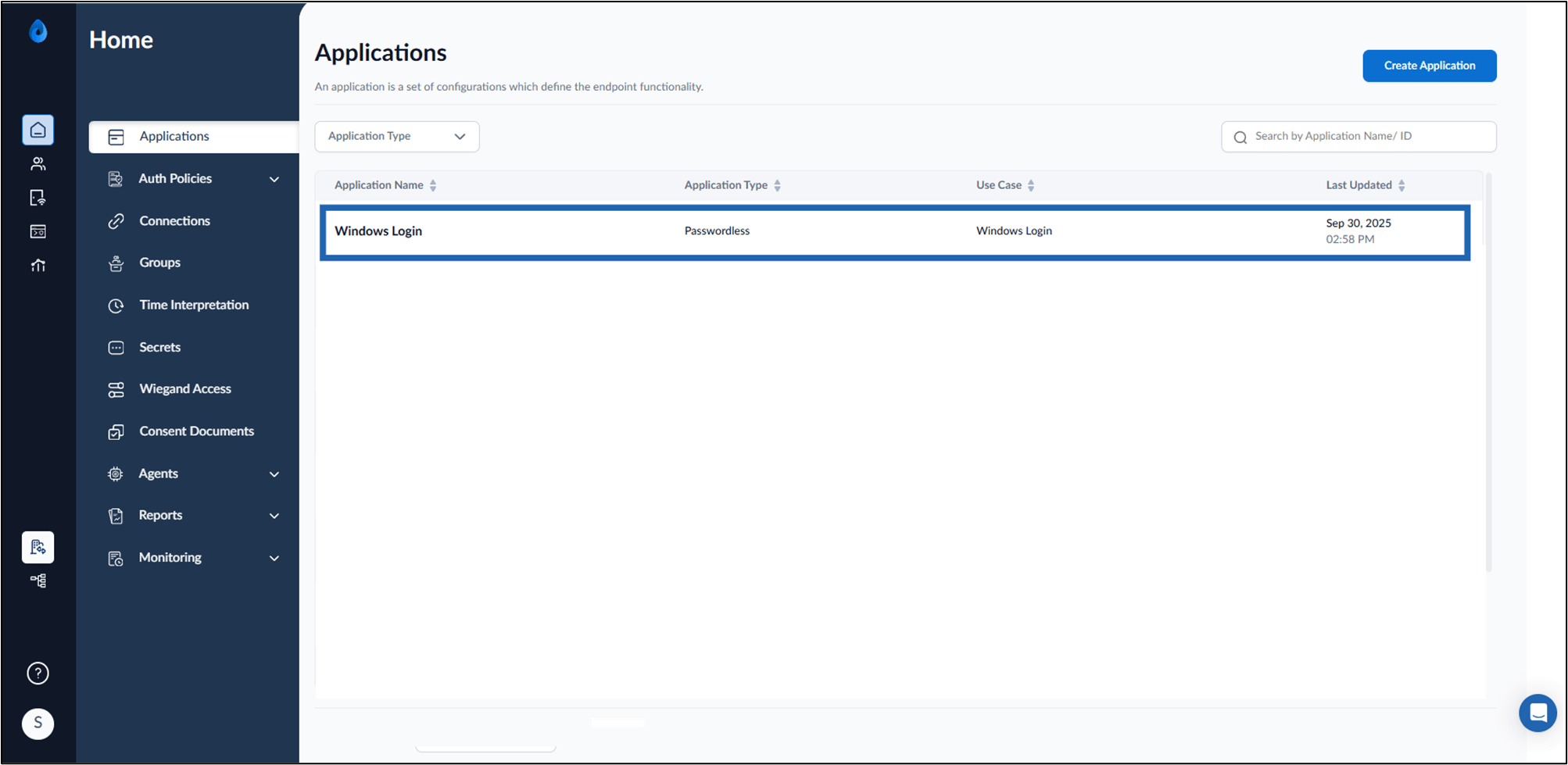
- Go to Connections tab > select +Add Connections.

- Do the following:
- Select Connection(s) from Connection drop-down list.
-
Click Add.
Note: An application can have up to 5 connections, all of which must be either PC/SC-enabled or none at all-mixing connection types is not allowed.

