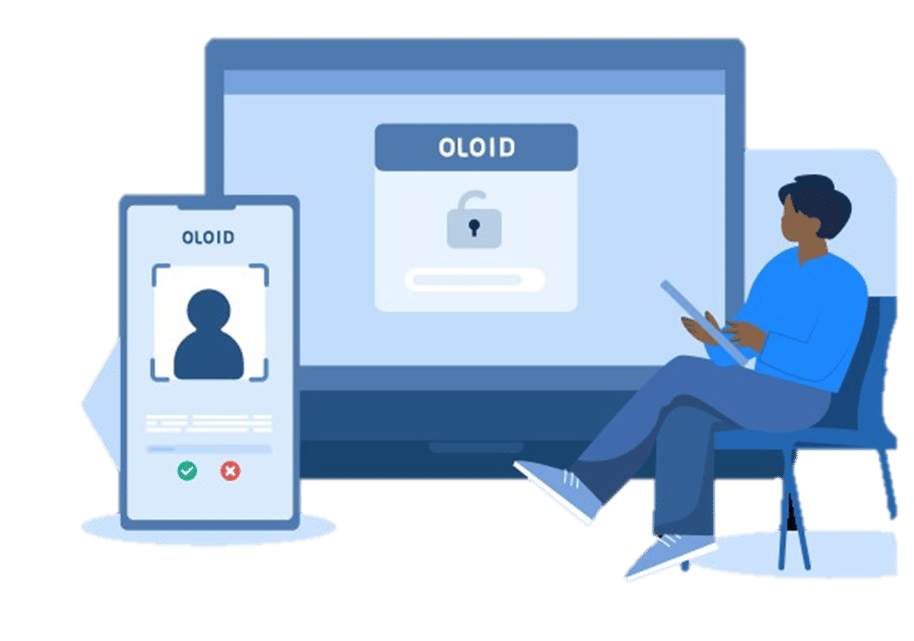
OLOID’s Passwordless Authenticator system provides a Facial Recognition solution with liveness detection, and a custom domain for the users to seamlessly log in to their Workforce Identity Platforms. Passwordless Authenticator Process: Step 1: Onboard Users Step 2: Onboard User Faces Step 3: Launch the URL Step 4: Authentication Step 5: Log into the Workforce Identity platforms

Onboard Users

Onboard users in Oloid’s Tenant Admin Portal with email address.
Note: Email address must be same as in the Workforce Identity platforms.

How Webkey works - screenshot 1

Onboard User Faces

Onboard user faces in Oloid’s Tenant Admin Portal. How Webkey works - screenshot 2

Launch the URL

Launch the url in a browser.

Authentication

User authenticates themselves using the set credentials (badge/pin/nfc/face). How Webkey works - screenshot 3
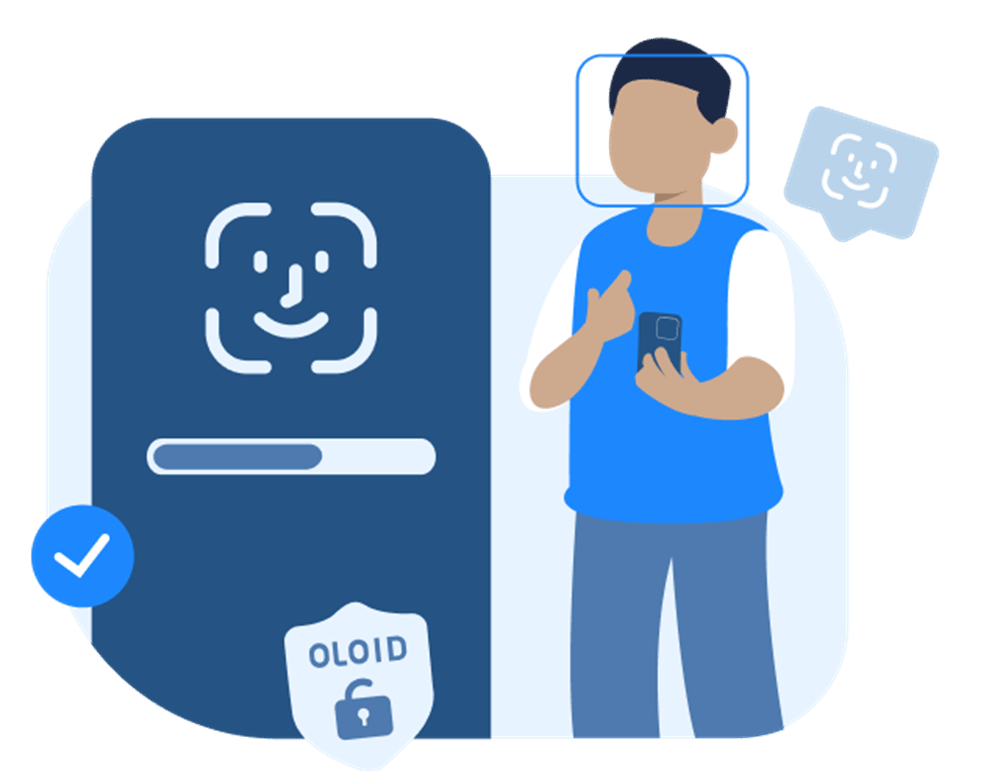
Log into the Workforce Identity platforms

On successful credential authentication , user is logged into the Workforce Identity platforms. How Webkey works - screenshot 4