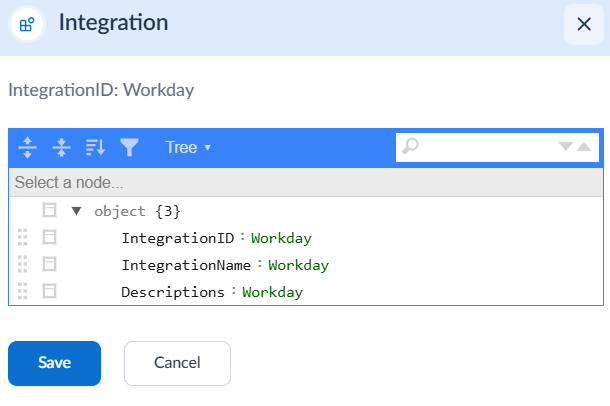
Steps to Configure Workday Time Clock
- Log in to the Tenant Admin Portal.
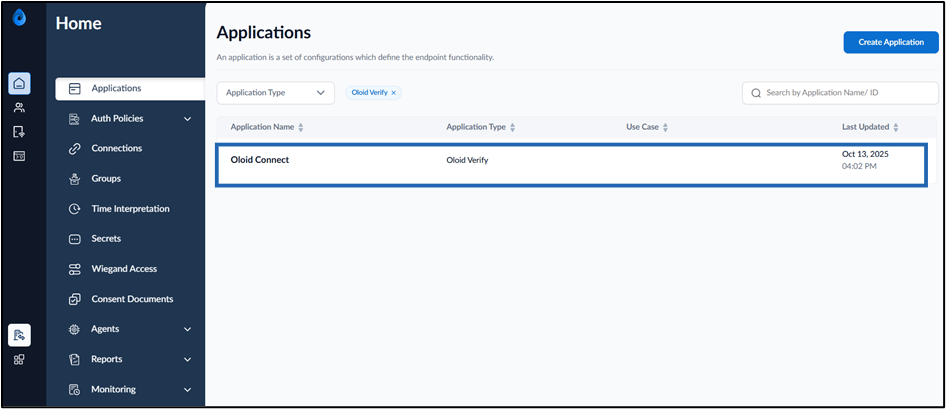
- On the Applications page, click on the preferred Oloid Connect application.
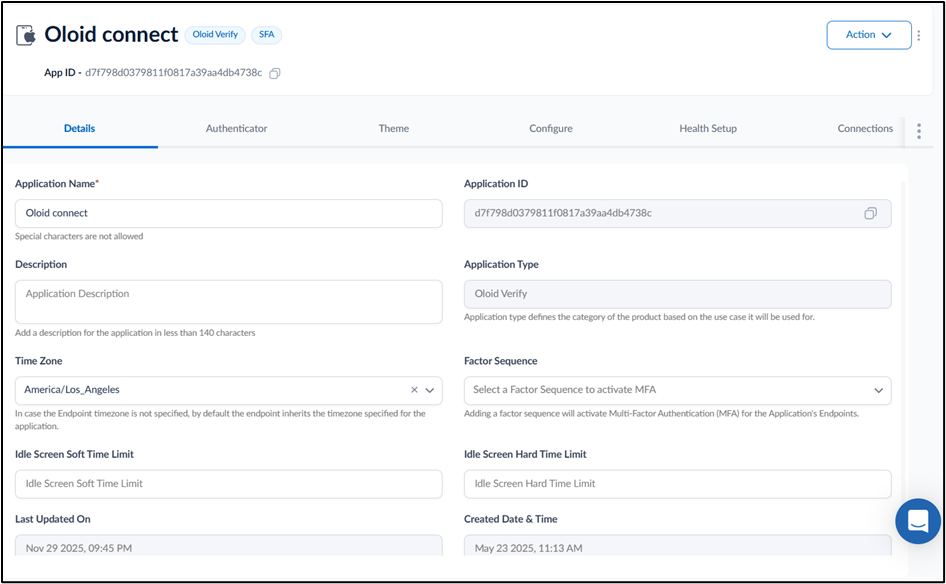
- Go to Integrations tab.
- Enable Workday toggle.
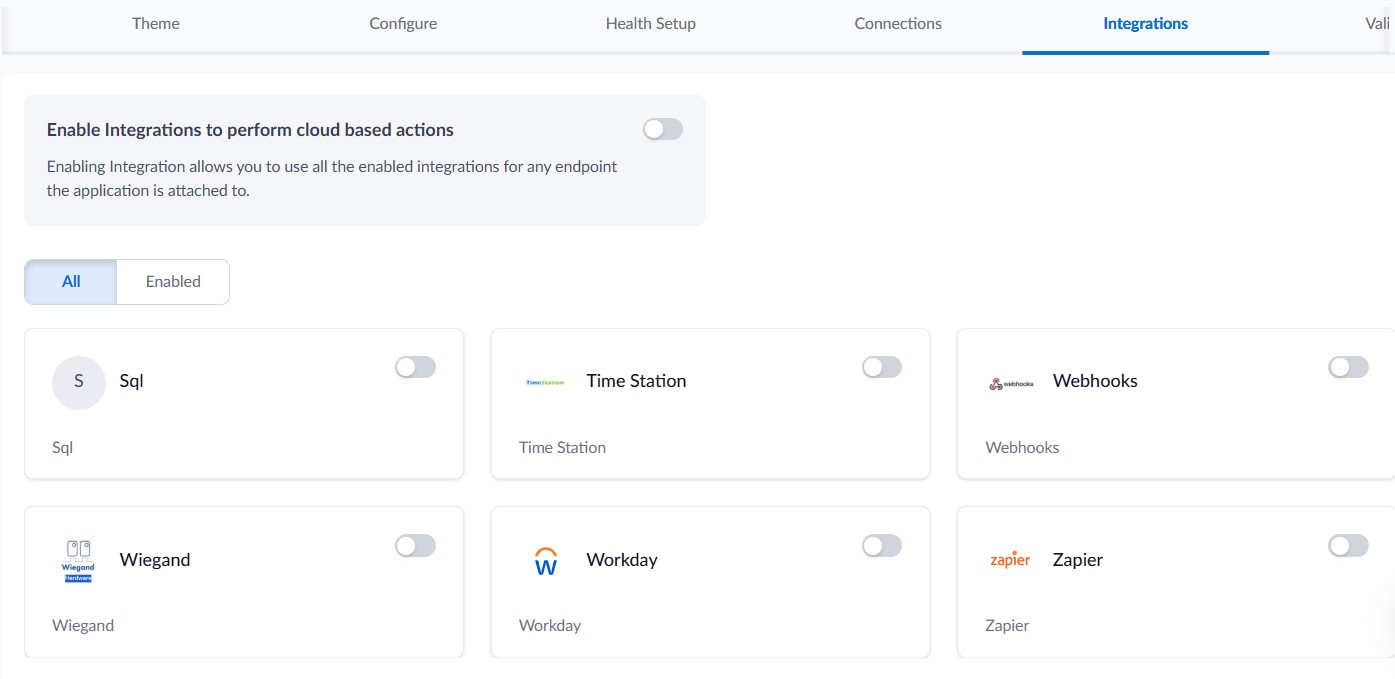
- Click Save.