

Prerequisites
Before you start, ensure you have the following
- An active Oloid account with administrative access.
- An Auth0 account with permissions to configure identity providers.
Step 1: Register Oloid as an OIDC Provider in Auth0
- Log in to your Auth0 Dashboard: Access your Auth0 management dashboard by logging in at https://manage.auth0.com/.
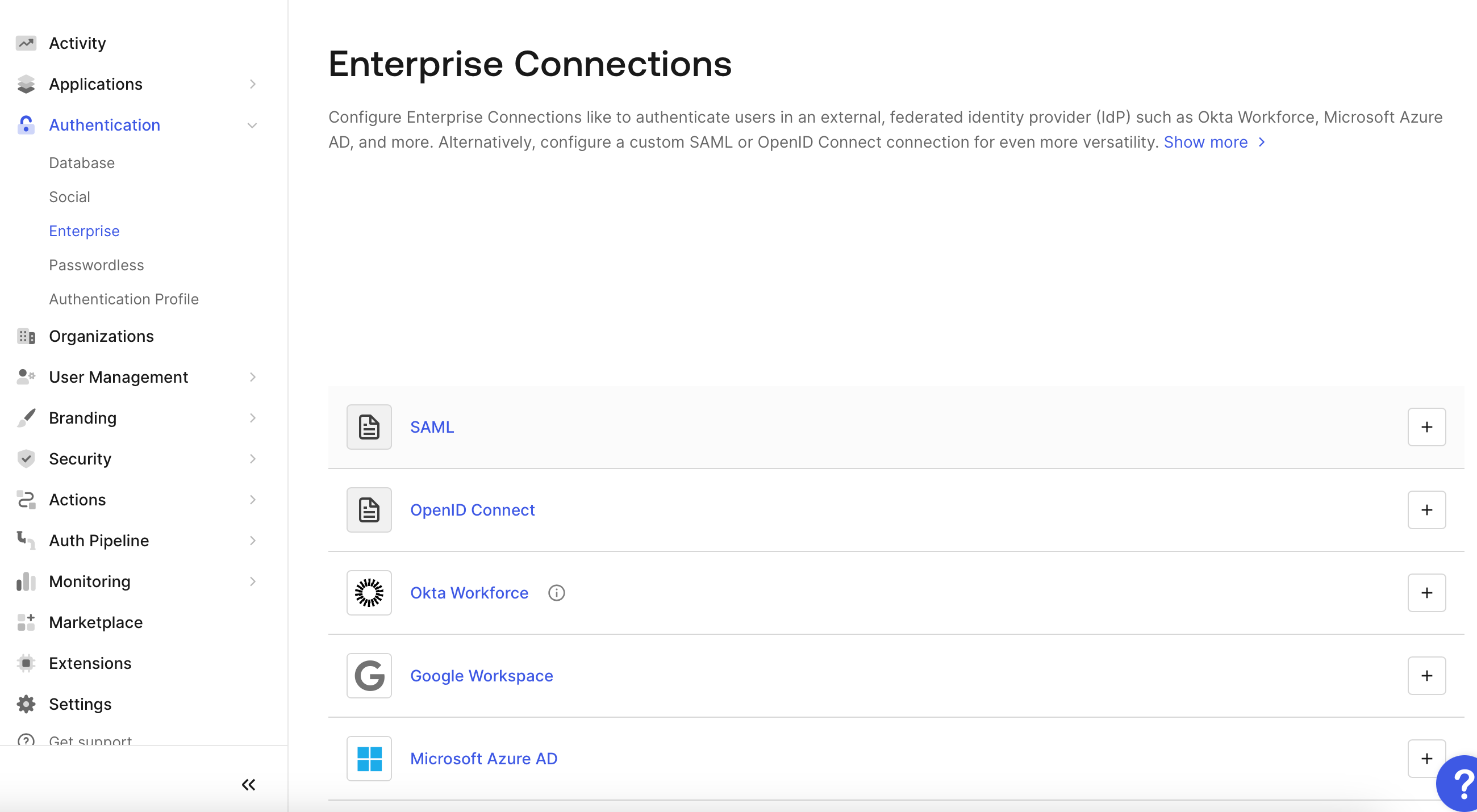
- Navigate to Authentication Sources: Go to the “Connections” section in the left-hand navigation menu, then select “Enterprise”.
- Create a New OIDC Connection: Click on the ”+ Create Connection” button and select “OIDC”. This will open a form to configure the new connection.
- Connection Name: Enter a unique name for your Oloid connection.
- Issuer URL: Enter the Oloid Issuer URL (provided by Oloid). This URL is typically in the format of https://<oloid-domain>/<customer>-idp/.well-known/openid-configuration
- Client ID: Enter the Client ID provided by Oloid.
- Client Secret: Enter the Client Secret provided by Oloid.
- Scopes: Ensure the scopes you require are included. At minimum, you should include openid, profile, email, etc.
- Sync user profiles at each login: Turn this off, unless advised otherwise by Oloid
Step 2: Configure Callback URLs, Identifier in Oloid
Provide Callback URL and Identifier in the OIDC Document from Step 1 to OloidStep 3: Testing the Integration
SAML Apps
Troubleshooting
- If you encounter issues, verify that the Issuer URL, Client ID, and Client Secret are correctly configured.
- Check that the callback URLs are correctly registered in both Auth0 and Oloid.