

- Double-click on the Windows Device app to open.
The Welcome page is displayed.
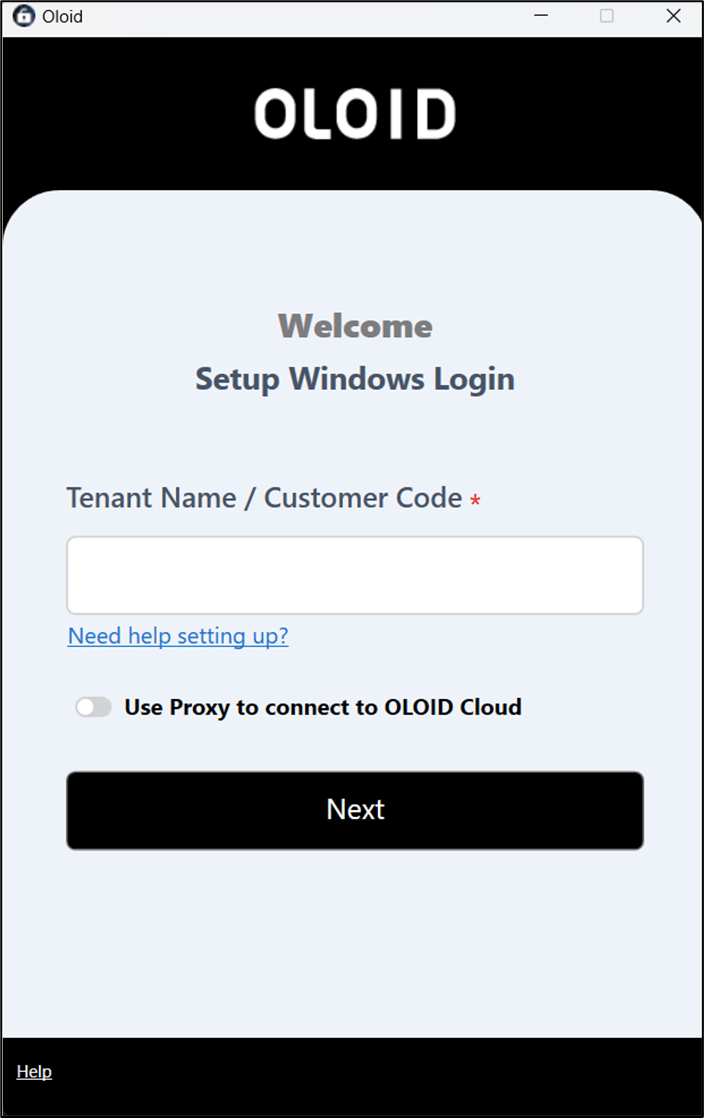
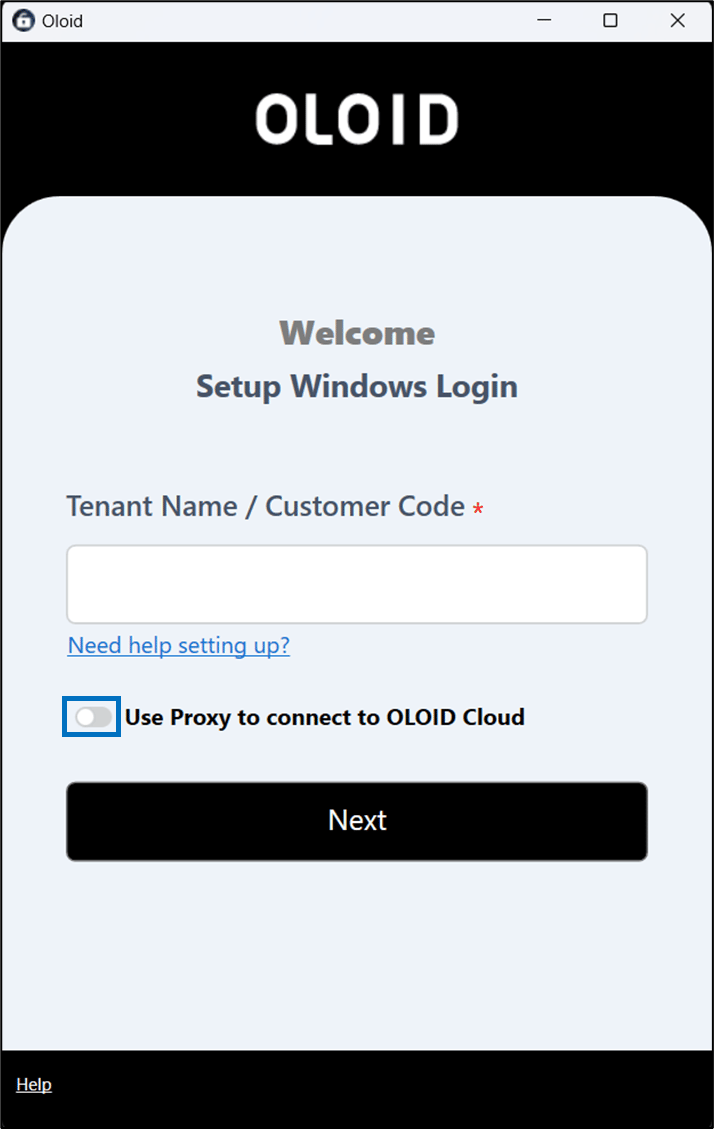
- Enable Use Proxy to connect to OLOID Cloud.
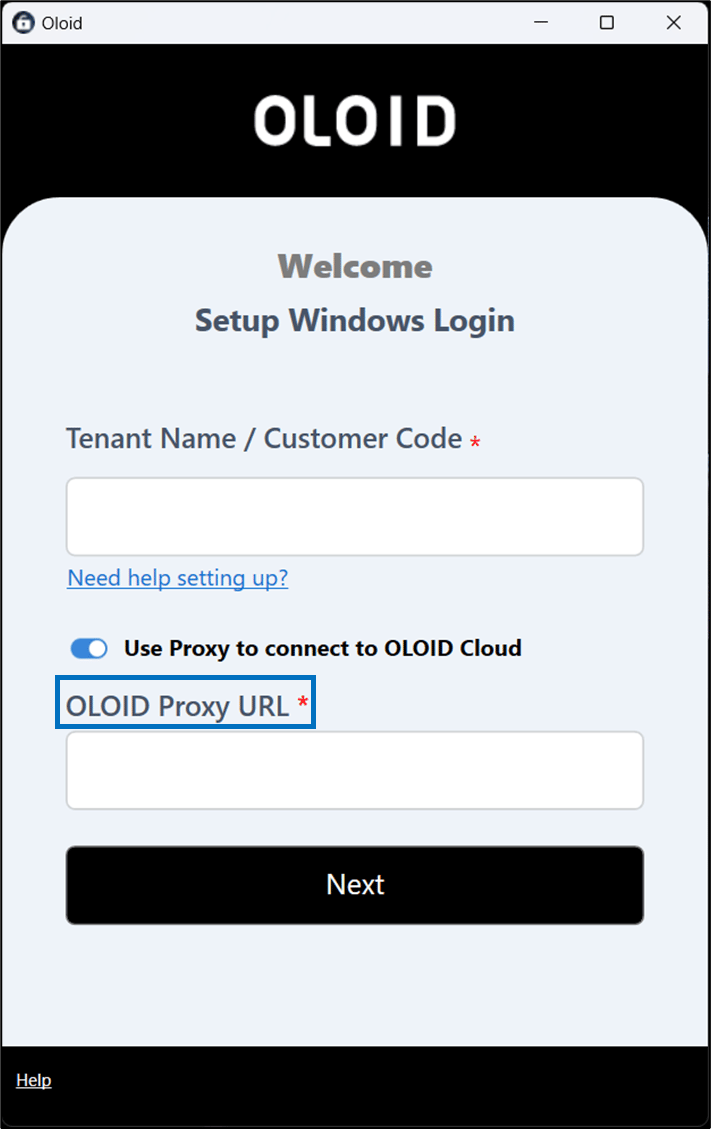
- Enter Oloid Proxy URL in the OLOID Proxy URL field.
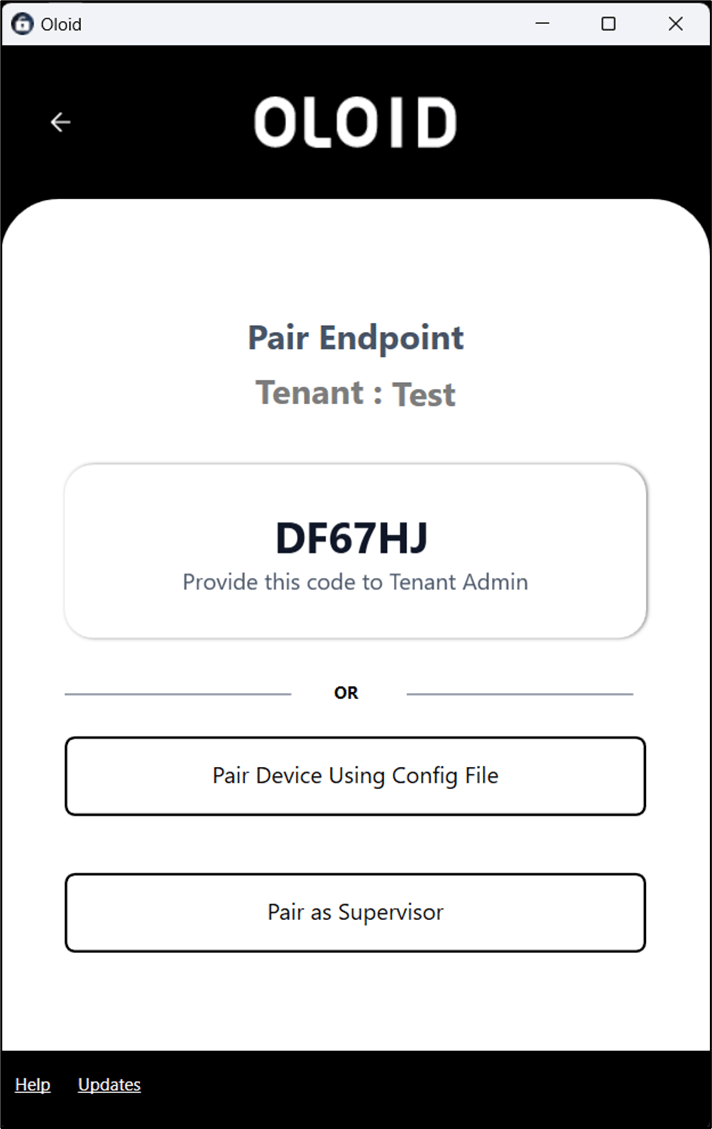
- Click Next.


- Select an environment and click Next.

How to configure Windows Device Admin App with Workflow as a Proxy?
Configuring the Windows Device app with Workflow as proxy enables the device app to work offline.
Configuring the Windows Device app with Workflow as proxy enables the device app to work offline.
Steps to configure Windows Device App:
⌘I