

Login with PIN
Pre-requisite
- User is added to the Oloid Portal.
- PIN is configured and communicated to the user.
- In the endpoint detail page, the third-party URL should be configured in the web button section.
- The HTTP Request is enabled under Enable Integrations section in the Oloid Portal.
- PIN is enabled as authentication method to log into your Okta system.
- Oloid Connect App is launched and Login screen is displayed.
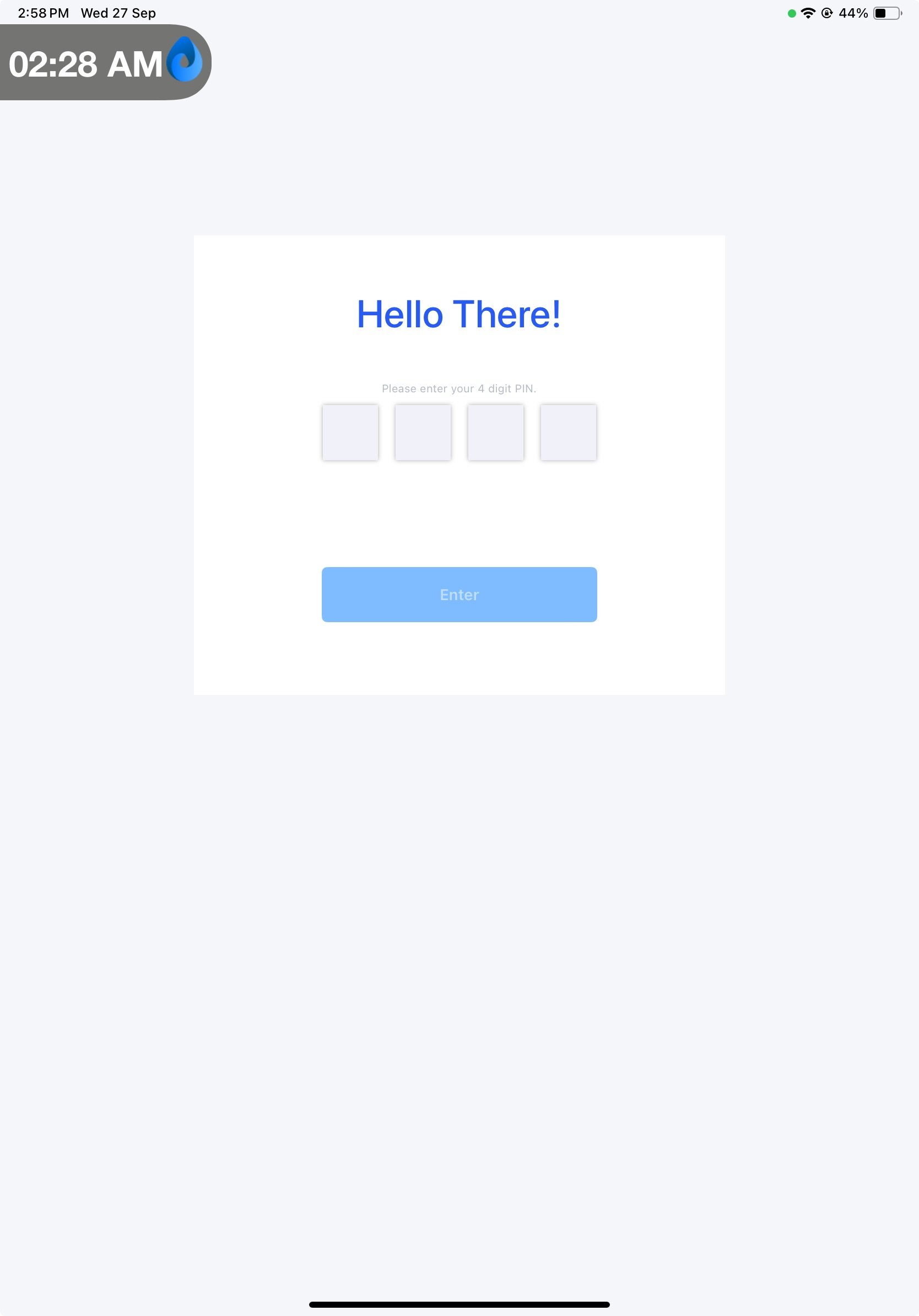
- Click Login with PIN.
- Enter the PIN.