

Introduction
In Oloid Portal, enabling Allow any individual with Domain Credentials feature allows individuals to log in to the machine using domain credential.Steps to Allow any individual with Domain Credentials
- Log in to the Oloid Portal.
-
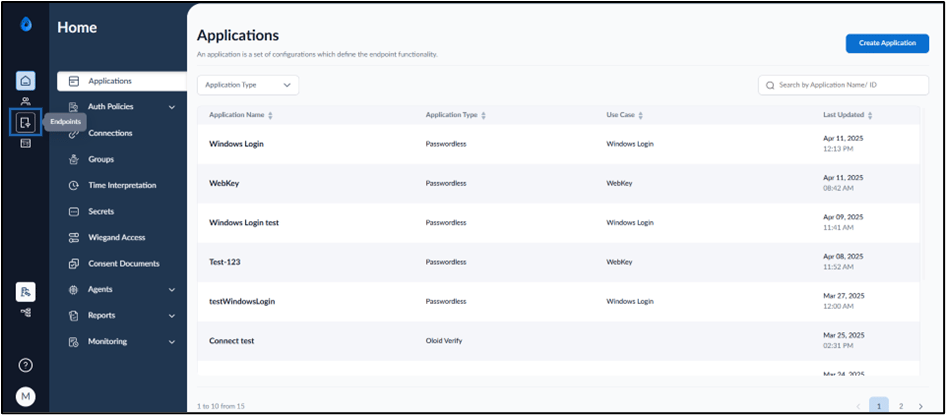
On the home page of the portal, click Endpoints on the left menu panel.
-
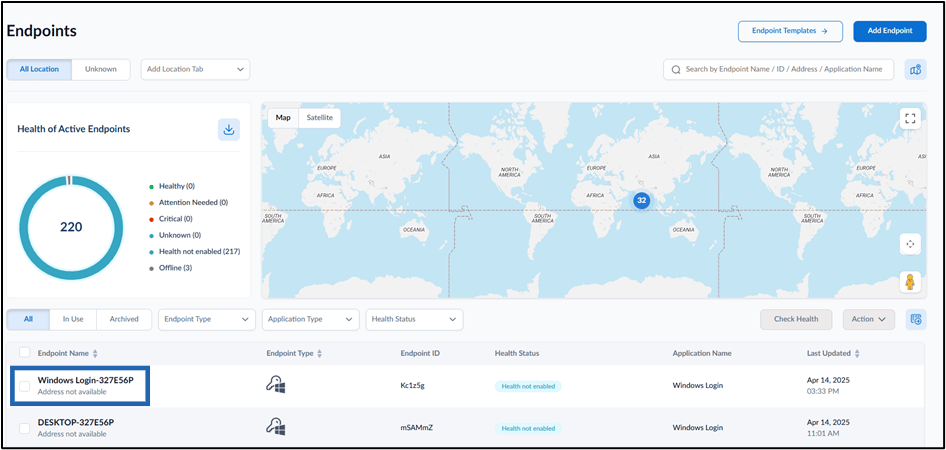
Select the paired Windows Login Endpoint.

-
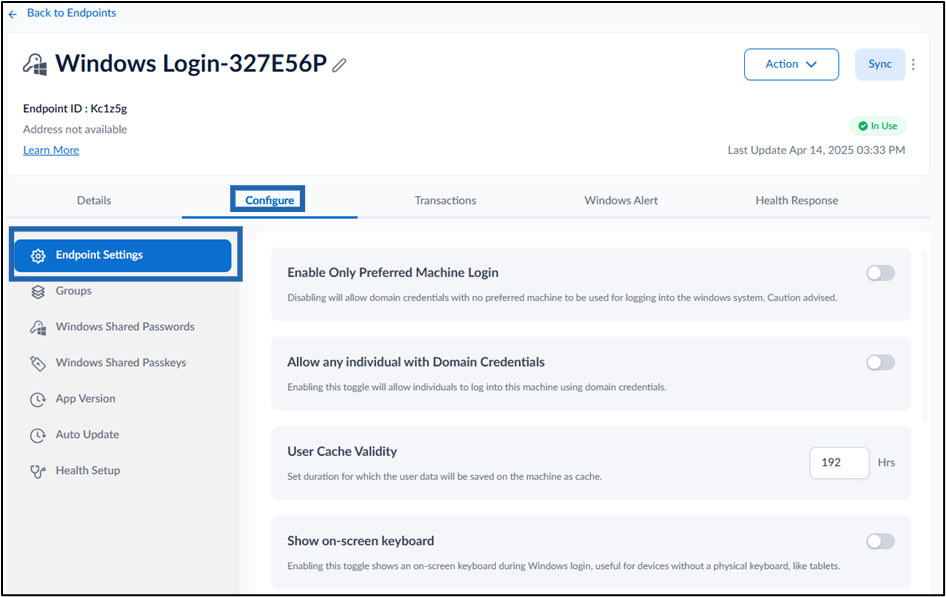
Go to Configure > Endpoint Settings tab.
-
Turn on Allow any individual with Domain Credentials toggle button to allow individuals to log in to the machine using domain credential.

-
Click Save.
 Note: In Windows Authenticator app, you must sync the configuration to allow any individual with Domain Credentials. For more details, refer How to sync configuration in Supervisor App