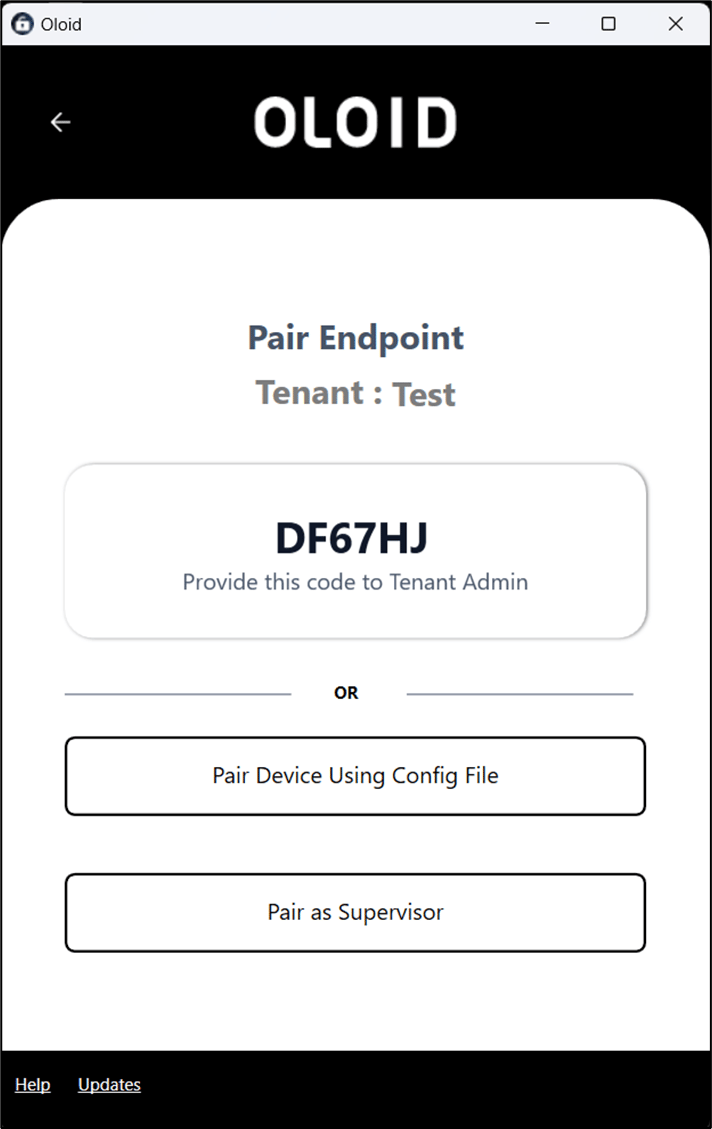
Steps to configure Windows Device app:
  1. Double-click on the Windows Device app to open. The Welcome page is displayed. Configuring Windows Device app with... - screenshot 1
  2. Enter tenant name in the Tenant Name / Customer Code field. Configuring Windows Device app with... - screenshot 2
  3. Click Next. If the tenant name is available in different environments then Select Environment page is displayed. Configuring Windows Device app with... - screenshot 3
  4. Select an environment and click Next.
The Windows device is configured with the tenant. You can now activate the endpoint to use the app. Configuring Windows Device app with... - screenshot 4 To know more, refer here