Introduction
Oloid Passkey enables secure, passwordless access to the Tenant Admin Portal using device-based authentication.Prerequisites
- You must have access to the Tenant Admin Portal.
- Ensure Passkey is enabled for the User from the Tenant Admin Portal. For more, refer: Webkey - How to Enable Oloid (Webkey) SSO login
Steps to log into Tenant Admin Portal using Oloid Passkey
- Launch your browser.
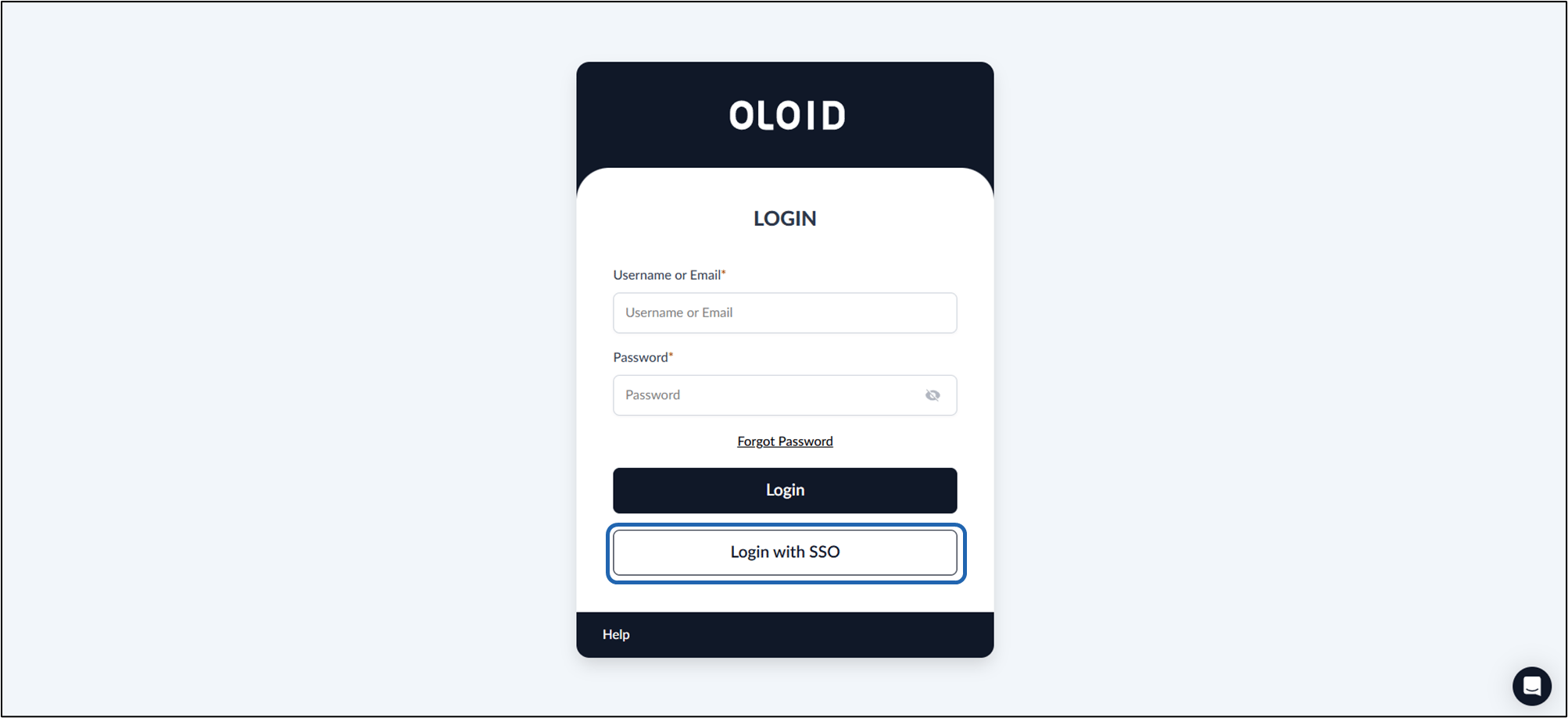
- Enter the provided URL in the browser’s address bar and press Enter. The Oloid Login page is displayed.
-
Click Login with SSO.
-
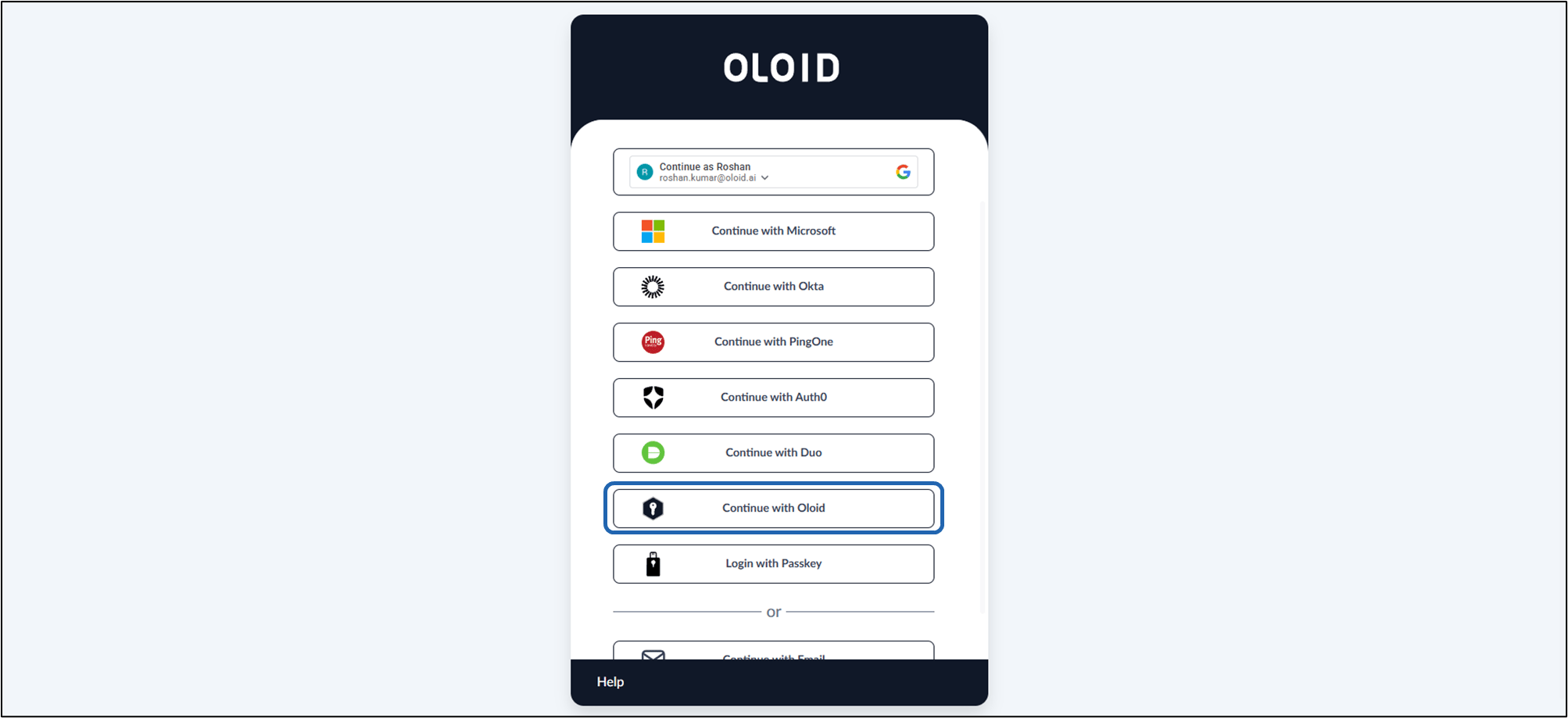
Click Continue with OloID.
-
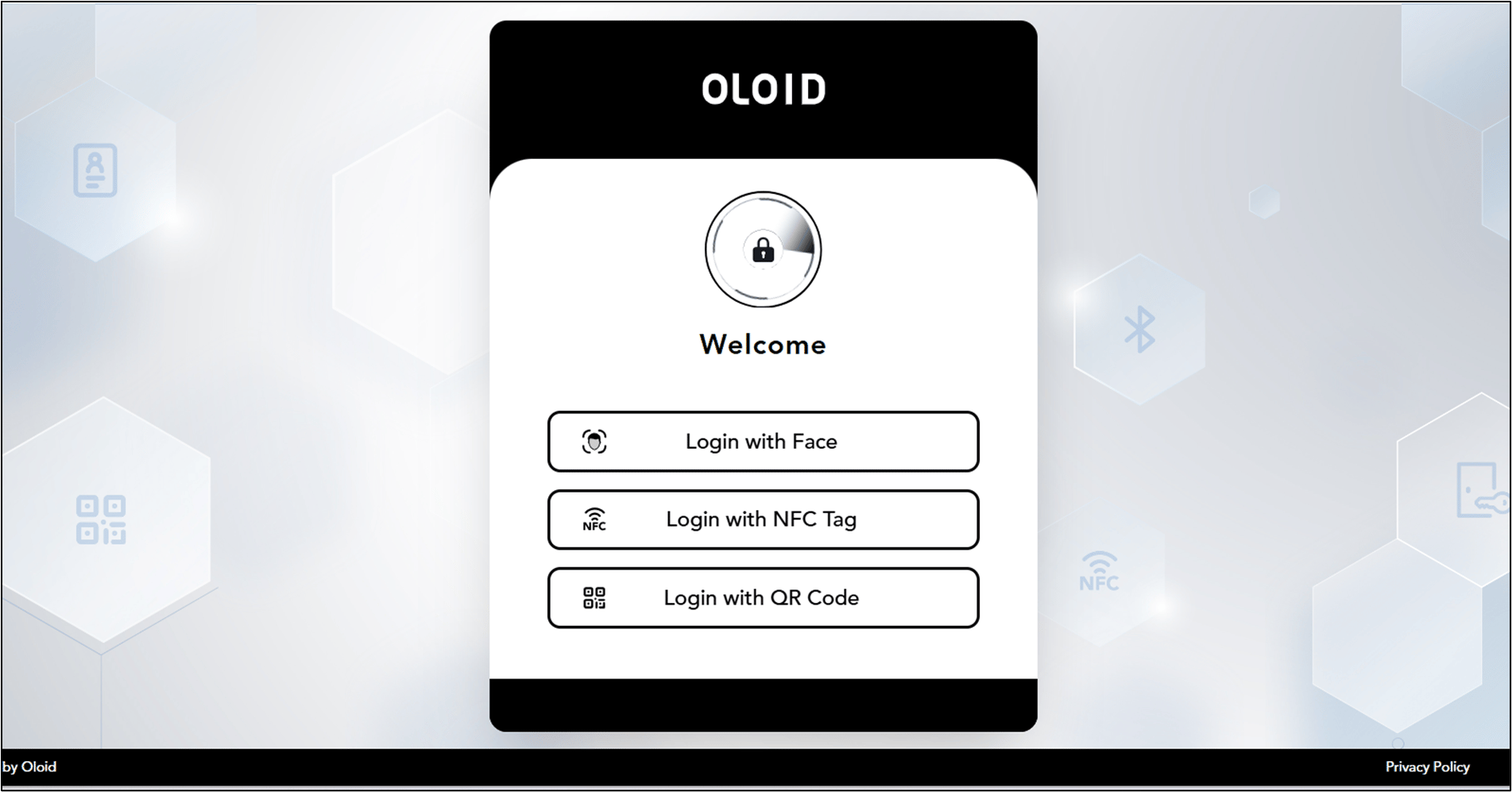
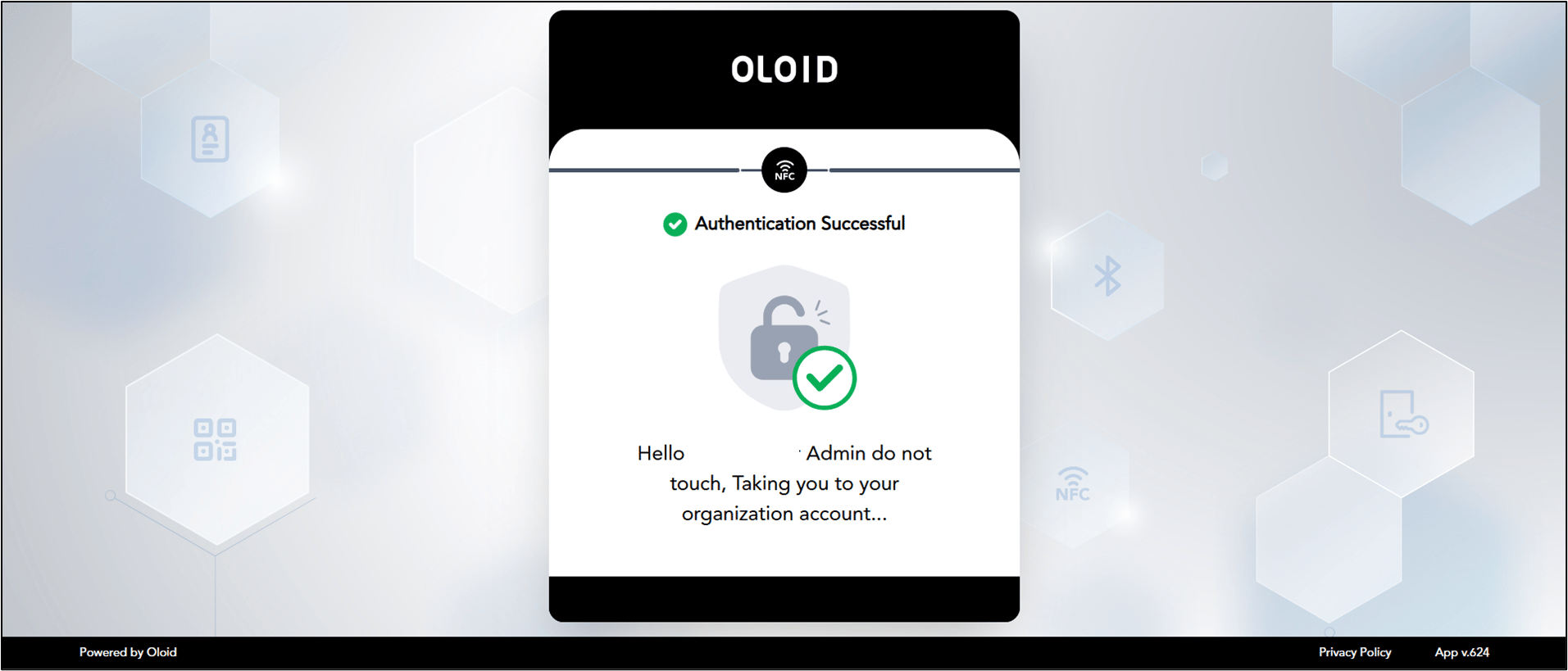
Select the preferred credential to login. (Example face, Badge, NFC etc)
Note: The Login options are displayed based on the authentication methods configured in the Webkey application.