

- Log in to Supervisor Portal.
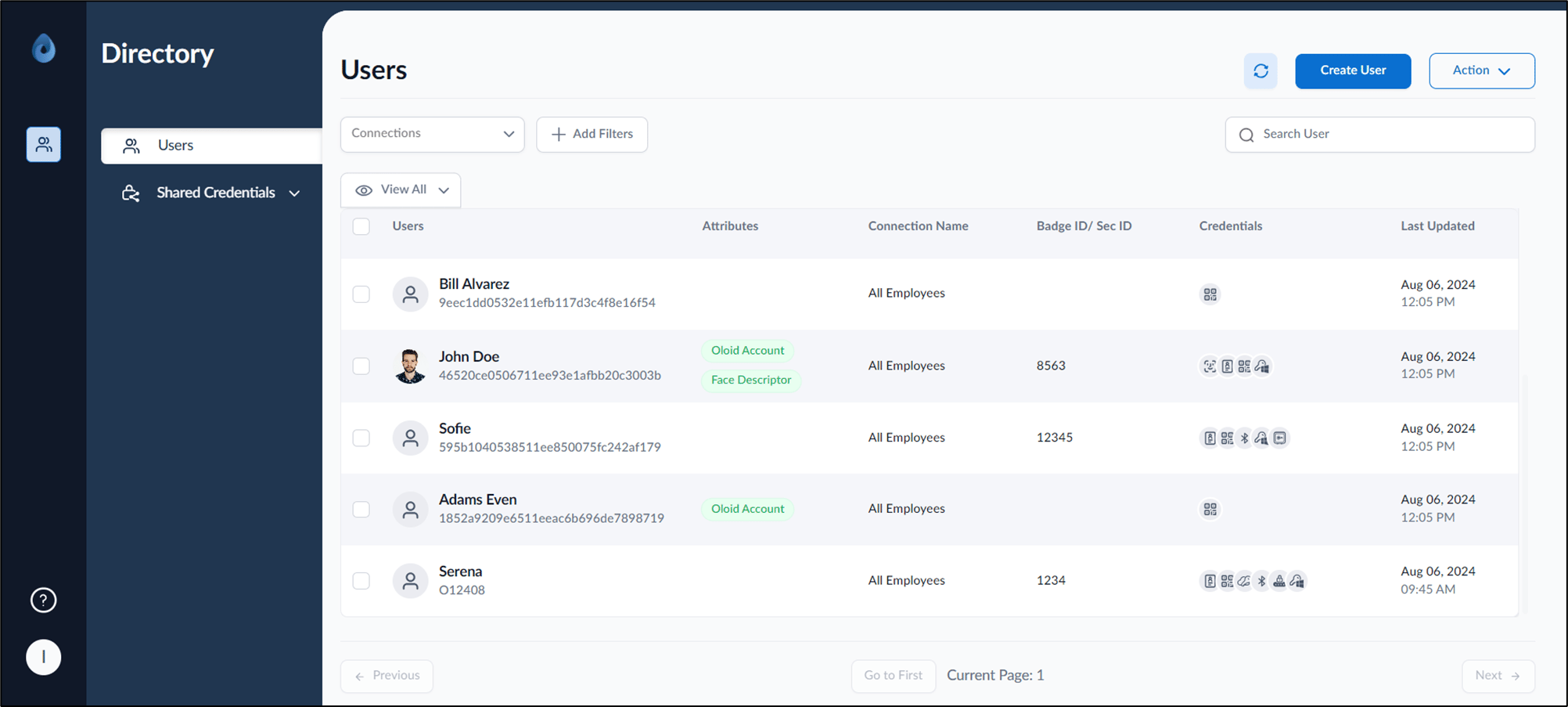
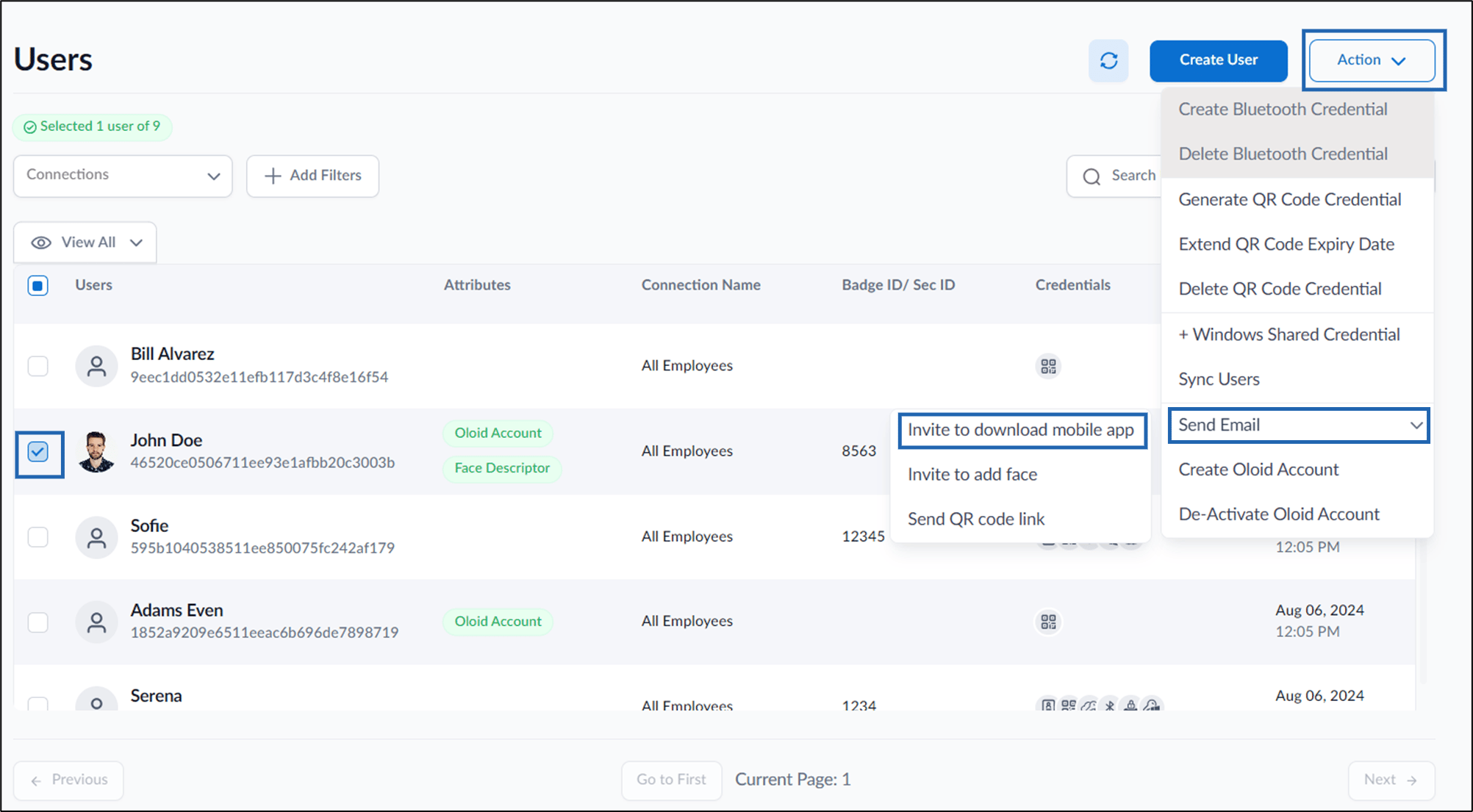
- Select user(s).
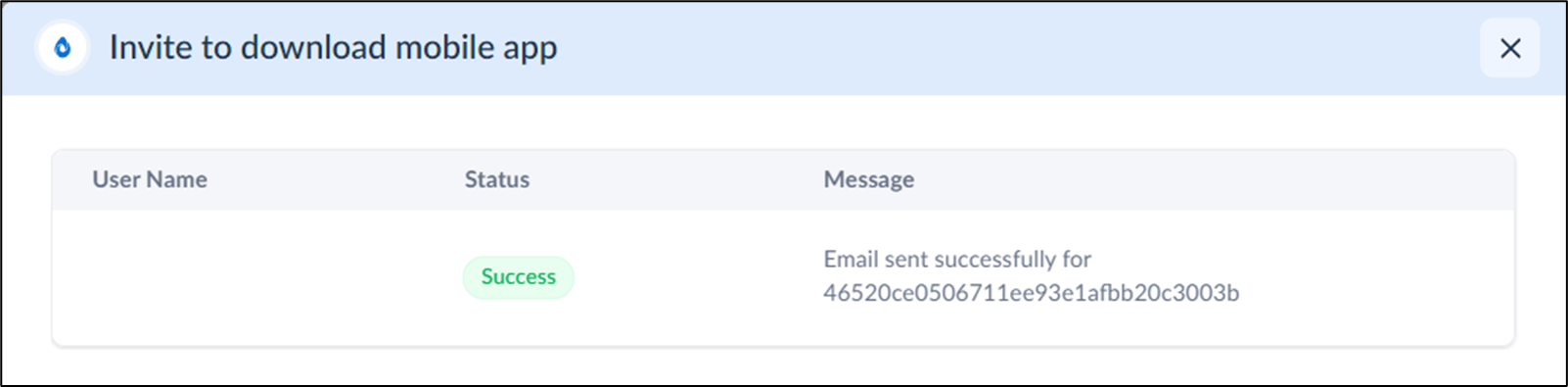
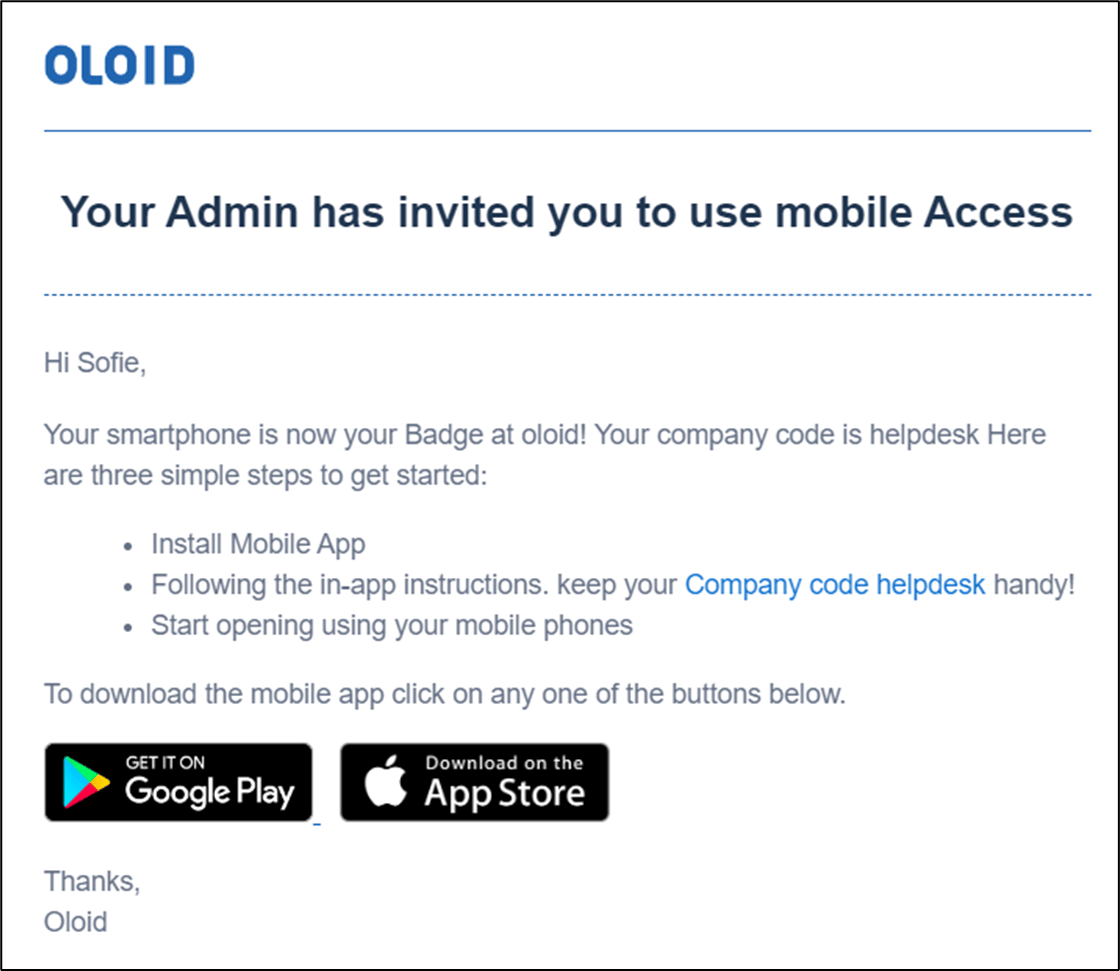
- Click Action > Send Email > Invite to download mobile app.
Supervisor Portal - How to send invite email to download mobile app for multiple users
This document provides a step-by-step instructions to send invite users to download mobile app in Supervisor Portal.
Steps to invite users to download mobile app:
⌘I