

- Log in to the Supervisor Portal.
- On the homepage of the portal, click User profile icon on the bottom left corner of the menu panel.

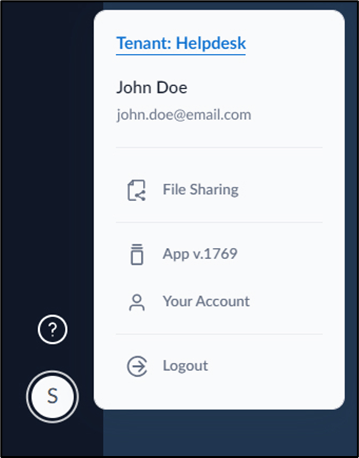
- Select Your Account. The Supervisor Account page is displayed.
- Do the following:
- Edit Full Name (Optional).
-
Enter Phone number (Optional).
Note: You must enter a valid phone number. Once saved you cannot edit your phone number. Please reach outOloid Support to update your phone number.
-
Click Save.

Supervisor Portal - How to edit Supervisor Profile
Steps to edit supervisor profile:
Steps to edit supervisor profile:
⌘I