

Purpose
Quickly restart the Oloid Connect app to refresh the application or resolve minor sync issues.Steps
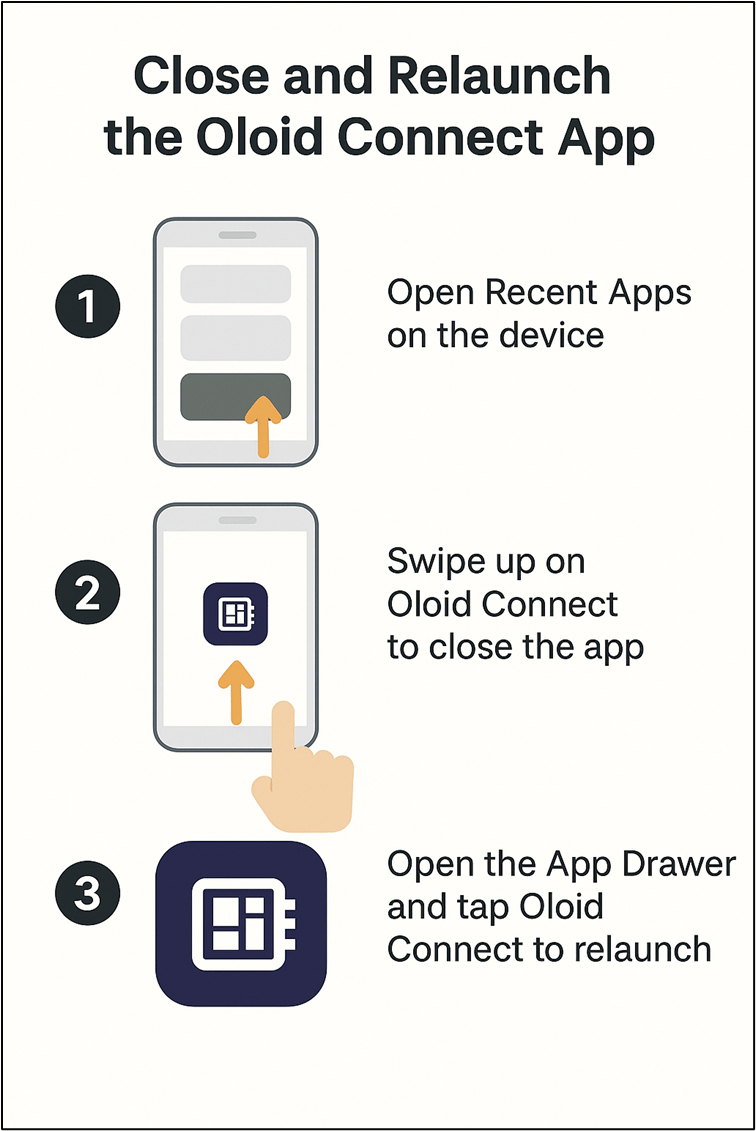
- Open Recent Apps on the device.
- Swipe up on Oloid Connect to close the app.
- Open the App Drawer and tap Oloid Connect to relaunch.
Outcome
The Oloid Connect app is successfully restarted and ready for use.Notes
- Restarting the app helps resolve temporary sync or UI issues.
- No admin permissions are required.