Prerequisite
- In the Tenant Admin Portal, admin must do the following:
- Add PIN for the user. For more details, refer How to add PIN as credential to users.
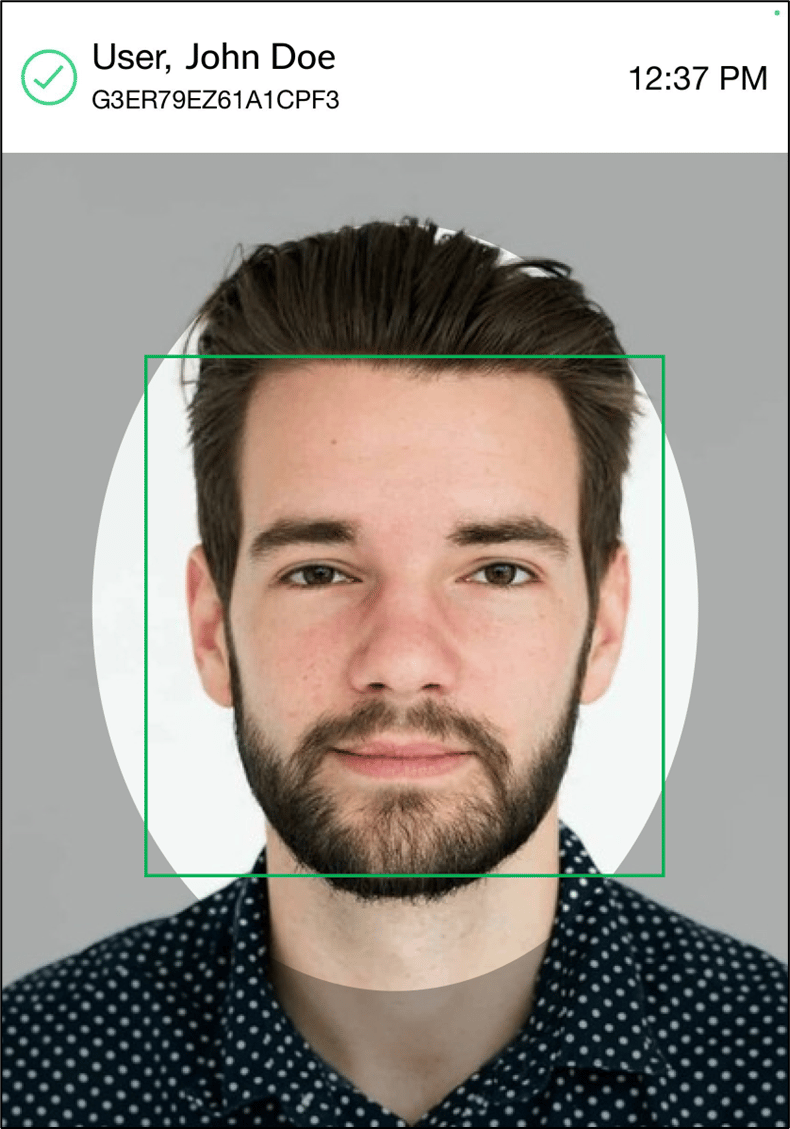
- Assign a face credential to the user. For more details, refer Face Onboarding
- Enable PIN option under the Oloid Connect application in Authentication tab. For more details, refer How to create and configure Oloid Connect Application in Tenant Admin Portal
Steps to log in using PIN and Face
-
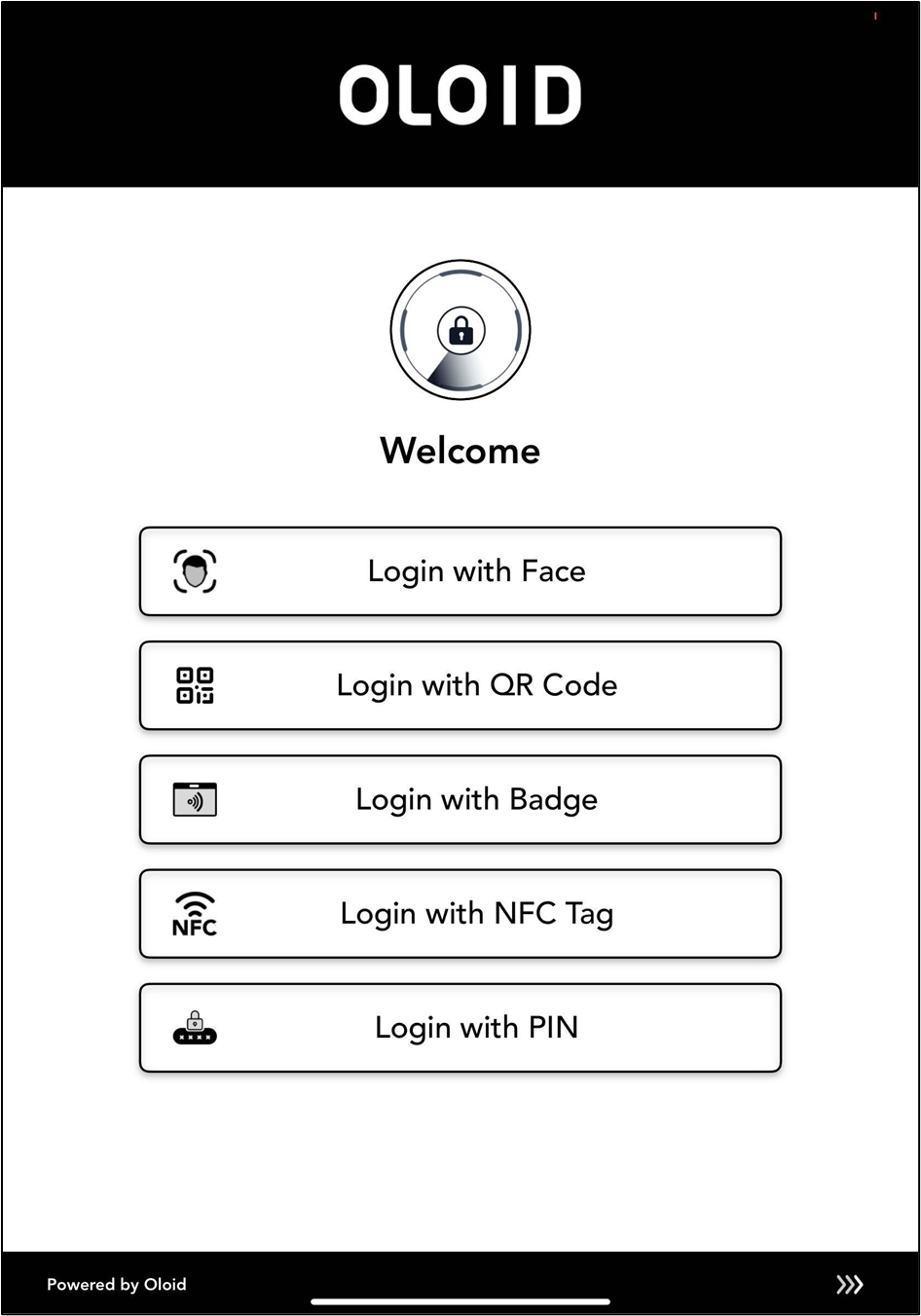
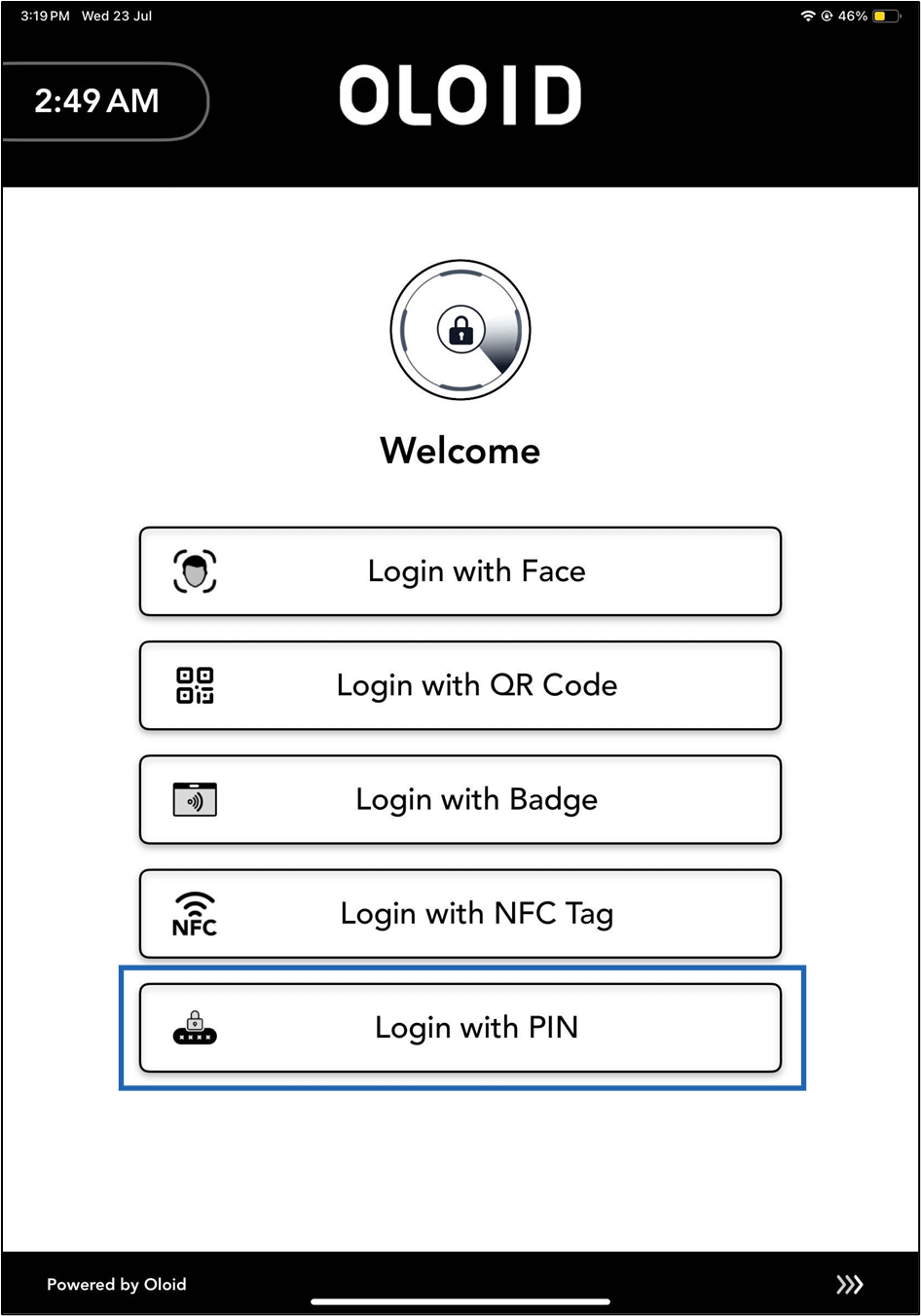
Launch the Oloid Connect App.
Note: Since the endpoint is already paired, the App will launch in the Auth selection screen of the App. For more, refer to How to pair an Oloid Connect endpoint.
-
Tap Login with PIN.
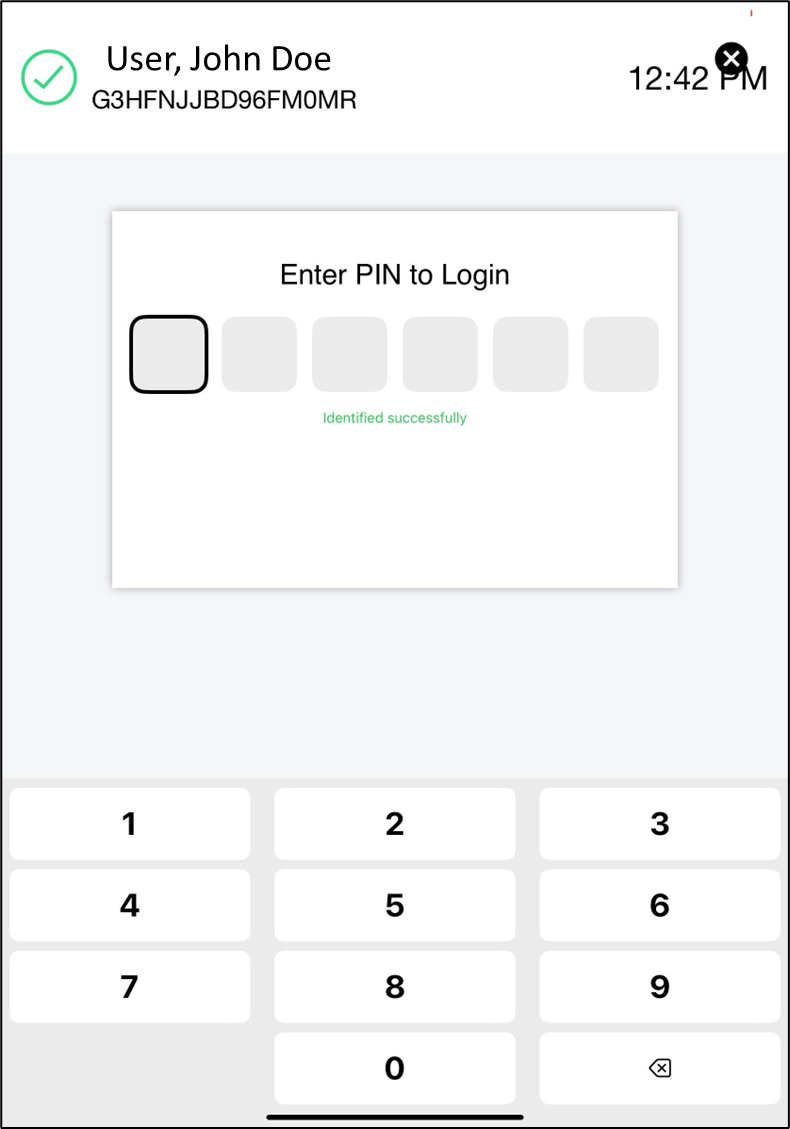
-
Enter PIN.