

- Create Subscription
- Change Subscription
- Assign Users
- Un-assign Users
- Cancel Subscription
- Import Users from Marketplace
- Subscribe to Oloid Connector.
- Login to ADP site at https://apps.adp.com/en-US/apps/390804
- Tap on Oloid App.

- Click ‘Buy Now’.

- Click ‘Continue’ and fill tenant name: daddario. Press “Check” button to validate tenant details.
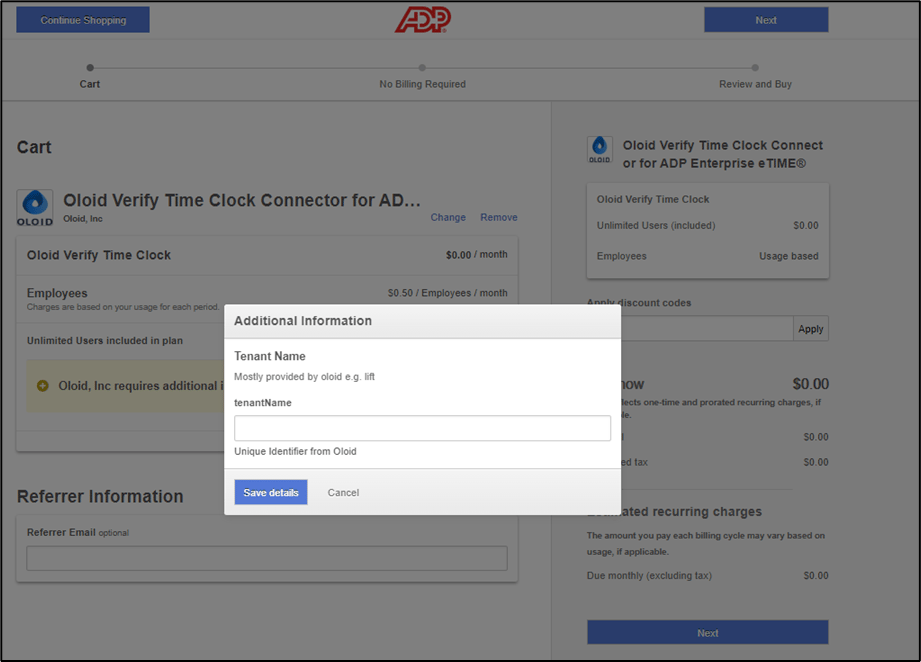
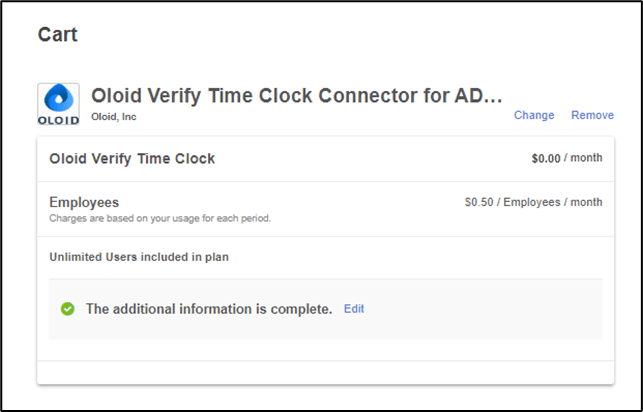
- Continue by filling out billing info and Review details. Once all steps are complete, your order will be successful.
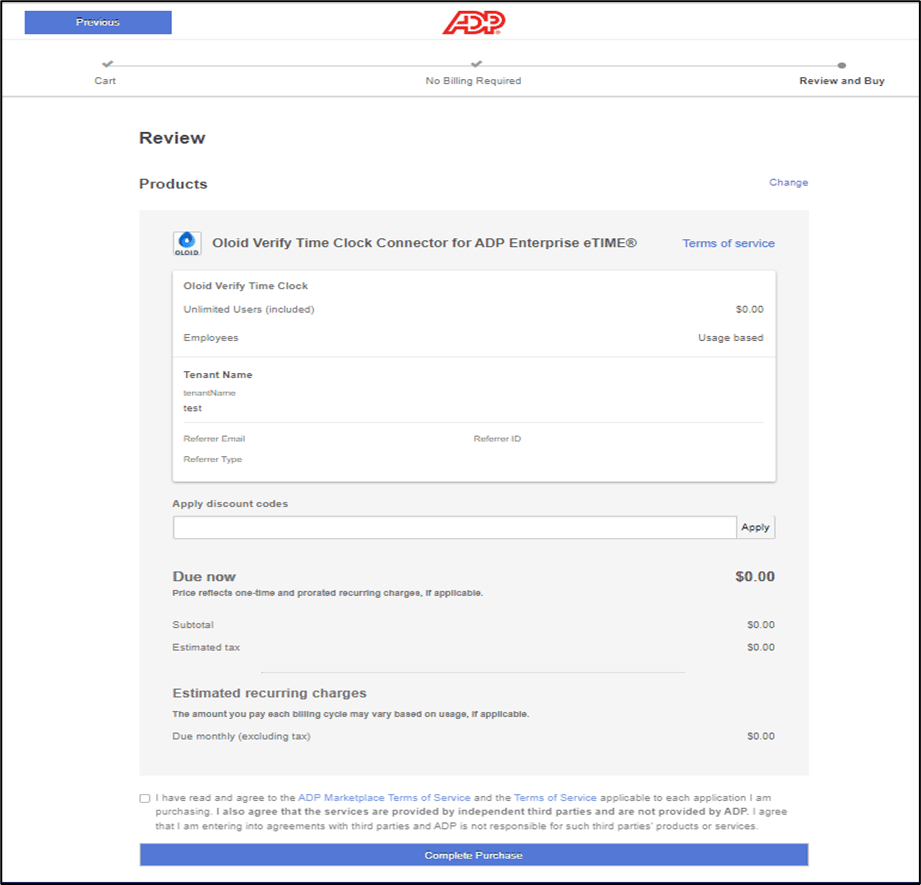
Oloid Verify Time Clock Connector for ADP Enterprise eTIME® (Completed)
Oloid Verify Time Clock Connector integrates with ADP Enterprise eTIME® to send time punches into ADP Enterprise eTime®. This is a real-time integration that…
Oloid Verify Time Clock Connector integrates with ADP Enterprise eTIME® to send time punches into ADP Enterprise eTime®. This is a real-time integration that pushes the details from Oloid Verify App and load data into ADP Workforce Now® Essential Time. It supports ADP Credentials to Oloid Portal to get worker info from ADP. Oloid’s facial recognition-based time and attendance clocking, wellness attestation and temperature scanning app is touchless, accurate and easy to use. Oloid’s contactless biometrics time clock is a downloadable software application that runs on off-the-shelf tablets.
Subscription Events Supported by Oloid Connector
⌘I