

- Log in to the Oloid Portal.
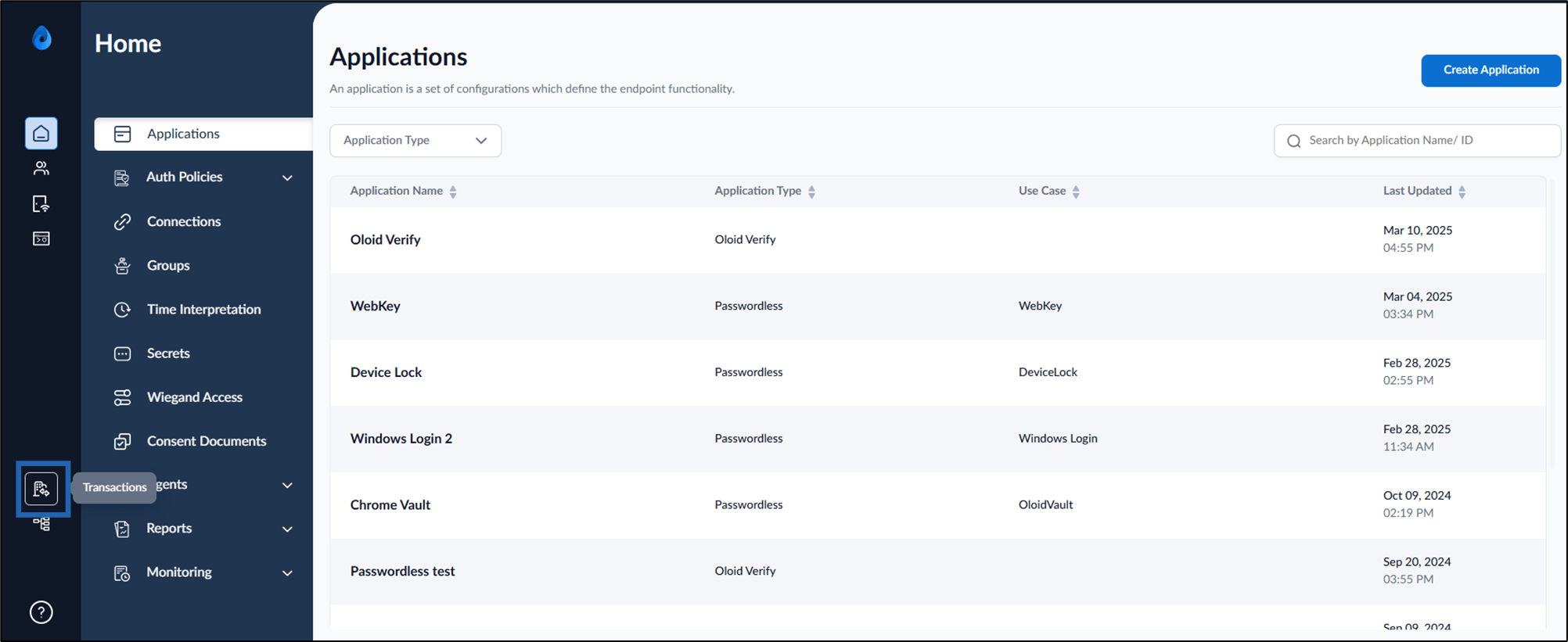
- On the homepage, select Transactions.
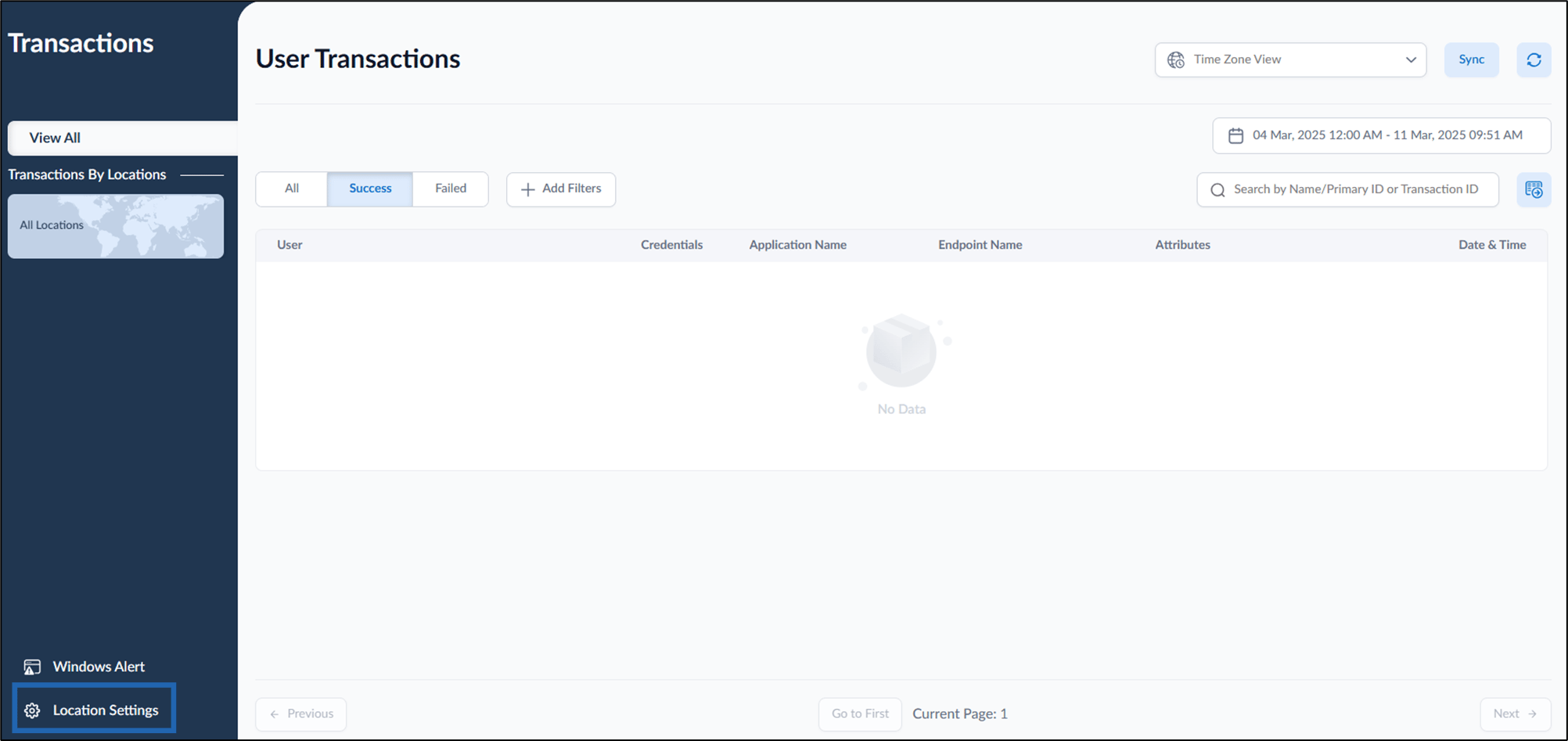
- Click Location Settings from the bottom left.
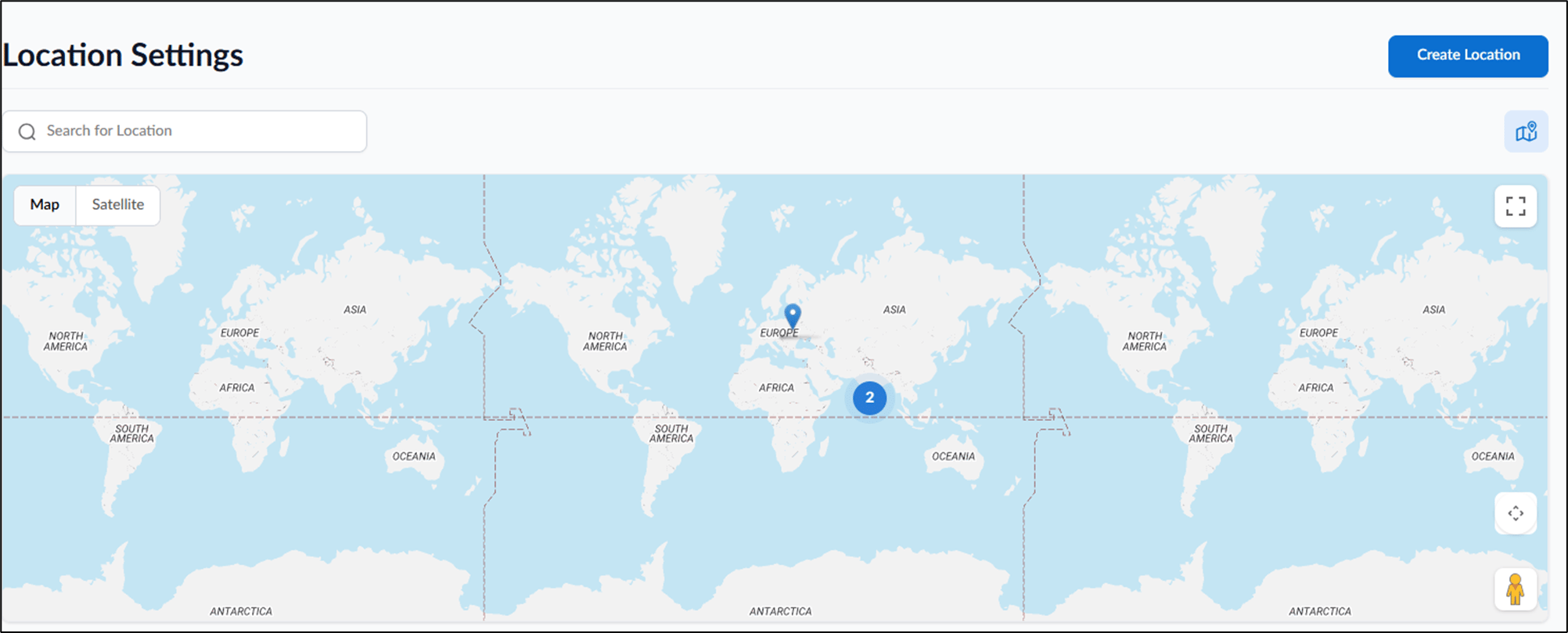
- Click Create Location from the top right.

- Enter Location Name.
- Click Create. The Location is created and listed in the page successfully.
How to add Location for Time Rule
Steps to add location for Time Rule:
Steps to add location for Time Rule:
⌘I