

Login with Badge
Pre-requisite
- The Badge Reader is connected to the device.
- User and user NFC Id credentials are created in the Oloid Portal.
- In the endpoint detail page, the third-party url should be configured in the web button section.
- The HTTP Request is enabled under Enable Integrations section in the Oloid Portal.
- Badge is enabled as authentication method to log into your Okta system.
- Oloid Connect App is launched and Login screen is displayed.
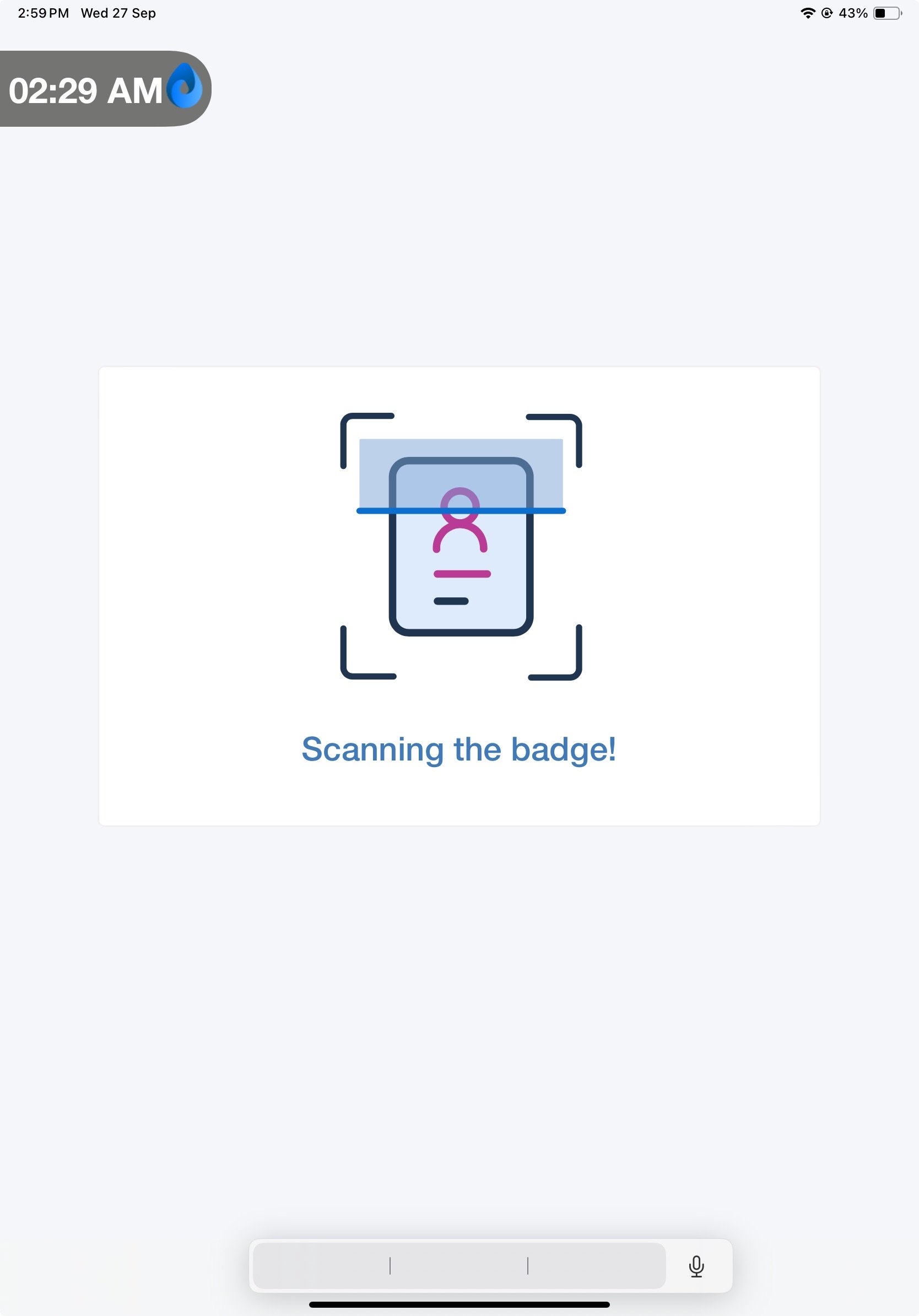
- Scan your badge in the Badge Reader. On successful badge authentication, the application displays the Okta screen.