Introduction
This document explains how to generate a passkey for authentication. As an example, the steps use WebAuthn.io, a public demo site, to demonstrate the passkey creation and authentication process. Oloid Vault supports generating passkeys for multiple platforms and services, such as Microsoft, GitHub, Gmail, and WebAuthn.What is a Passkey
A passkey is a modern, passwordless method of signing in to applications and websites without the need to remember or enter a password. Instead, it uses a secure pair of cryptographic keys:- One key is stored securely on your device.
- The other key is stored by the service or application you are accessing.
Prerequisites
- Use the latest version of Chrome, Edge, Safari, or Firefox for the best experience.
- Ensure you have access to Oloid Vault (Chrome/Chromium) and you are logged in.
Steps to Generate Passkey
- Login to Oloid Vault (Chrome / Chromium) using your configured Oloid Vault authentication method.
-
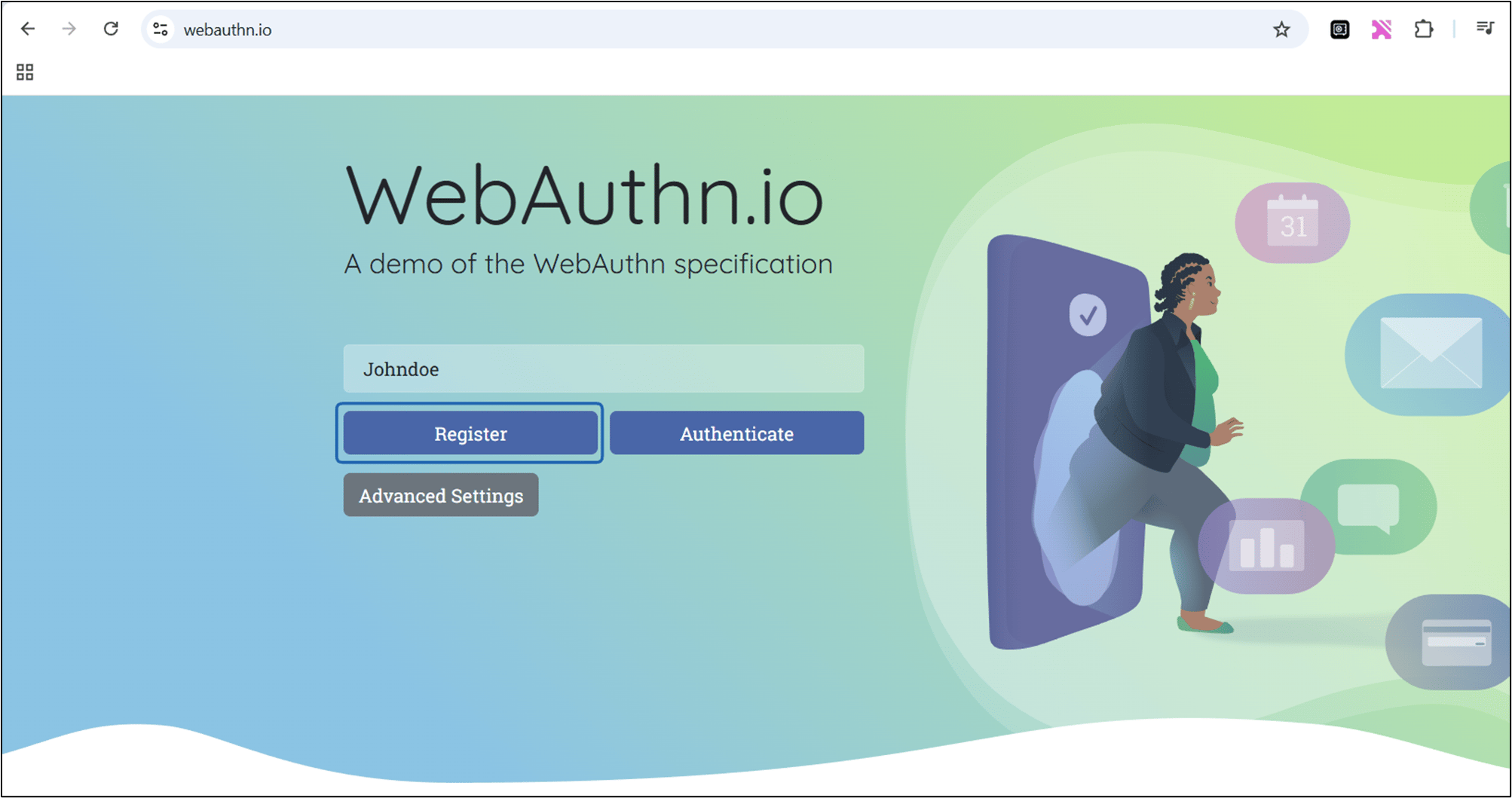
Open WebAuthn.io URL: Go to https://webauthn.io/
Note: This site is a public demo environment for testing WebAuthn / Passkeys
-
Enter a Username in the Username field, enter any identifier.
-
Click Register.
Passkey generated successfully.
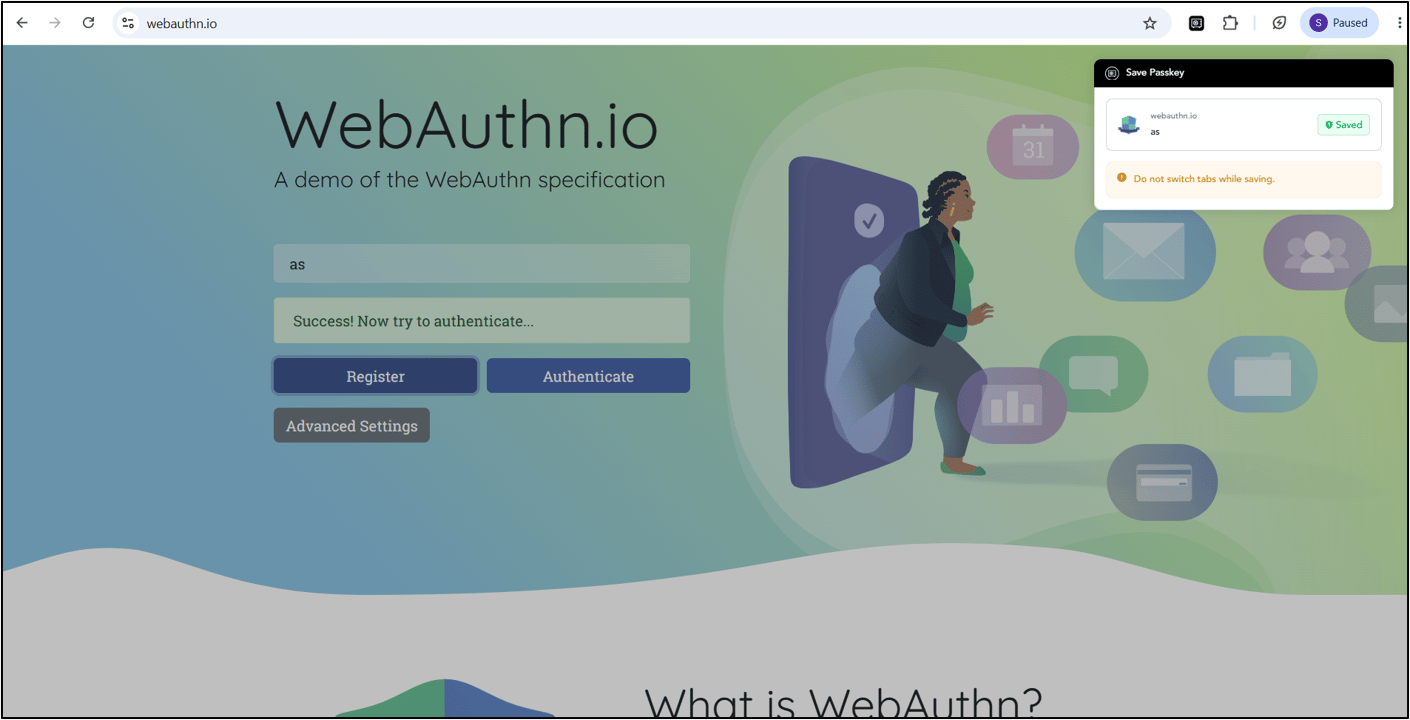
Steps to Authenticate the Passkey
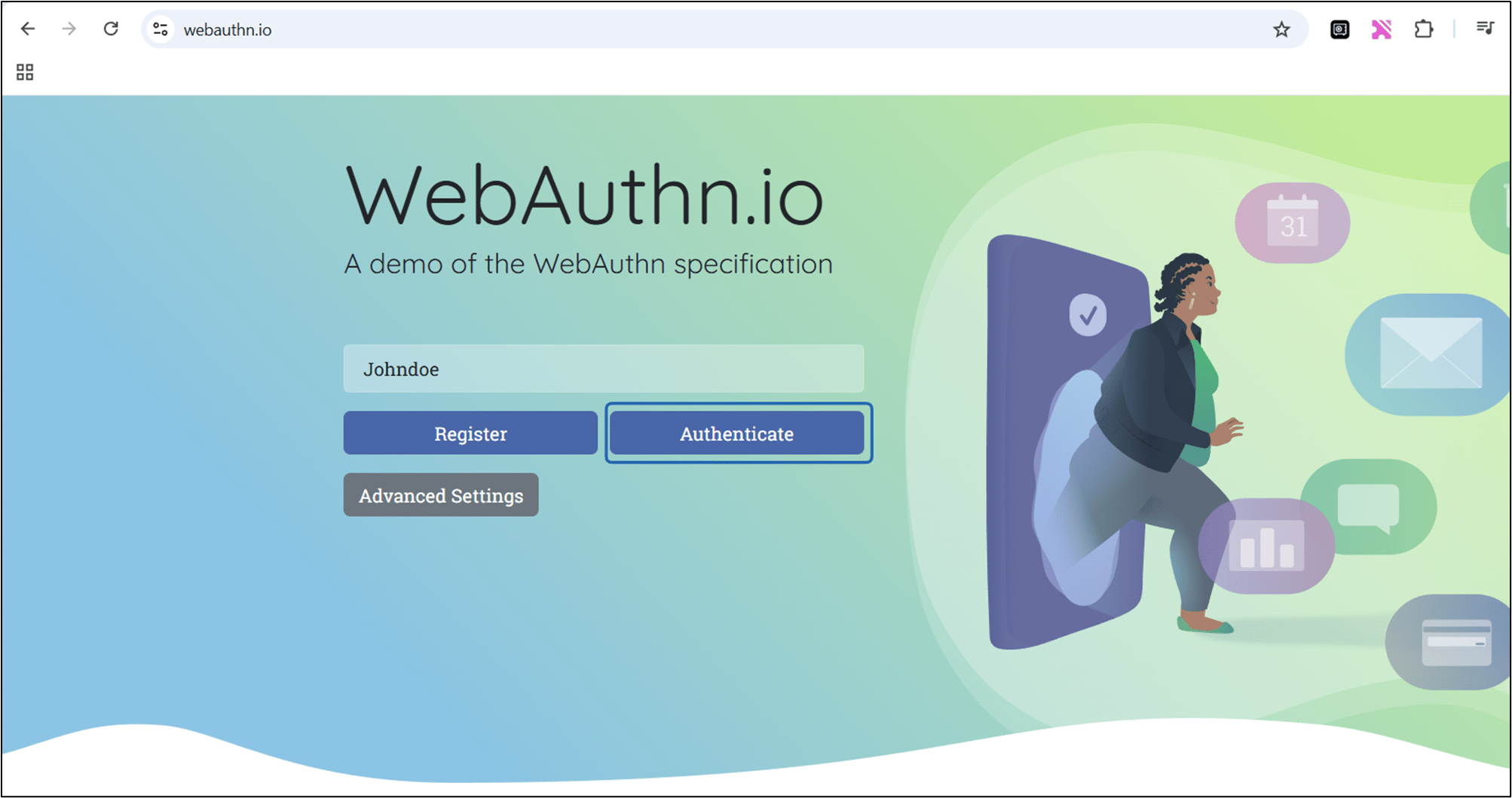
- Enter the Username in the Username field
- Click Authenticate. Authentication is completed using the created passkey.
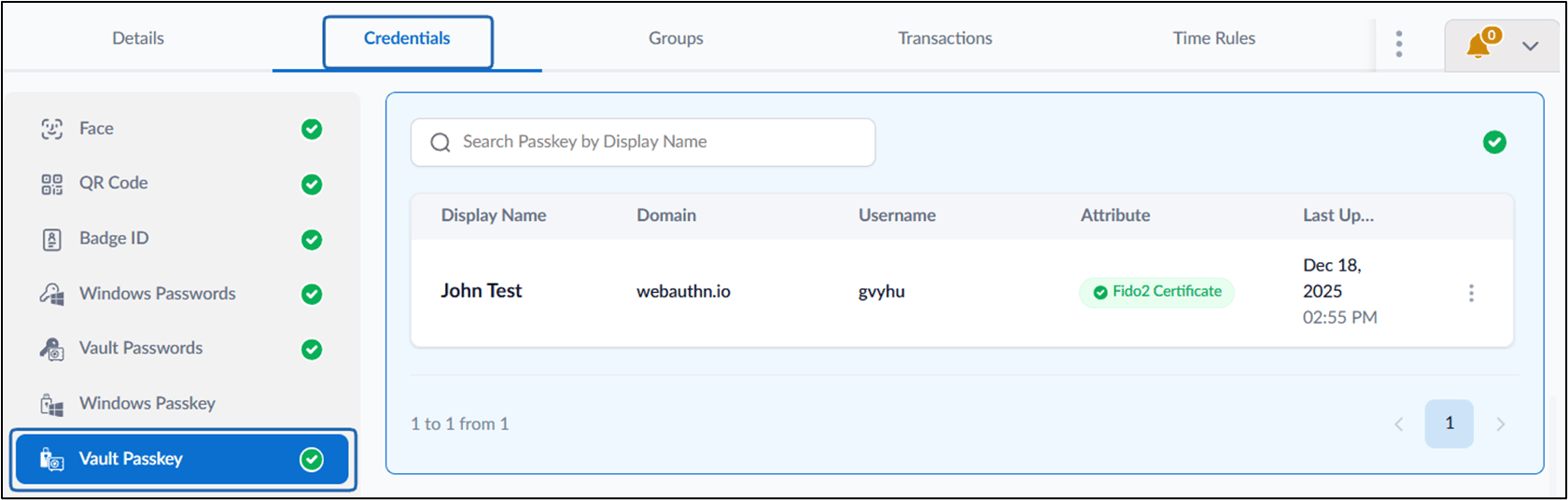
Sample screen Vault Passkey is saved in Oloid Vault
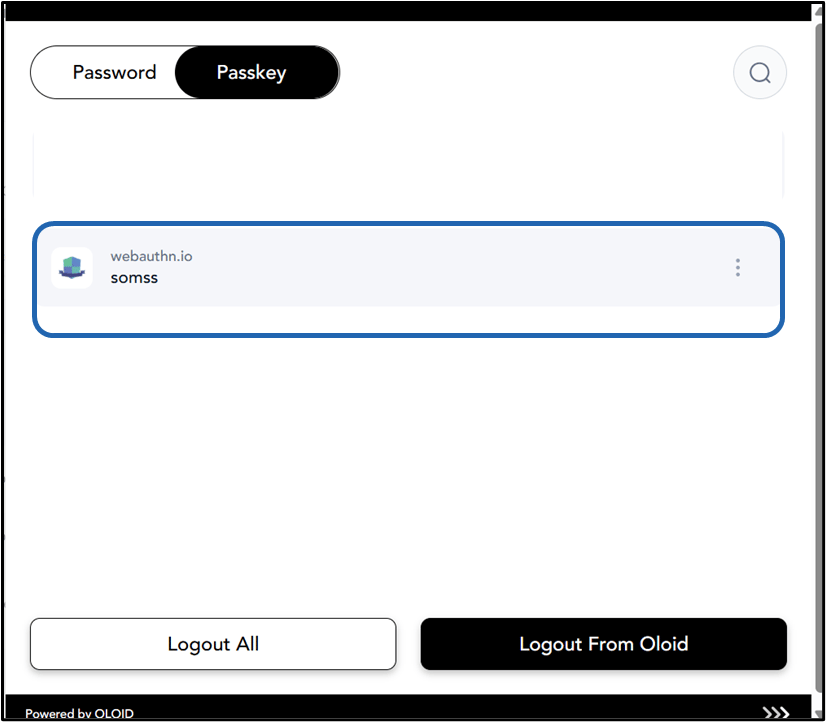
The Passkey is saved under the passkey tab in Oloid Vault.