

- Open Google Chrome browser and click Chrome Vault icon located on the toolbar.


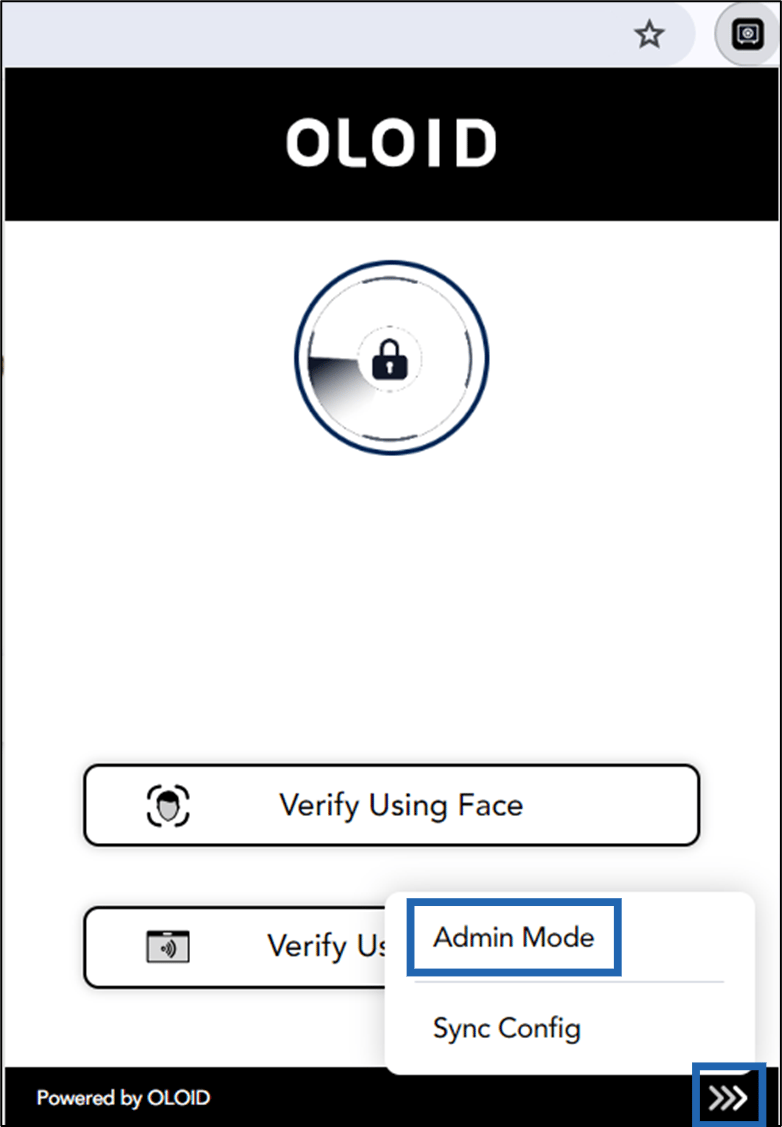
- Go to More

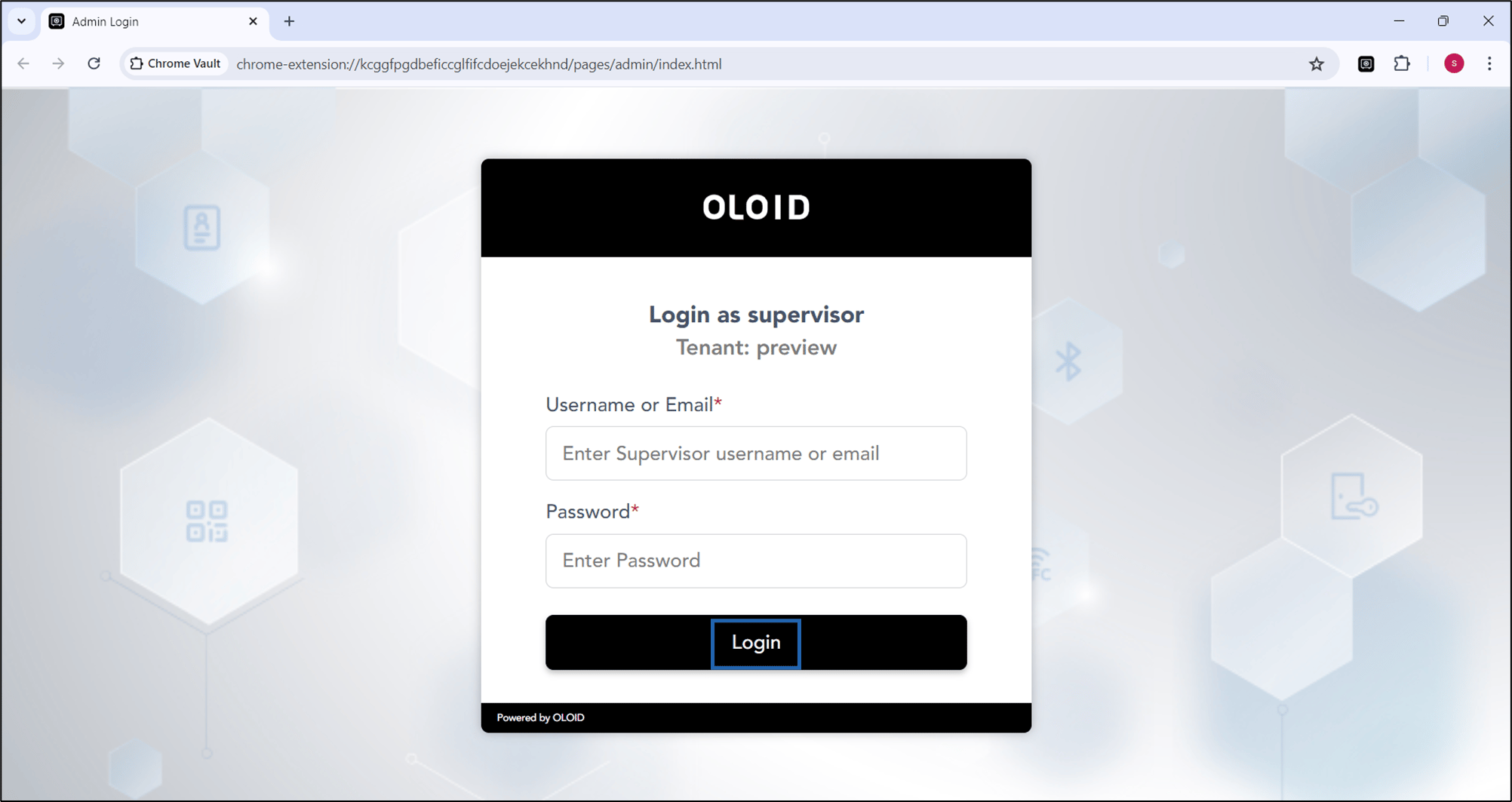
- Enter your credentials to log in to admin mode.
- Select Pair Using Config File.
- Select the json file you want to upload and click Open.
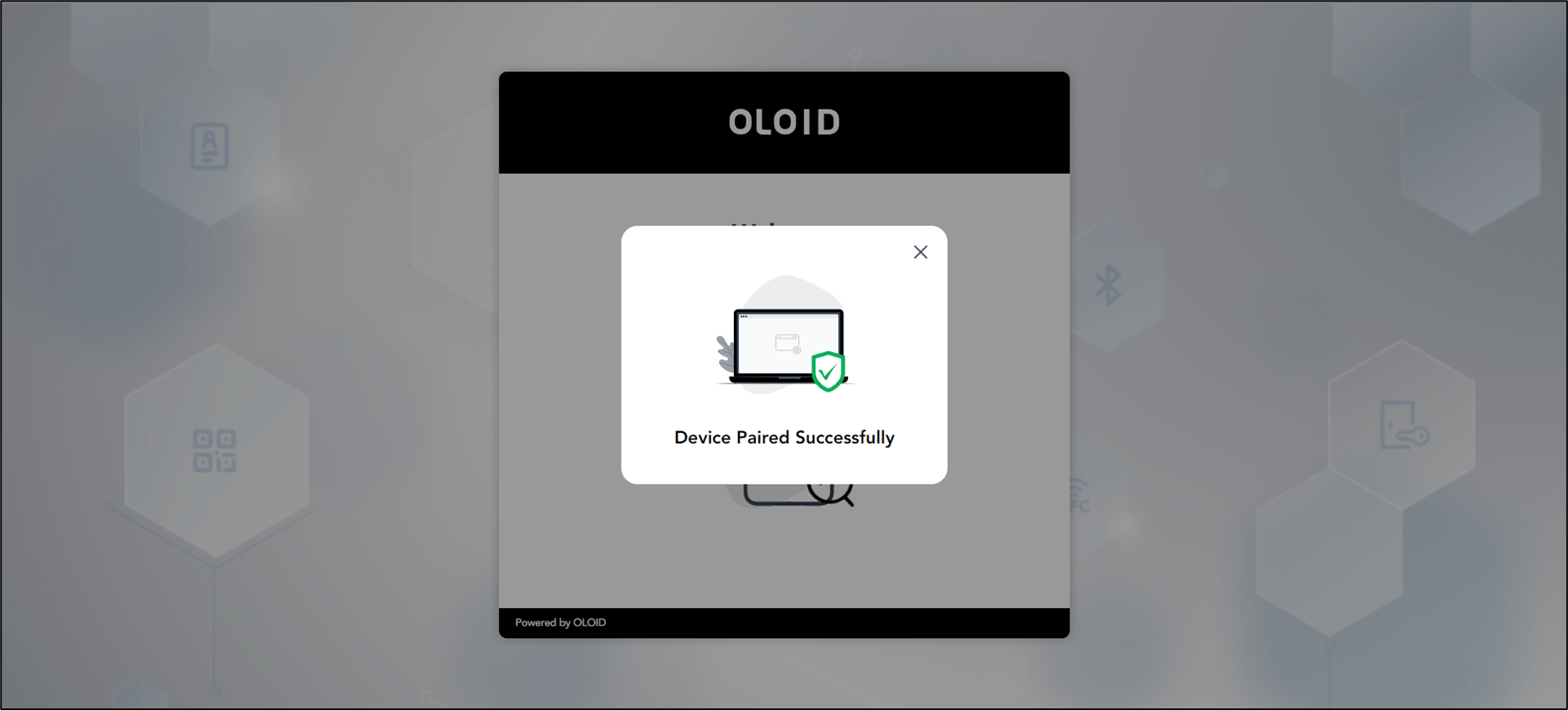
The device is paired successfully.
How to pair using config file in admin mode through Chrome Vault (To be reviewed; WIP)
You need to download the config file of the preferred endpoint from the Oloid Portal. For details, refer How to download endpoint config file for Chrome Vault…
Pre-requisite
You need to download the config file of the preferred endpoint from the Oloid Portal. For details, refer How to download endpoint config file for Chrome Vault application?
To pair an endpoint:
⌘I