

Steps to Generate/Create QR Code
- Log in to the Tenant Admin Portal.
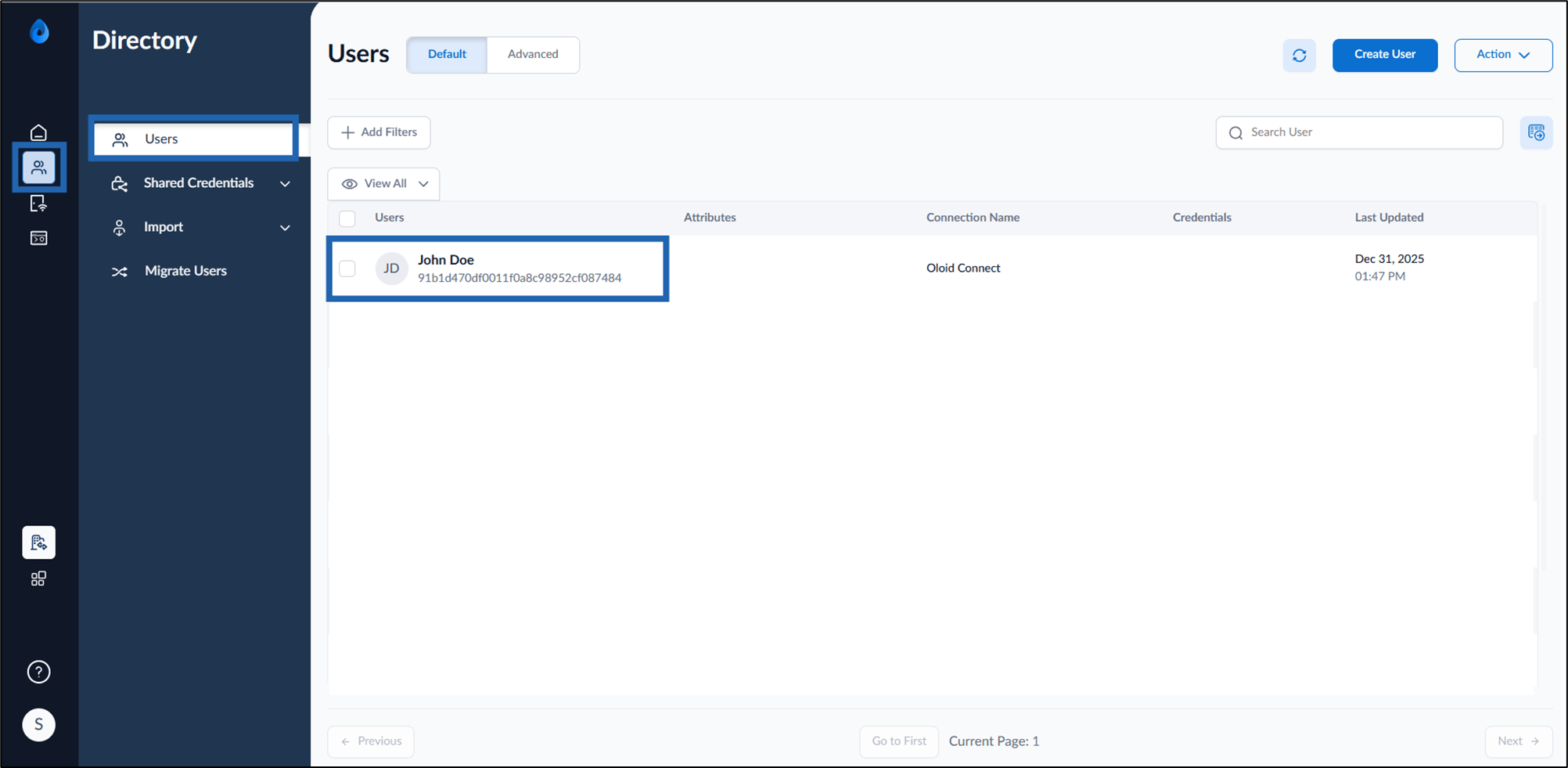
- Go to Directory > Users > click applicable user.
- Click Credentials > QR Code > click Create QR Code.

- Do the following:
- Select QR Code Validity.
- Enter Mail ID in the Share QR Code with field.
- Click Assign.
