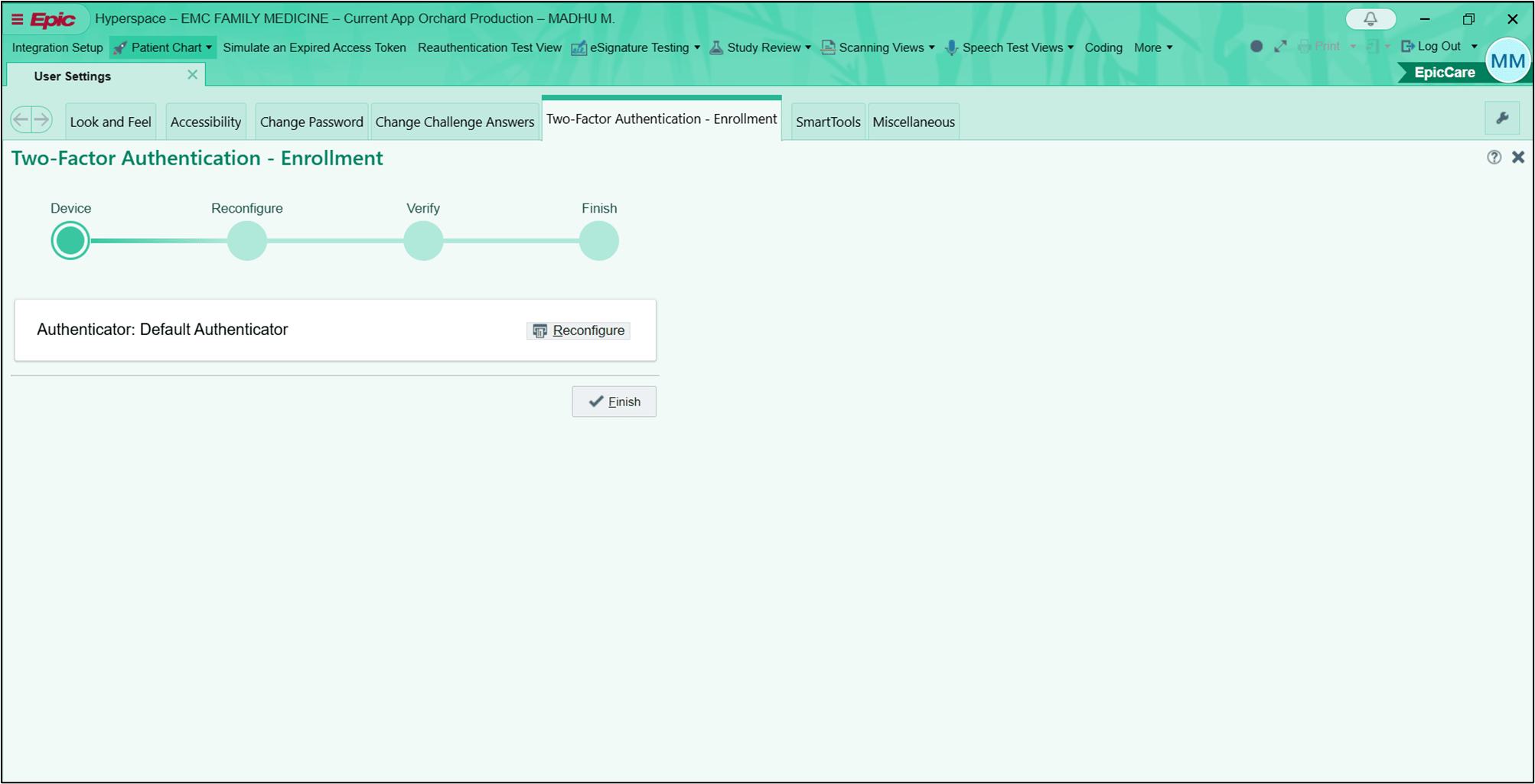
Introduction
Logging in to Epic Hyperspace using Username and Password flow allows thePrerequisites
- You must have a badge assigned.
- You must have Vault Shared password assigned.
Steps to Log in to Epic Hyperspace
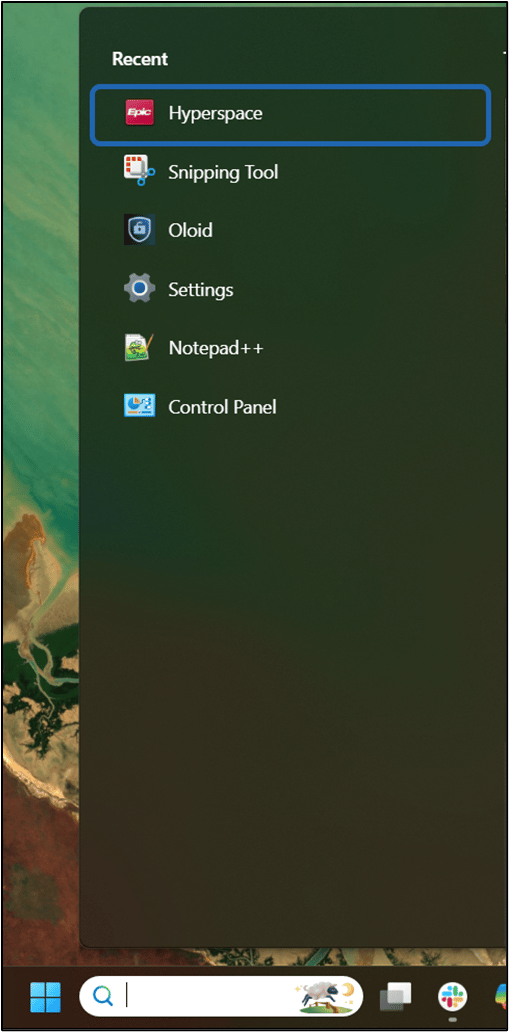
- Launch the Epic Hyperspace application on your Windows machine.
- Enter Email ID / Employee ID.
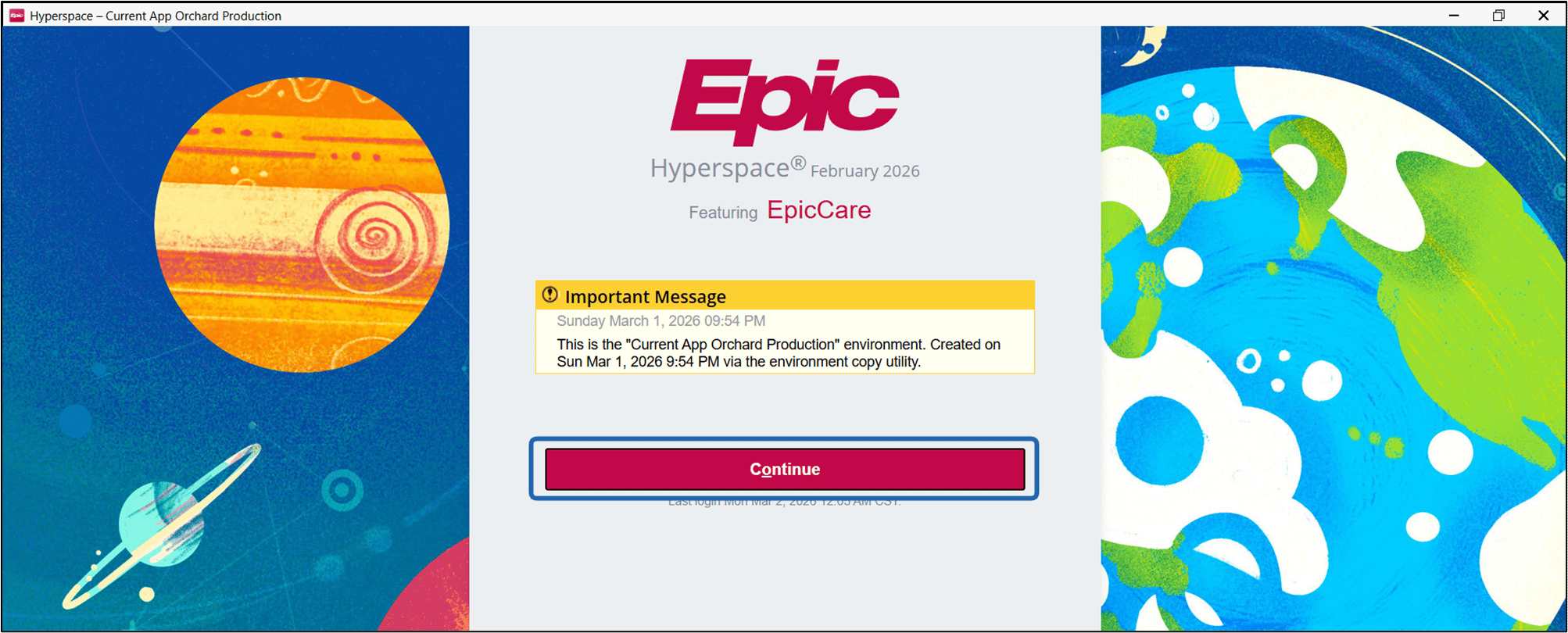
- Click Continue.
- The camera turns on. Place your face in front of the camera for facial authentication. The camera auto-captures the user’s face. If manual capture is enabled, press Enter or Spacebar, or click on the camera icon. The Login confirmation screen is displayed.
- Click Continue.