

- Log in to the Oloid Portal.
- On the Applications page, click on an Windows application to edit.
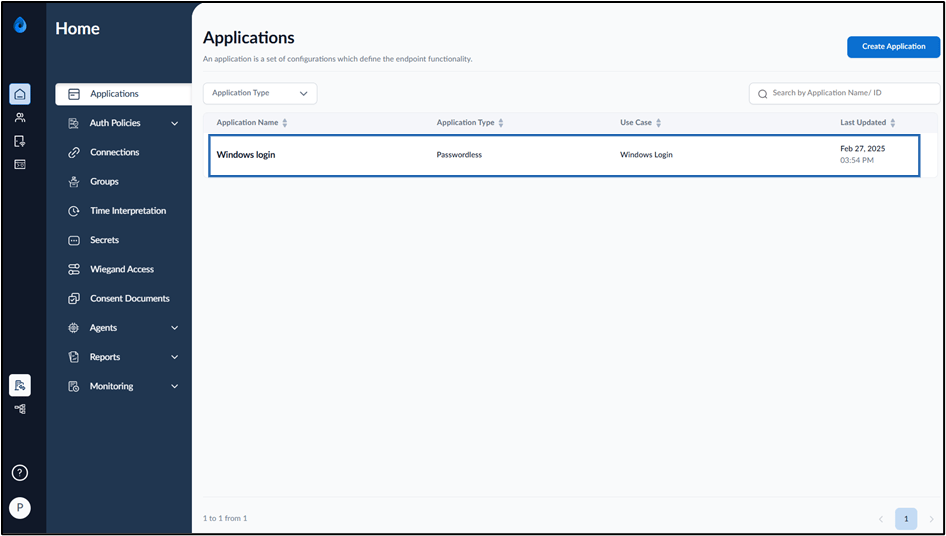

- Go to Health Setup tab.
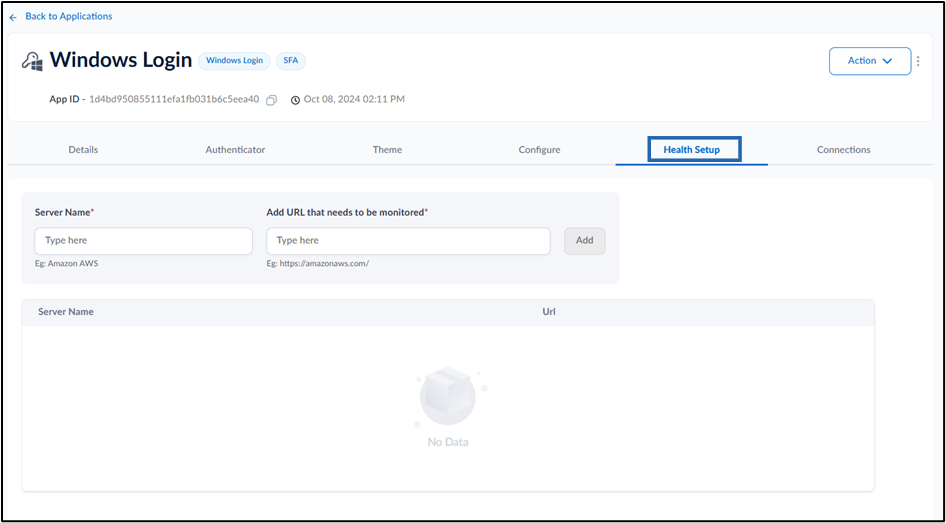
- Do the following:
- Enter Server Name.
- Enter URL in Add URL that needs to be monitored field.
- Click Add. The Server Name is added and the Health Setup tab is configured successfully.
How to edit Health Setup tab in Windows Login Application
This document provides step-by-step instructions to edit Health Setup tab in Windows Login Application.
Pre-requisite:
You must create a Passwordless application of type Windows Login. For further details, refer How to create a Windows Login Application
Steps to edit Health setup tab:
⌘I