

Steps to install .Net SDK
- Download the dotnet-sdk-6.0.416-win-x64 file on your system.
- Click dotnet-sdk-6.0.416-win-x64 file to open.
- Click Install.

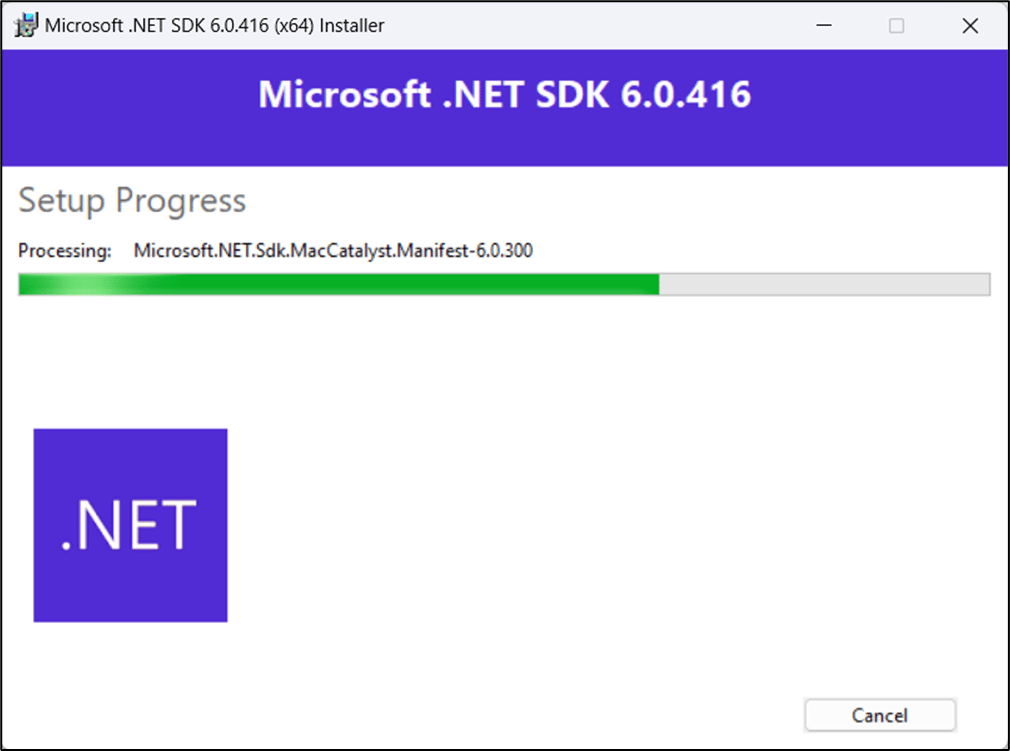
- On successful installation, click Close.

Steps to install Microsoft Visual C++ Redistributable
- Download the VC_redist.x64 file on your system.
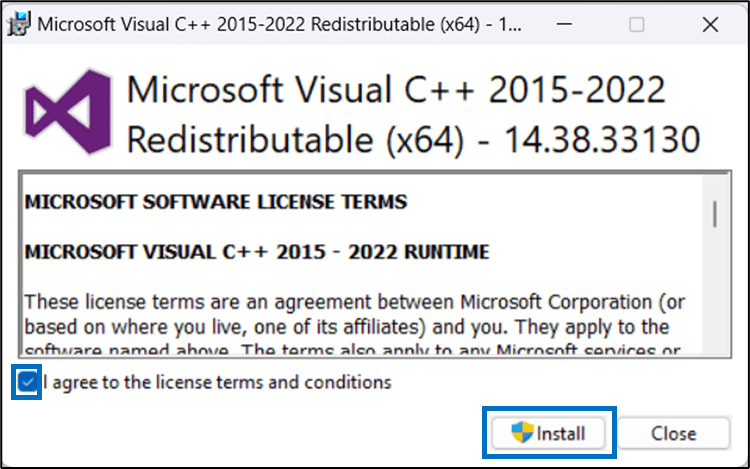
- Click VC_redist.x64 file to open.
-
Select the license agreement checkbox and click Install.
The installation begins.
-
On successful installation, restart your system.
 Note: You must install the Windows installer file before restarting your system.
Steps to install Supervisor App file
- Download OloidPasswordlessSupervisor.Setup.msi file on your system.
- Select OloidPasswordlessSupervisor.Setup.msi file.
- Select More info, then click Run anyway.

- On the Oloid Passwordless Supervisor Setup wizard, click Next.
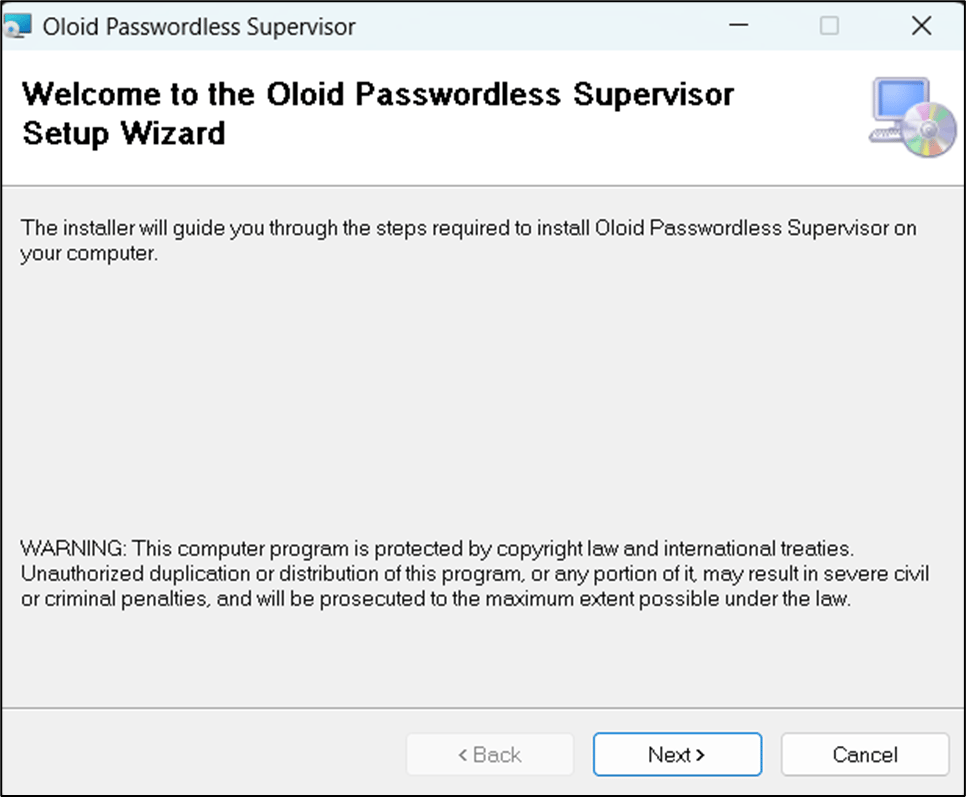
- Use the default path to install the application and click Next.

- Click Next to confirm the installation.
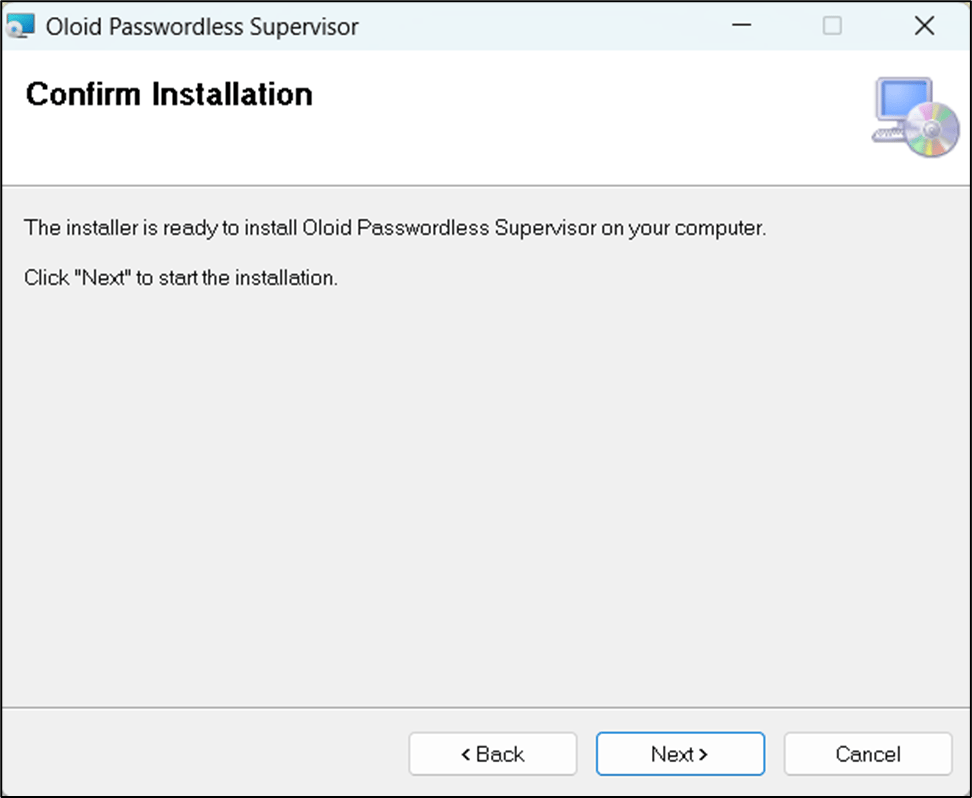
- Click Close after the installation is complete.
