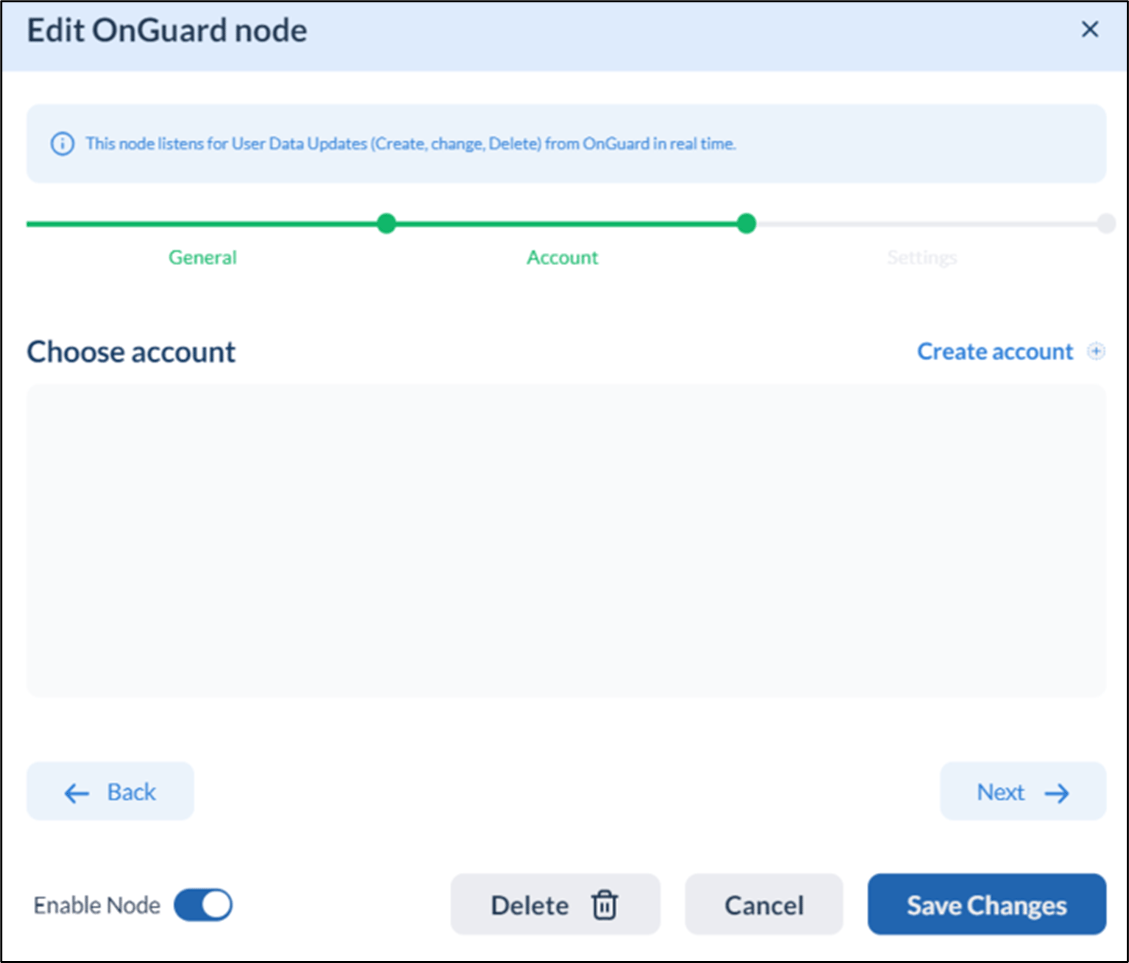
- Click Accounts on top right of main page. The Accounts pop-up box is displayed.
- Select ADManager Plus from the displayed accounts.
The Add Account pop-up screen is displayed.
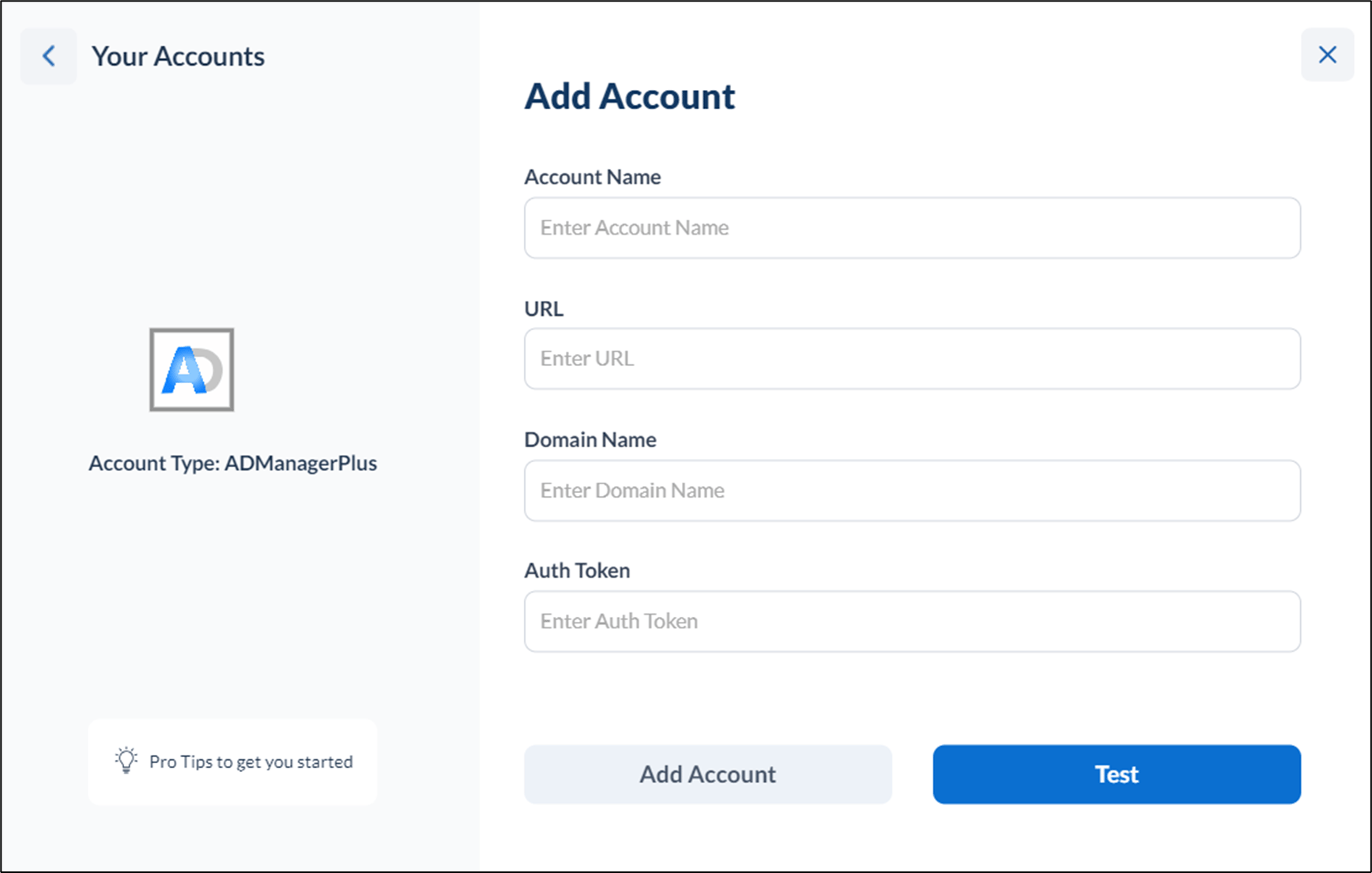
- Do the following:
- Enter Account Name for the account.
- Enter URL.
- Enter Domain Name.
- Enter Auth Token.
- Click Test to test for connectivity (optional but recommended).
- Click Add Account. The account is created and listed on the Accounts page.
Steps to associate ADManager Plus Account to a Trigger/Action Node
While creating a flow, whenever you are using ADManager Plus action/trigger node, you can associate ADManager Plus account in the second tab of node config pop-up box.