Introduction
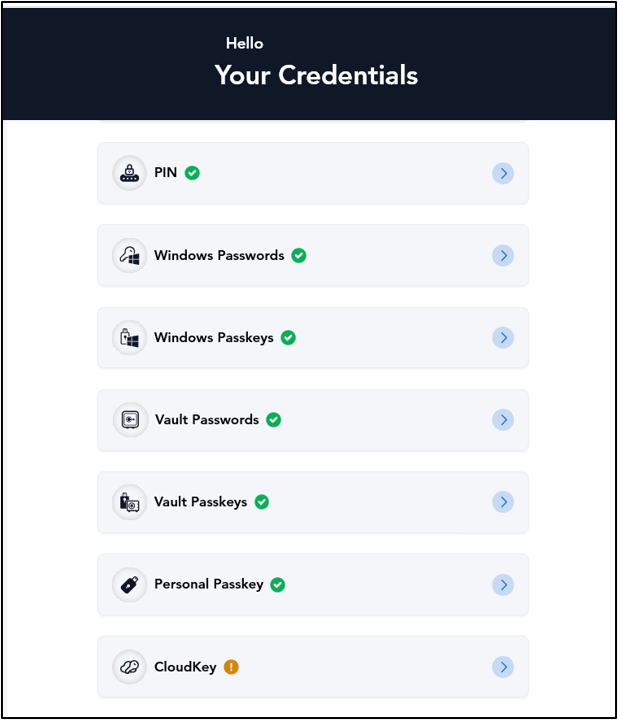
With Oloid Passkey SSO, users can access the Oloid User portal without entering traditional credentials, ensuring a faster and more secure login process.Prerequisites
Ensure the following prerequisites are met before logging in to the User Portal using Oloid Passkey SSO:- You have the login URL provided to access the User portal.
- Ensure Oloid Passkey is created for the user. For more, refer: How to Generate Oloid Passkey in the User Portal
- Ensure Passkey is enabled for the User from the Tenant Admin Portal. For more, refer: How to Enable Passkey SSO in Tenant Admin Portal
Steps to log into User Portal using Oloid Passkey SSO
- Launch your browser.
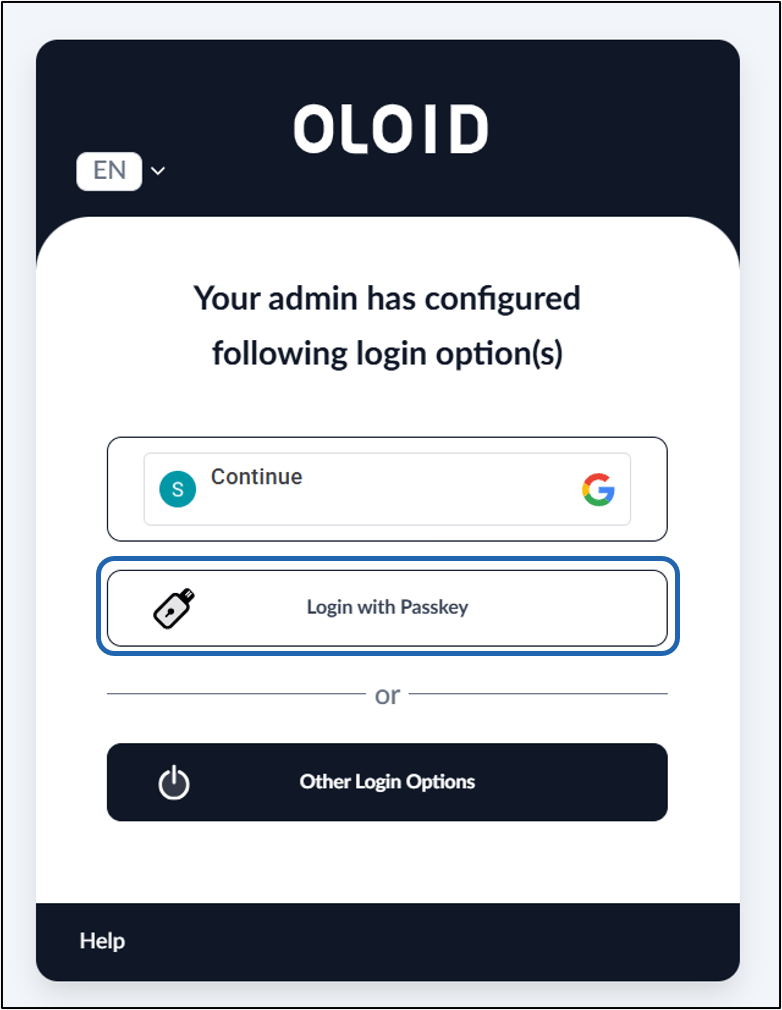
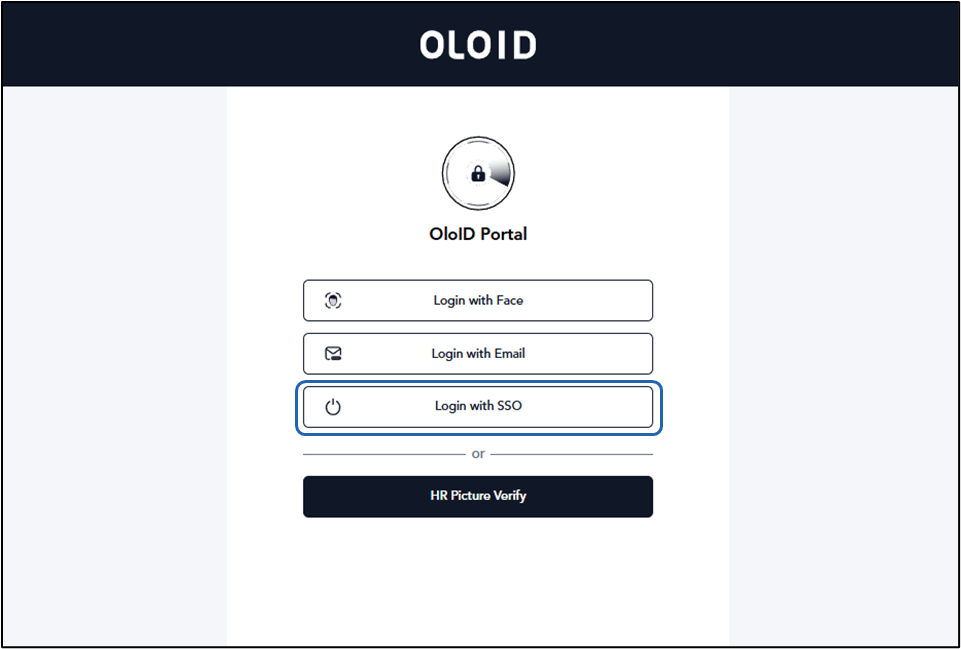
- Enter the provided URL in the browser’s address bar and press Enter. The configured Log in options are displayed.
- Click Login with SSO.
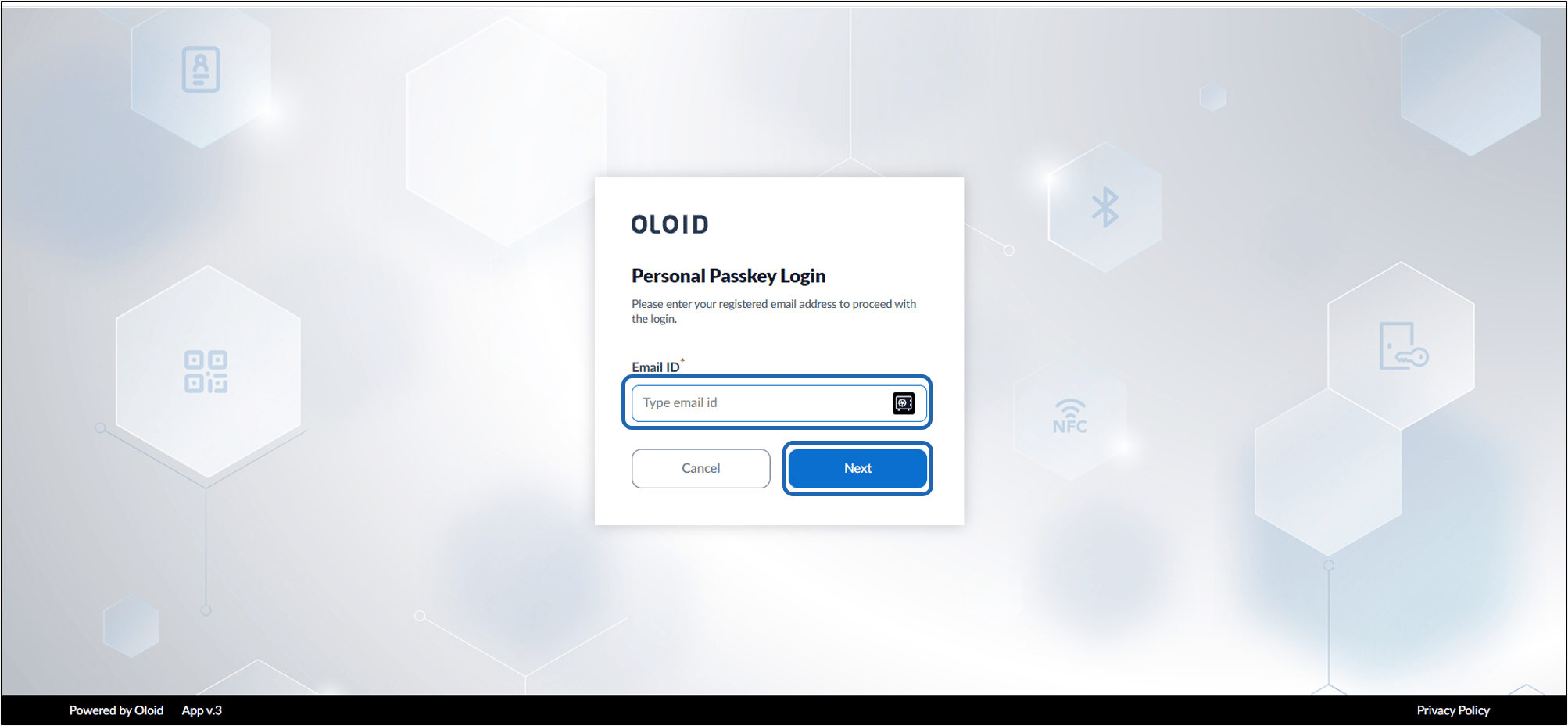
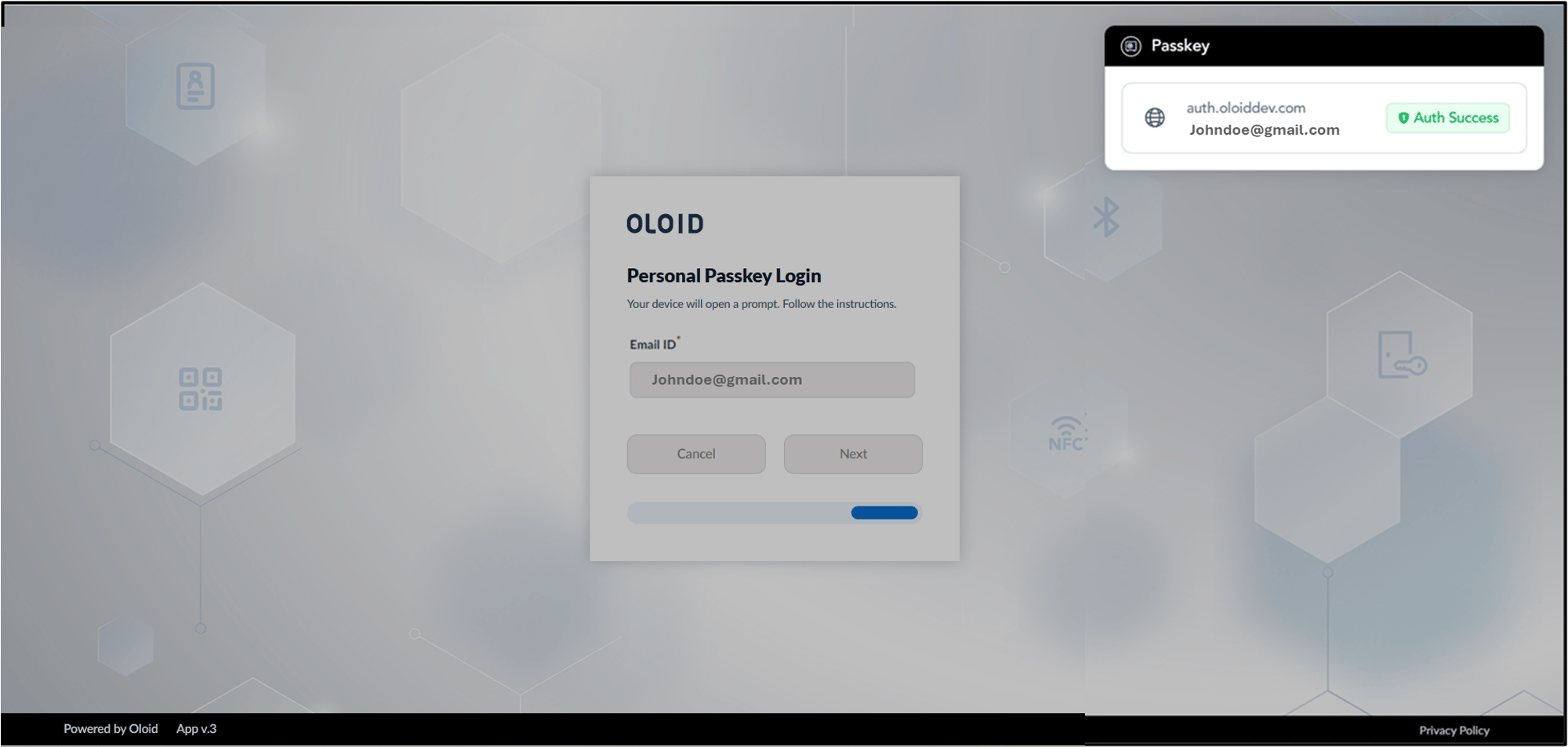
- Click Continue with Passkey.