

- Log in to Tenant Admin Portal.
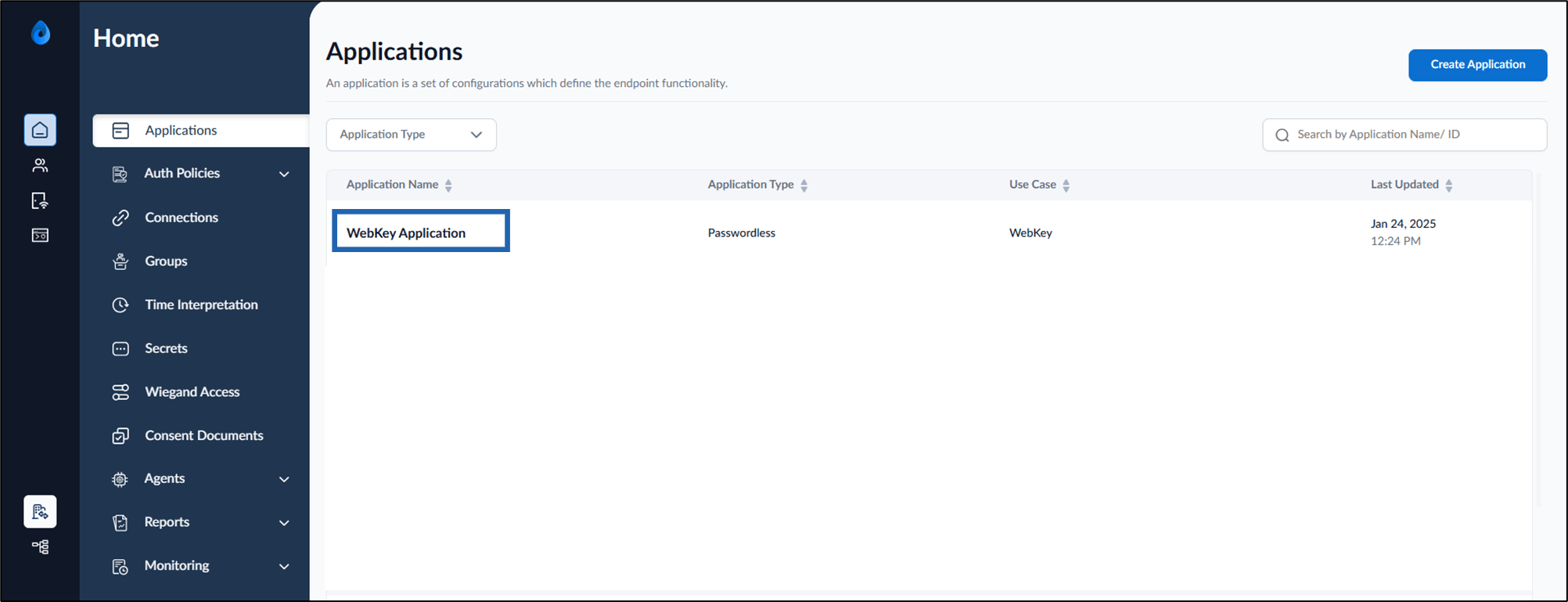
- On the homepage, select WebKey application.
- Go to Authenticator tab > Face >Enable Adjust Video Preview Container Spacing From Top toggle button.

- Click Save. The configuration is saved successfully.
How to enable Adjust Video Preview Container Spacing From Top
Enabling this toggle shifts the face preview container upward on the screen, allowing for better vertical alignment between the camera and the user’s face…
Enabling this toggle shifts the face preview container upward on the screen, allowing for better vertical alignment between the camera and the user’s face. This improves face detection accuracy in scenarios where the camera is mounted at the top edge of the device.
Steps to enable Adjust Video Preview Container Spacing:
⌘I