Introduction
Prerequisite
- You must have access to the Tenant Admin Portal.
- Ensure Windows Post-login Module is enabled.
- Ensure the ‘Enable Badge Out’ feature (Tap to Lock/Logout) is not active in the linked Application’s Configure tab.
Steps to Configure Post Login page
- Log in to the Tenant Admin Portal.
- On the home page of the portal, click Endpoints on the left menu panel.
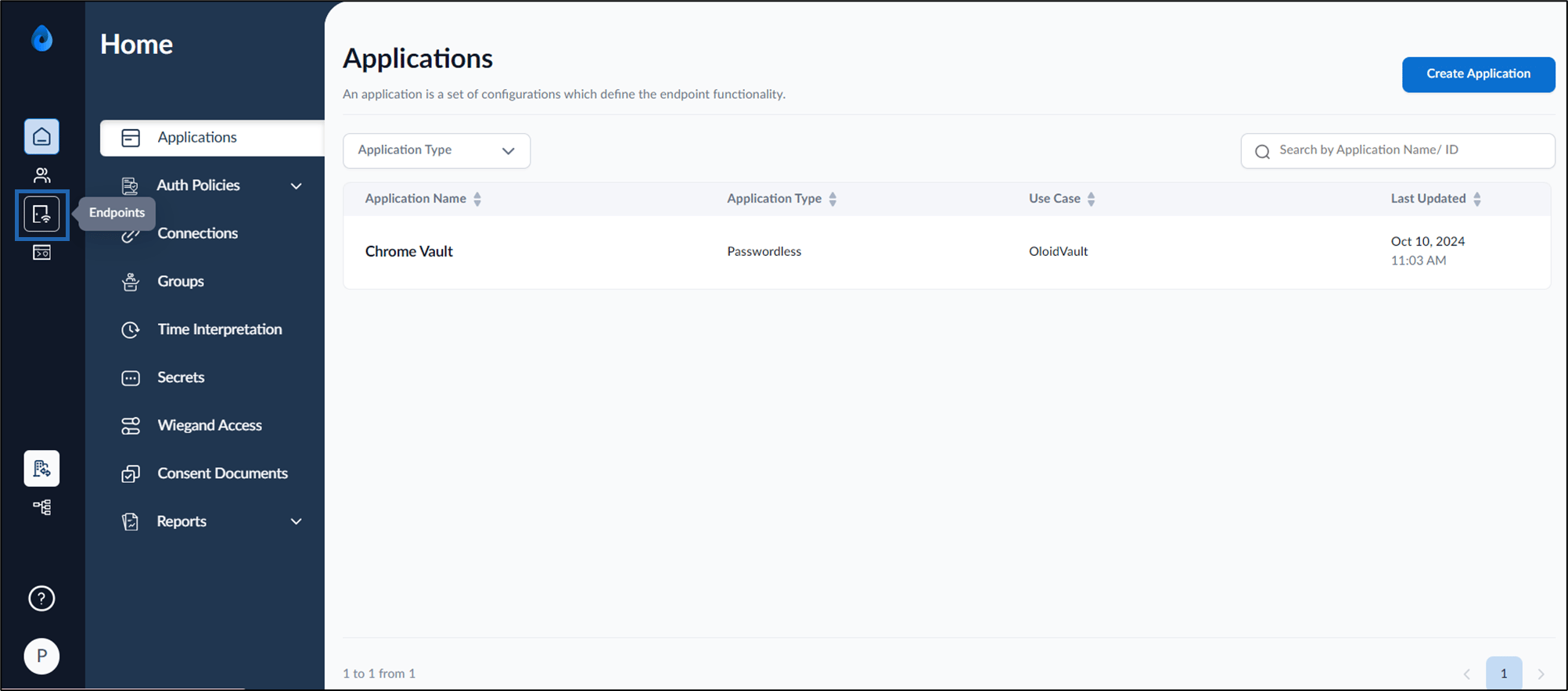
- Click an endpoint name to edit from the listed endpoints. The Endpoint details page is displayed.
- Select Post-Login tab.
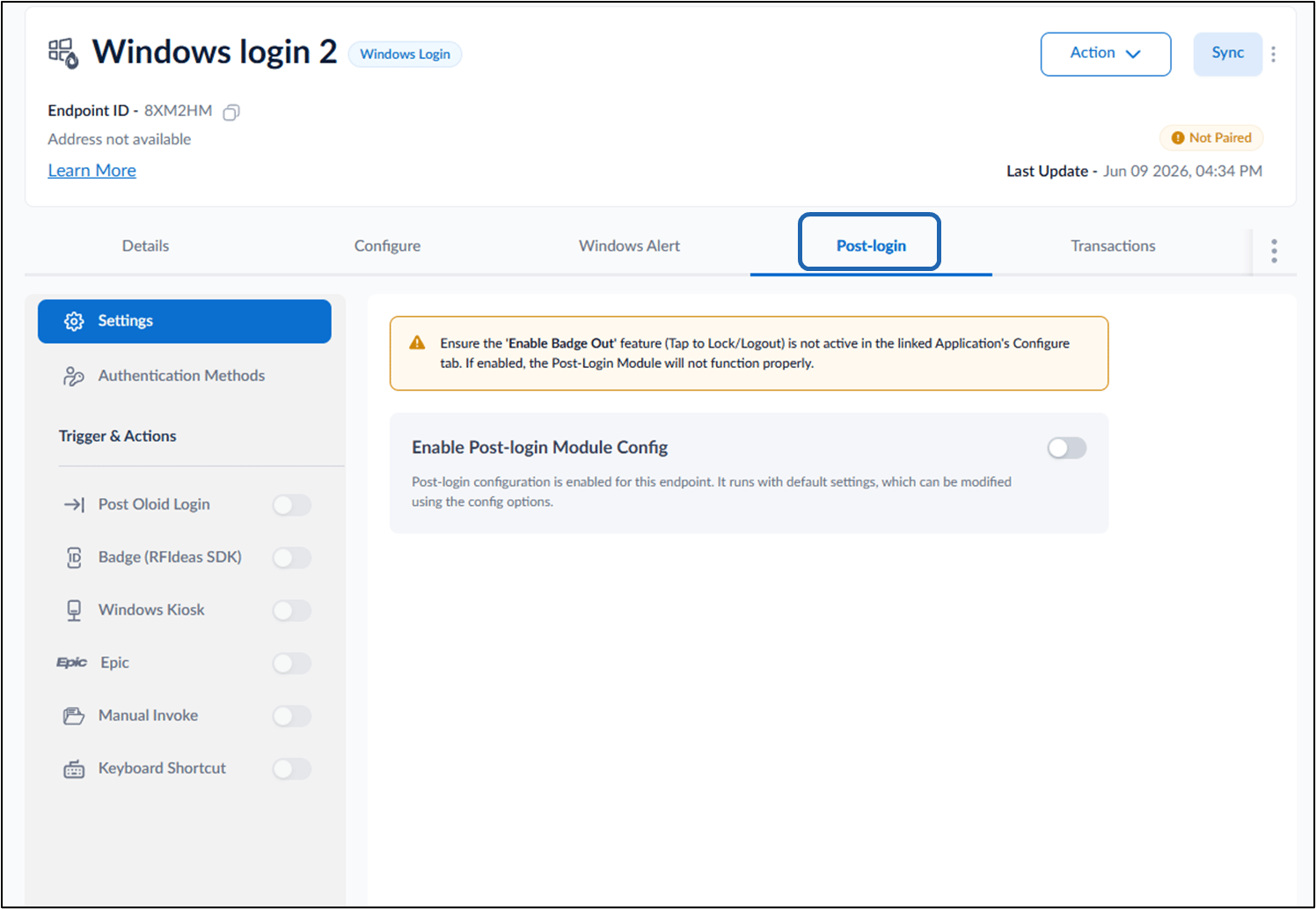
- Do the following: Configure Settings Tab Configure Authentication Methods Configure Triggers and Actions
Configure** **Settings Tab
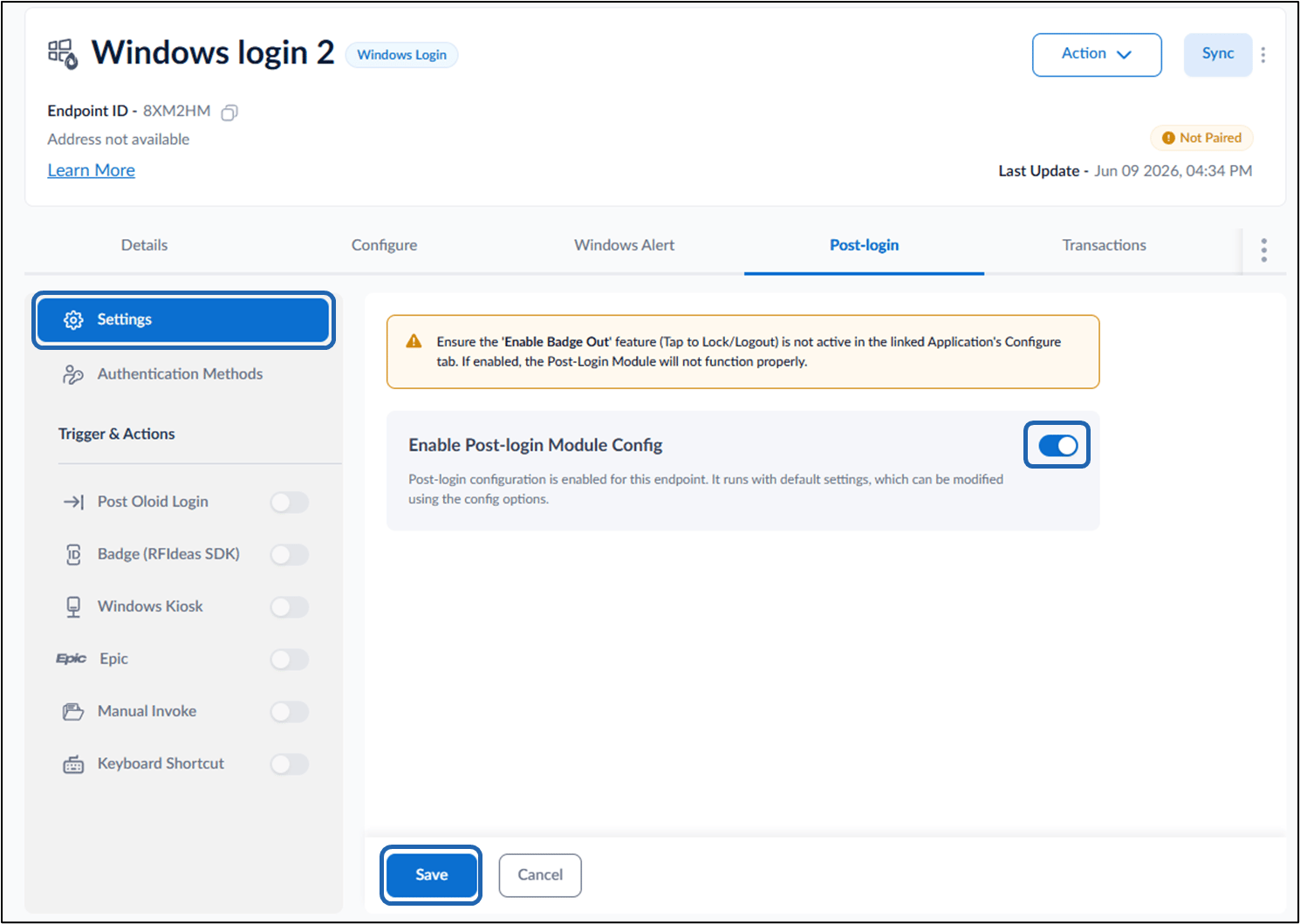
- Select Settings.
- Turn on Enable Post-login Module Config toggle.
- Click Save.