

- Log in to the Oloid Portal.
- On the homepage of the portal, click Endpoints on the left panel menu.

- Select an endpoint to edit.

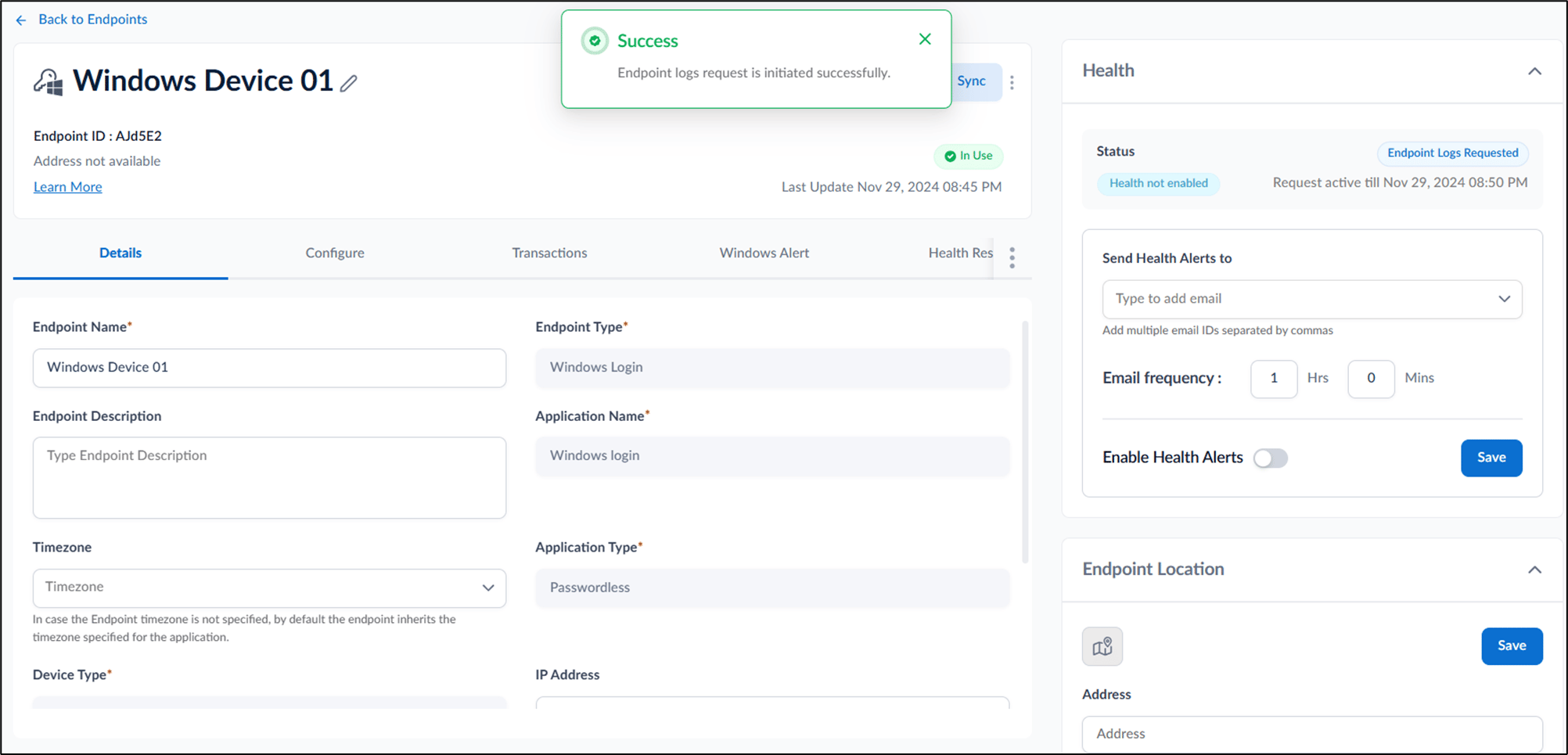
- Go to Health section at the top right corner and then select Request Logs.

- Do the following:
- Retrieve Endpoint log request after: Specify the time period for the requested log in Hrs and Min.
- Select Enable Request to confirm the log request.

How to extract logs using Oloid Portal
The Request Endpoint Logs feature allows you to retrieve a cumulative log report, including health data, for a specific endpoint during its routine sync…
The Request Endpoint Logs feature allows you to retrieve a cumulative log report, including health data, for a specific endpoint during its routine sync process.
Steps to extract logs:
⌘I