Introduction
This document explains how to find the UDID (Unique Device Identifier) of an iOS device, including iPhone and iPad.Prerequisites
- You must have a Mac.
- You must have an iPhone or iPad.
- You must have a USB cable to connect the iOS device to the Mac.
- Ensure the iPhone or iPad is unlocked before connecting it to the Mac.
Steps to Find the UDID of an iOS Device(iPad/iPhone)
-
Connect the iOS Device(iPad/iPhone) to your Mac using a USB cable.
Note: Ensure the iPad or iPhone is unlocked before connecting it to your Mac.
-
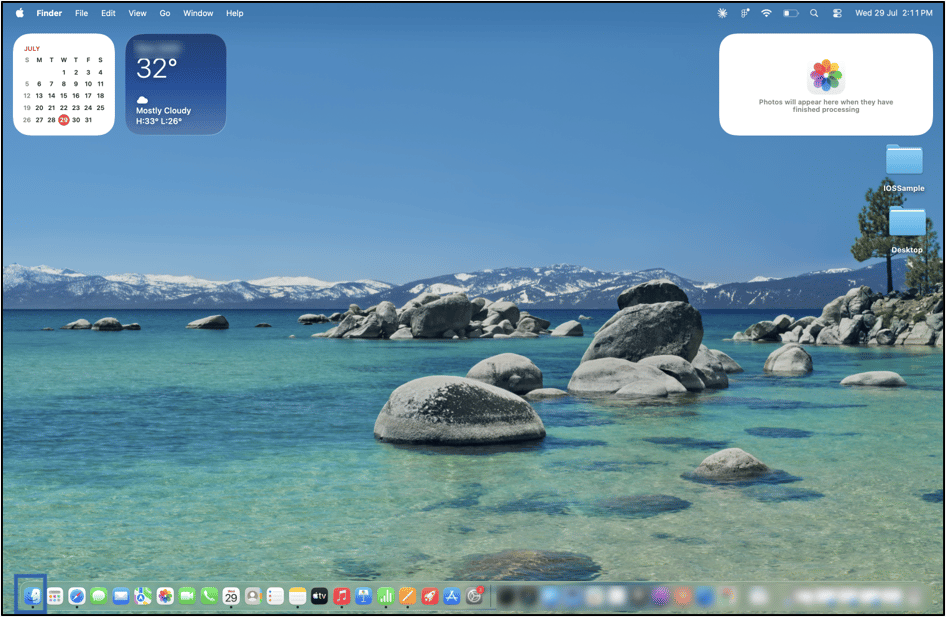
Once the iOS Device(iPad/iPhone) is connected to the Mac, open Finder.
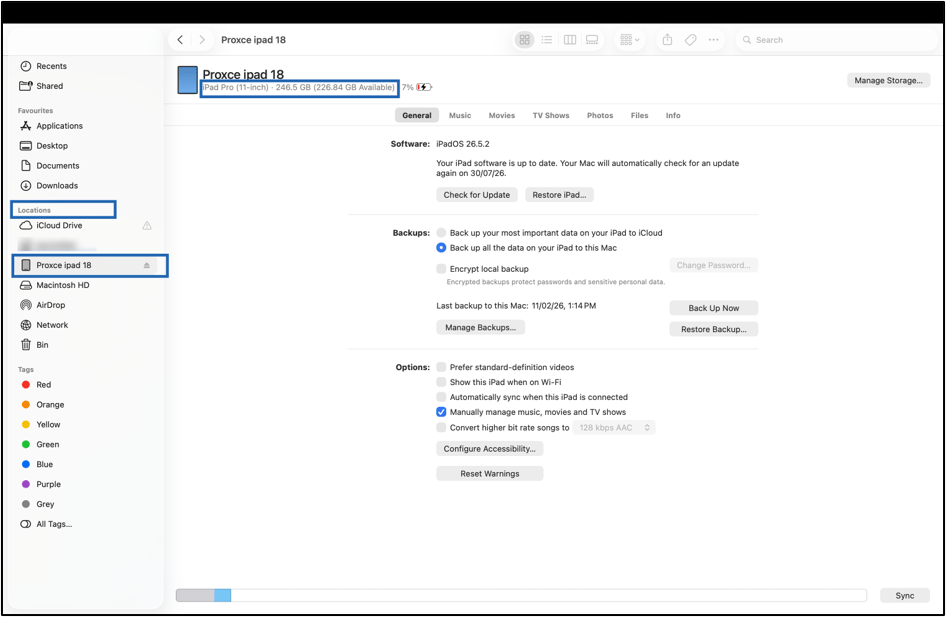
- Select your device from the left sidebar under Locations. The iOS device information page is displayed.
-
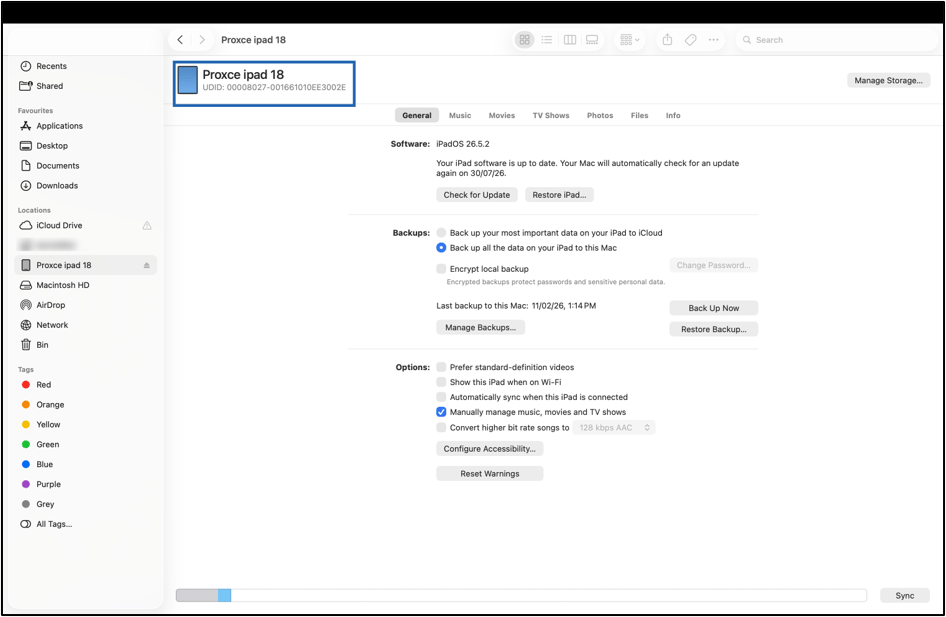
Click on the device information under device name.