

- Launch the workflow on prem machine.
- Navigate to the workflow application URL **(e.g: default URL http://localhost)**in your browser address bar. Then, press Enter on your keyboard.
The Workflow Login page is displayed.
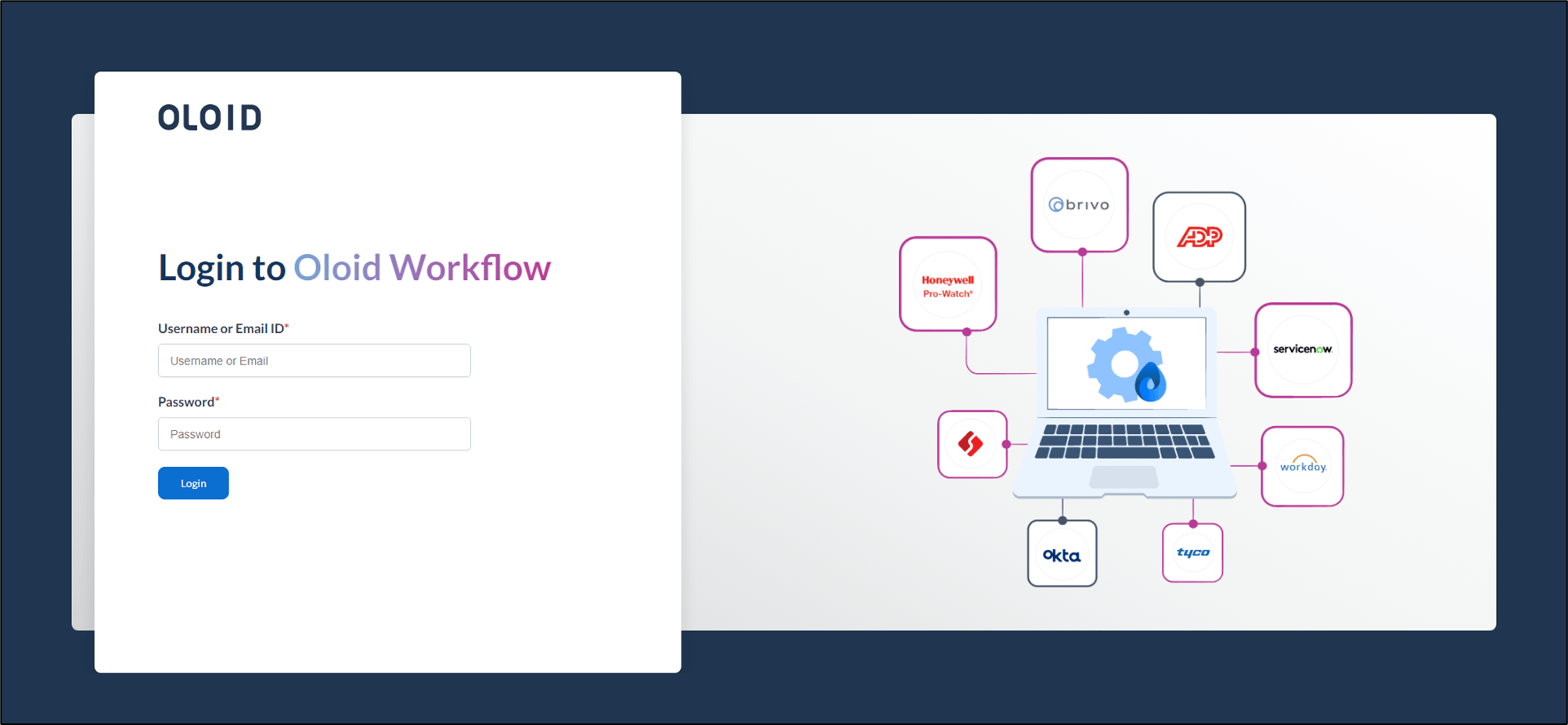
- Enter username and password in the appropriate fields.
- Click Login.
The Oloid Workflow application page is displayed.

- Click navigation menu

- Select Export to export the flows.
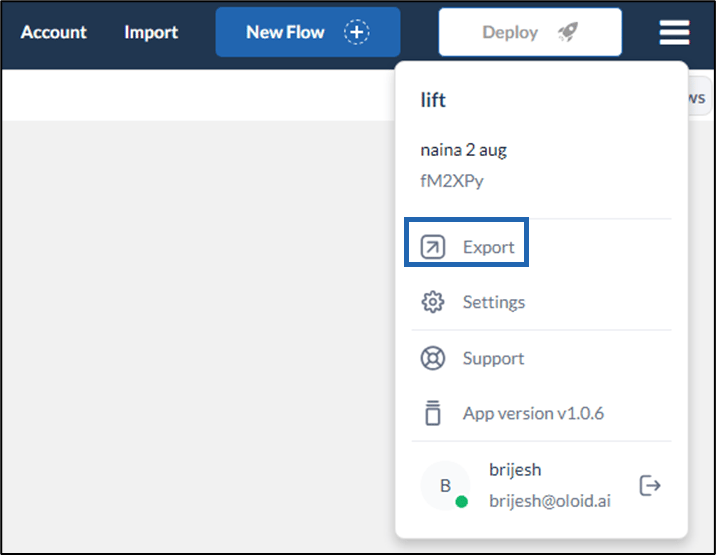

- Select All Flows tab, then click Download.

How to export a flow?
- Navigate to the workflow application URL (e.g: default URL http://localhost)in your browser address bar. Then, press Enter on your keyboard.
Steps to export a Flow:
⌘I