Tenant Admin Portal QRG -How to create... - screenshot 1

Steps to create and download Endpoint Details Ad-Hoc Report

  1. Log in to the Tenant Admin Portal.
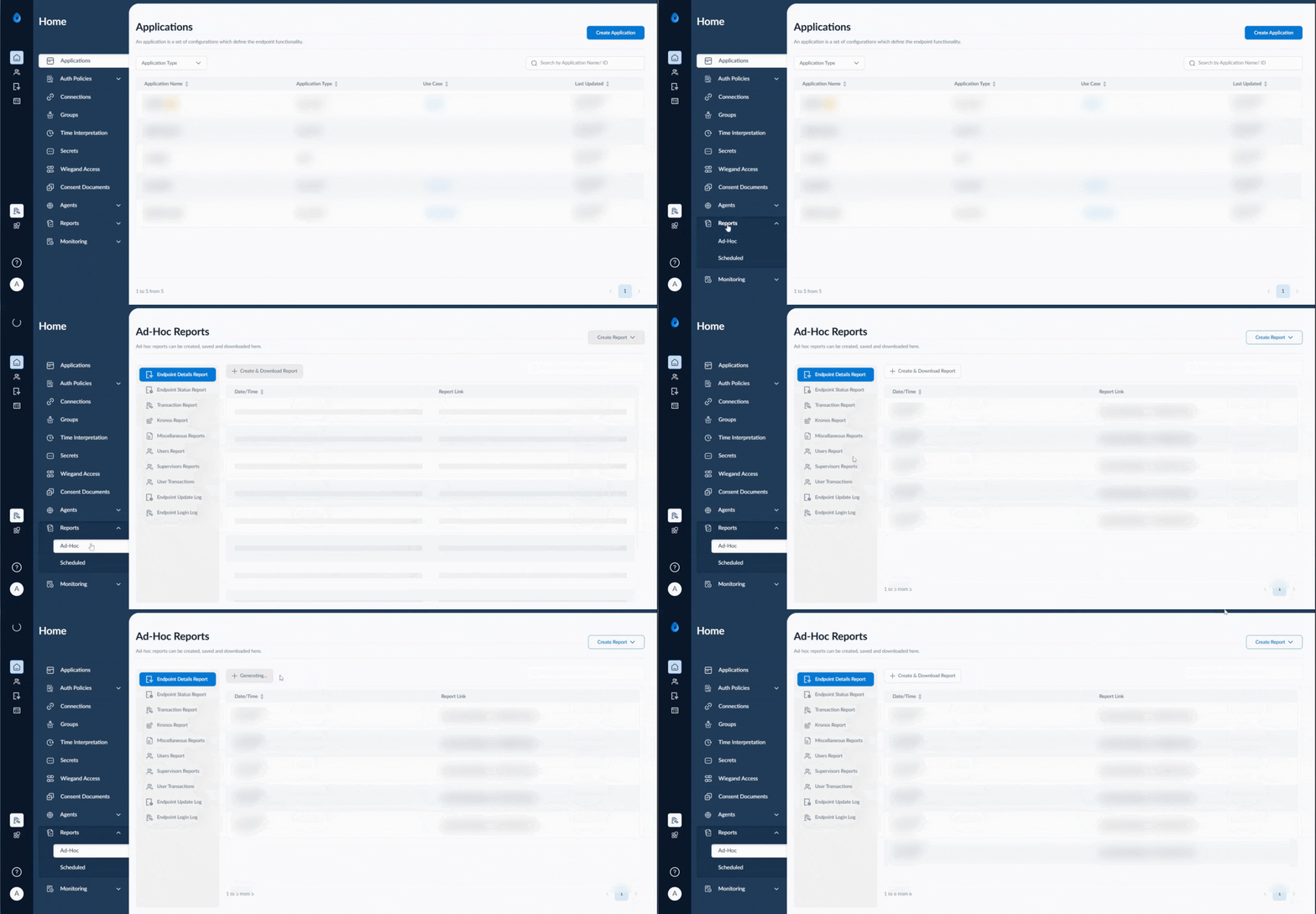
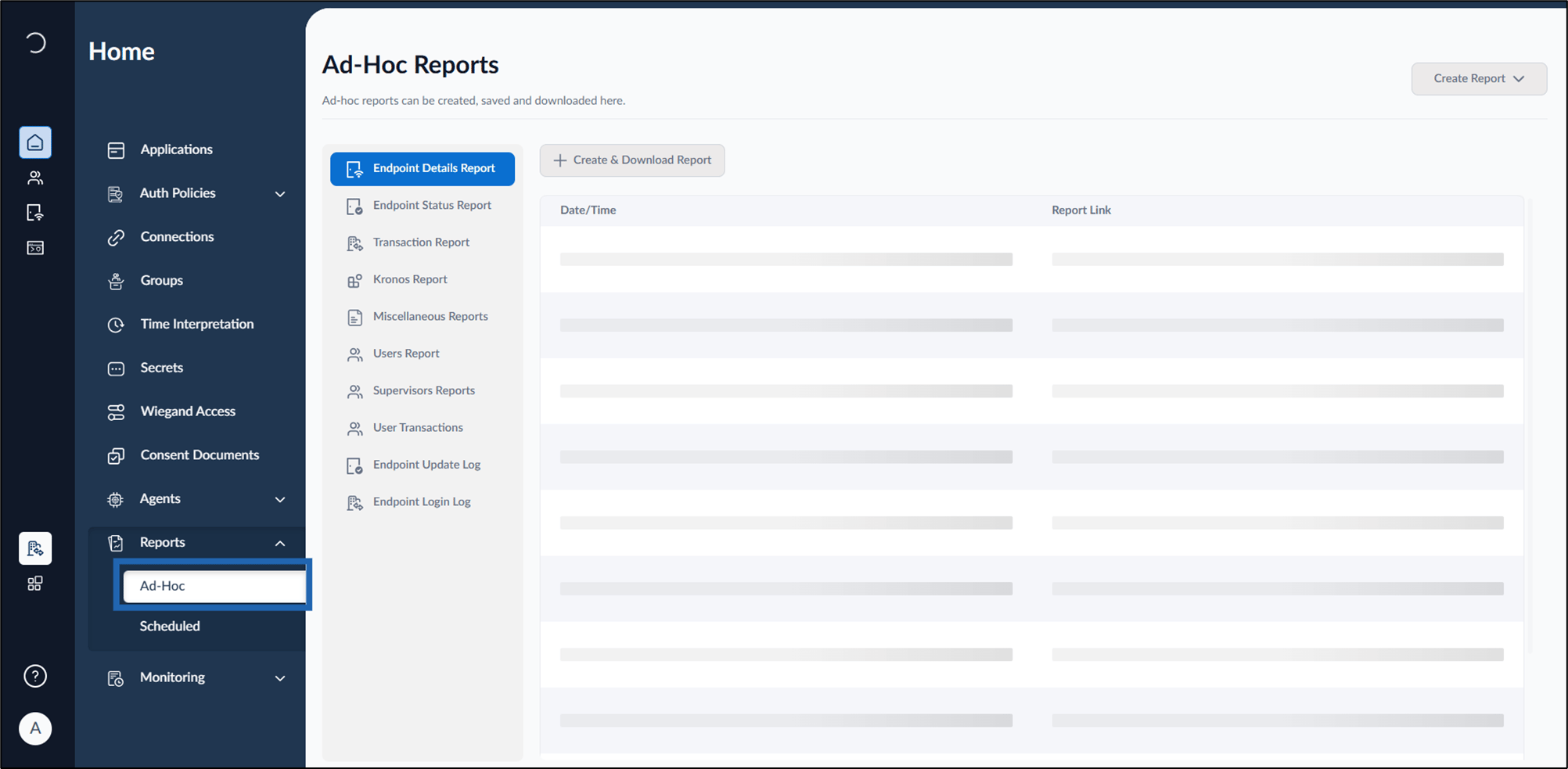
  2. Click Report from the left menu panel > click Ad-Hoc report. Tenant Admin Portal QRG -How to create... - screenshot 2 The Ad-Hoc report page is displayed.
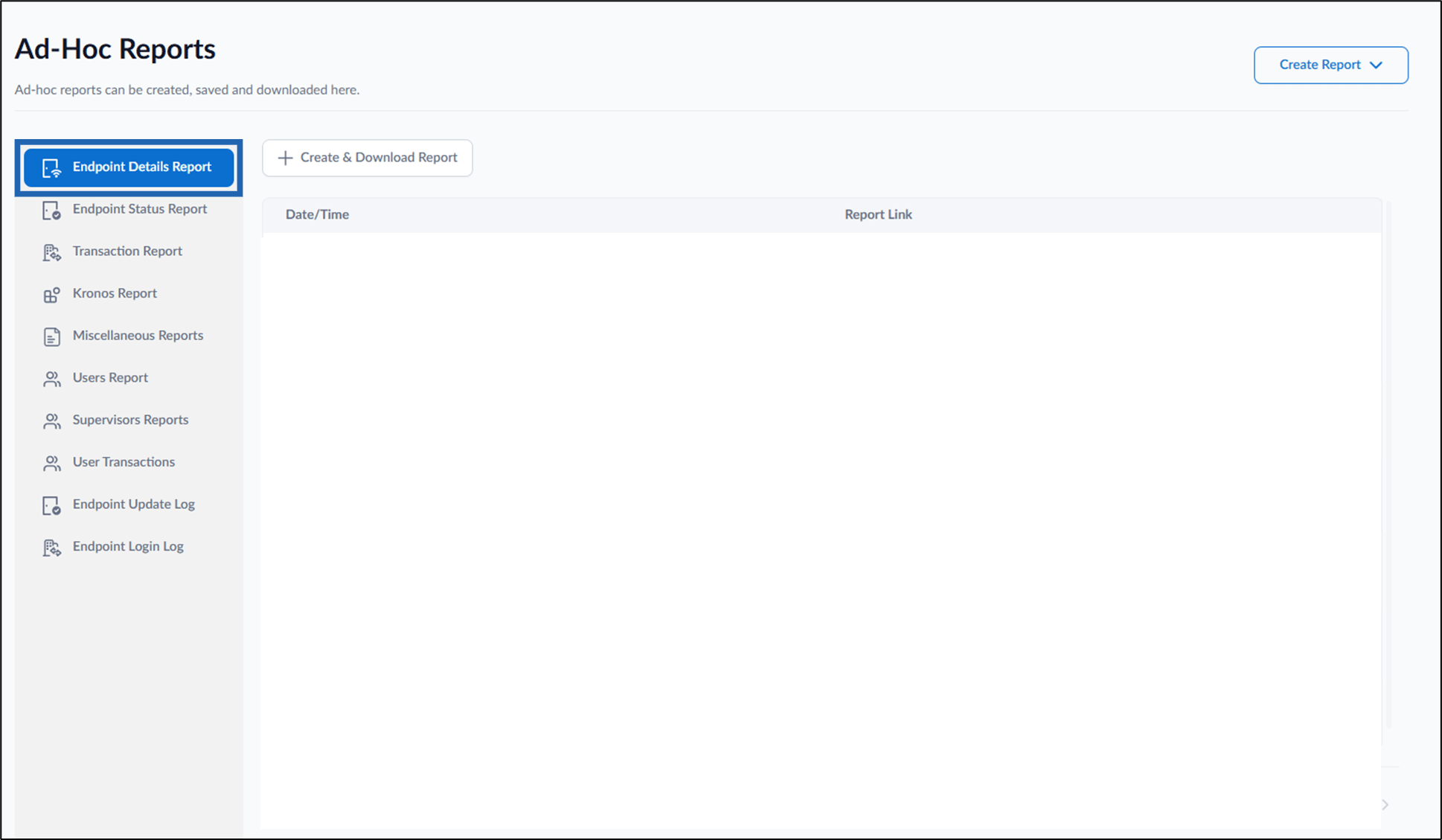
  3. Click Endpoint Details Report. Tenant Admin Portal QRG -How to create... - screenshot 3
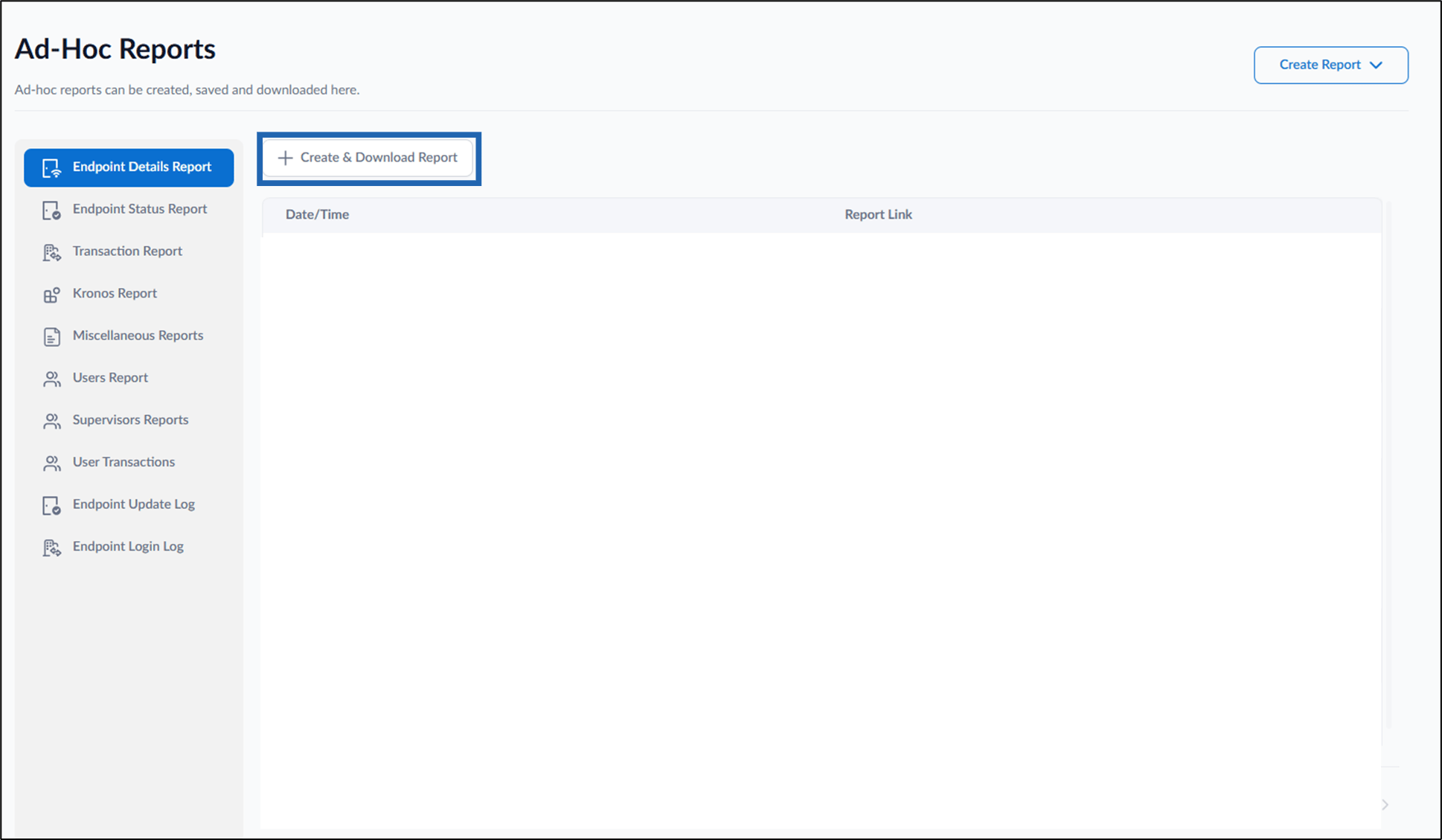
  4. Click create and download report. Tenant Admin Portal QRG -How to create... - screenshot 4 The endpoint details Ad-Hoc report is created and downloaded successfully.