Introduction
This document explains how to enable Location Mandate feature and configure Geo-Fencing Radius for the Oloid Connect application.Prerequisites
- You must have Admin access to the Tenant Admin Portal.
- You must create and configure Oloid Connect application in the Tenant Admin Portal. For more, refer to How to Create and Configure Oloid Connect Application in Tenant Admin Portal
Steps to Enable Location Mandate
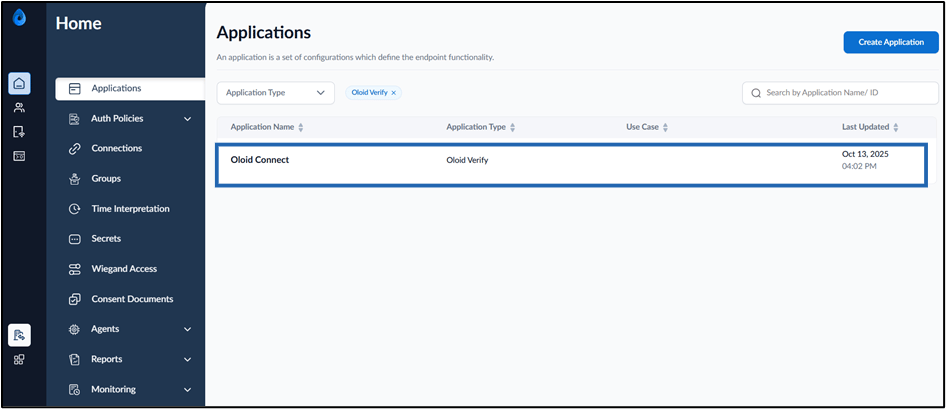
- Log in to the Tenant Admin Portal.
-
On the Applications page, click on Oloid Connect application.
-
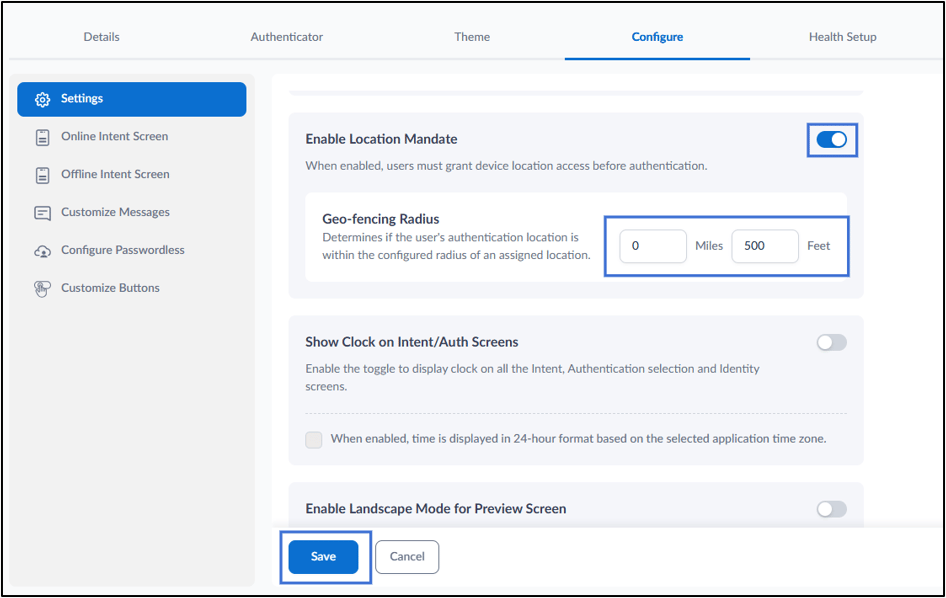
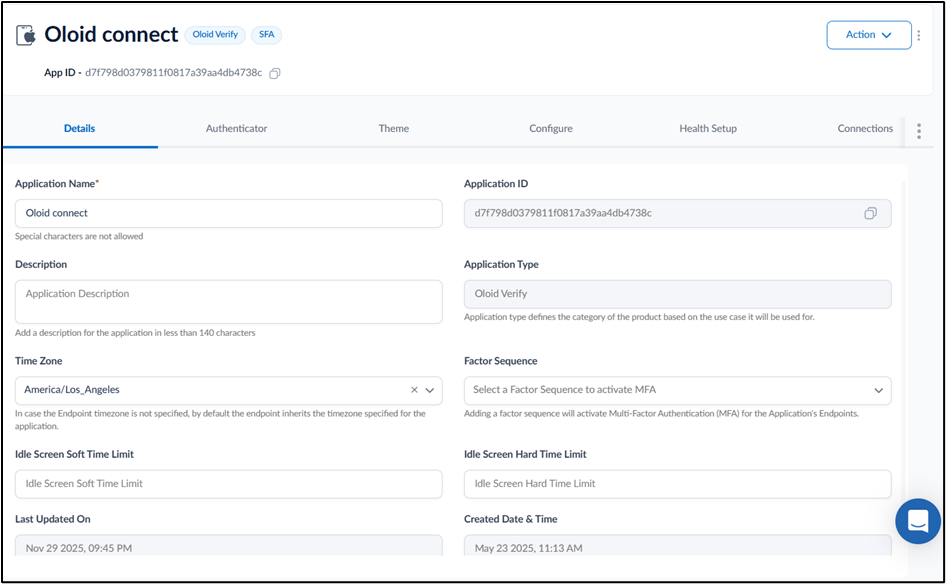
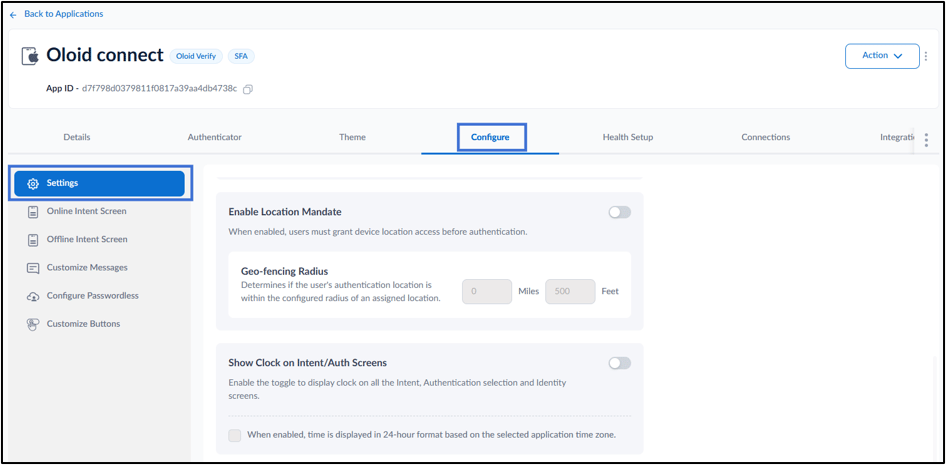
Go to Configure tab > Settings.
-
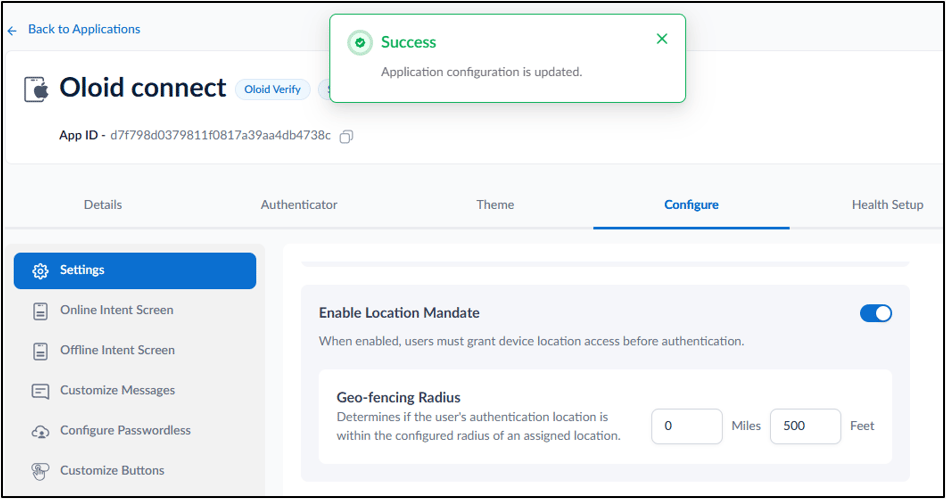
Enable Location Mandate toggle.
Note: When enabled, users must grant device location access before authentication.
- In the Geo-fencing Radius section, configure the allowed authentication distance: Miles – Enter the allowed radius in miles. Feet – Enter the allowed radius in feet.