

- Launch Supervisor app. The Supervisor app is displayed.
- Enter Tenant Name.
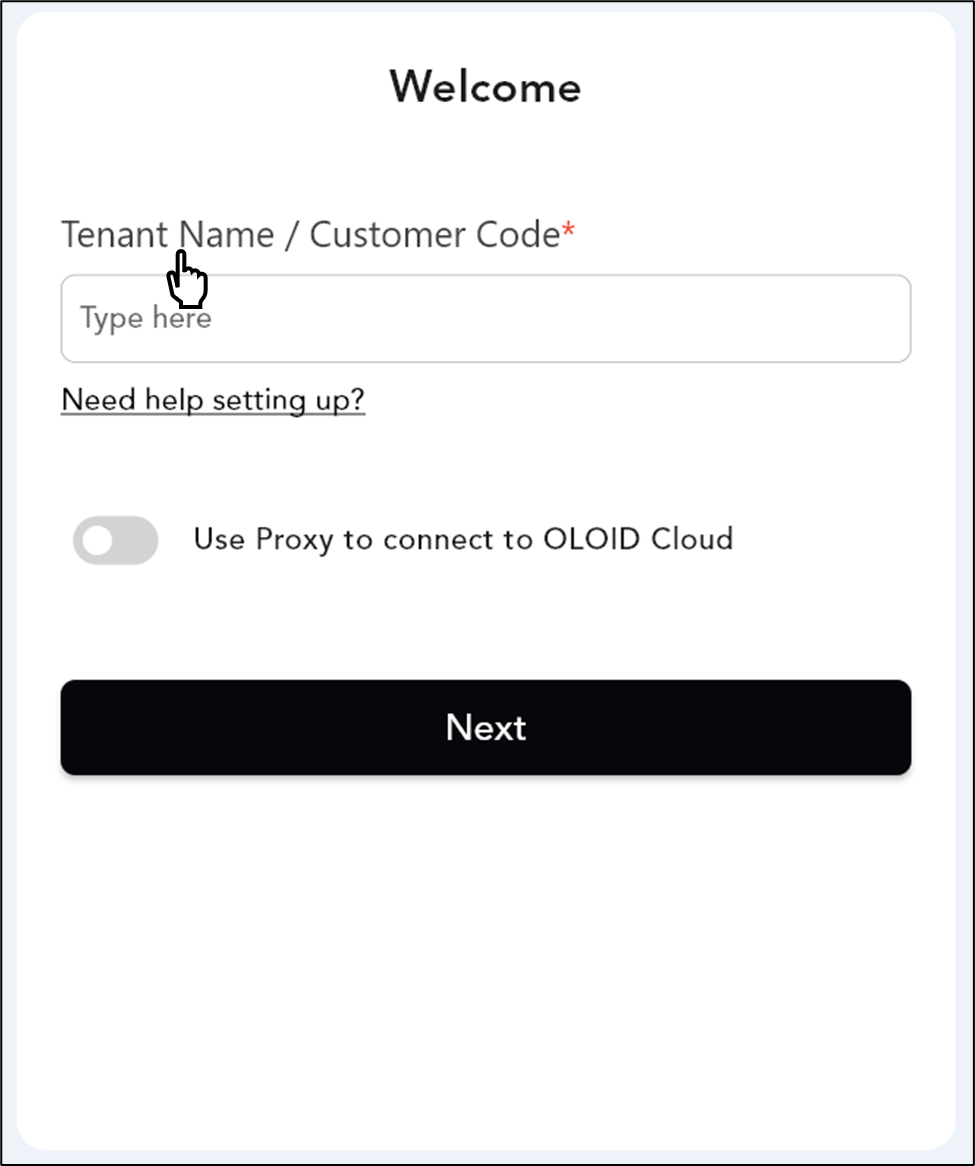
- Select Next. The Pair Endpoint screen is displayed.
- Select Pair as Supervisor.
- Click Login with SSO. The configured Login options are displayed.
- Select Login with Okta to log into Supervisor app.
How to log in to Supervisor app with Okta SSO (WIP)
To enable Okta Login on Supervisor application, you need to raise a ticket with Oloid Support. Your Okta Login will be enabled within 48 hrs.
To enable Okta Login on Supervisor application, you need to raise a ticket with Oloid Support. Your Okta Login will be enabled within 48 hrs.
Pre-requisite
You should have supervisor or tenant admin role in the Supervisor app.
Follow the below steps to log into Supervisor app using Okta SSO Login option.
⌘I