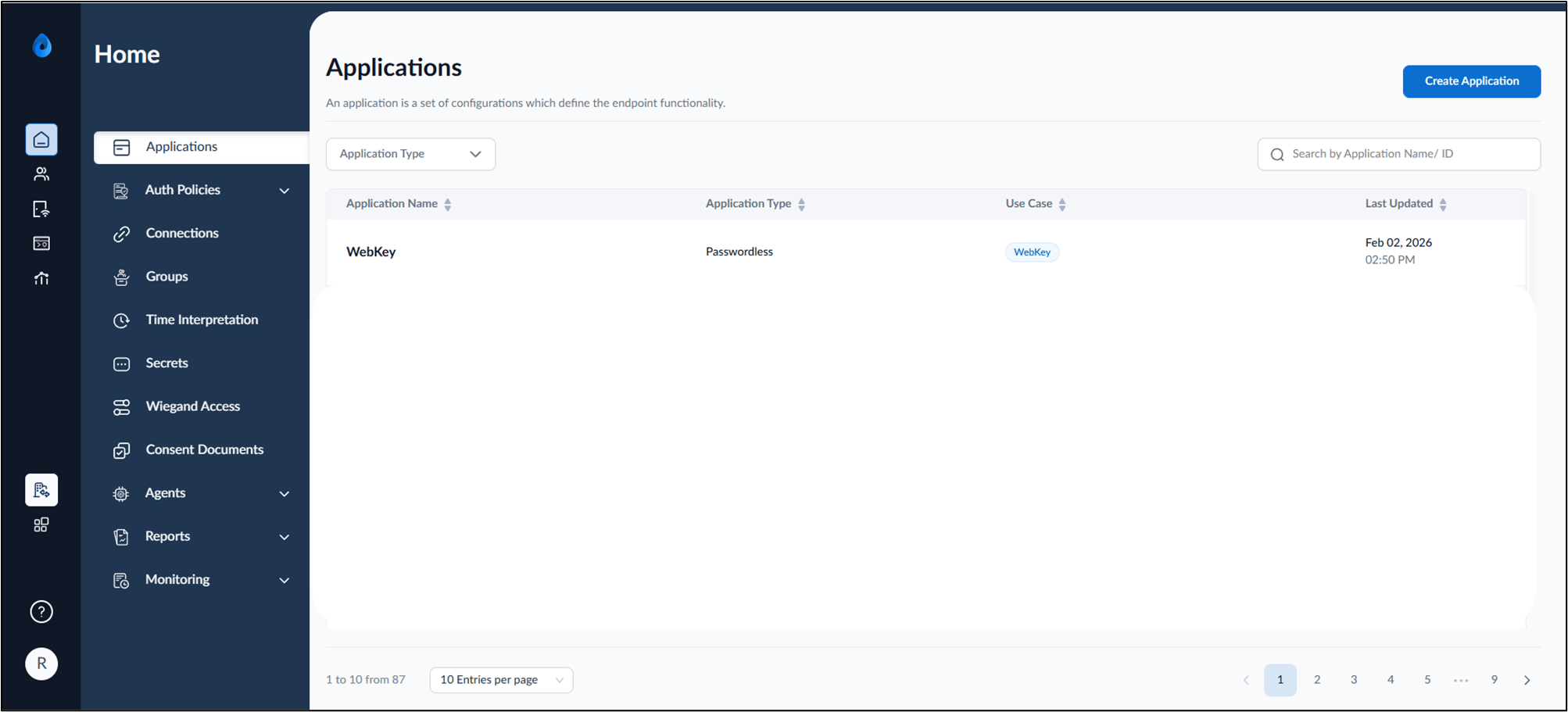
Introduction
WebKey SSO allows Users to access the portal by authenticating with the Webkey SSO and configured authentication factor.Prerequisites
Before logging into the User Portal using Webkey SSO, ensure the following:- You have the login URL provided to access the User portal.
Steps to log into User Portal using Webkey SSO
- Launch your browser.
- Enter the provided URL in the browser’s address bar and press Enter.
The Oloid Login page is displayed.

- Click Login with SSO.
The configured Log in options are displayed.

- Click Continue with Oloid to log in to Oloid Platform with Webkey SSO.
The Authentication screen is displayed.
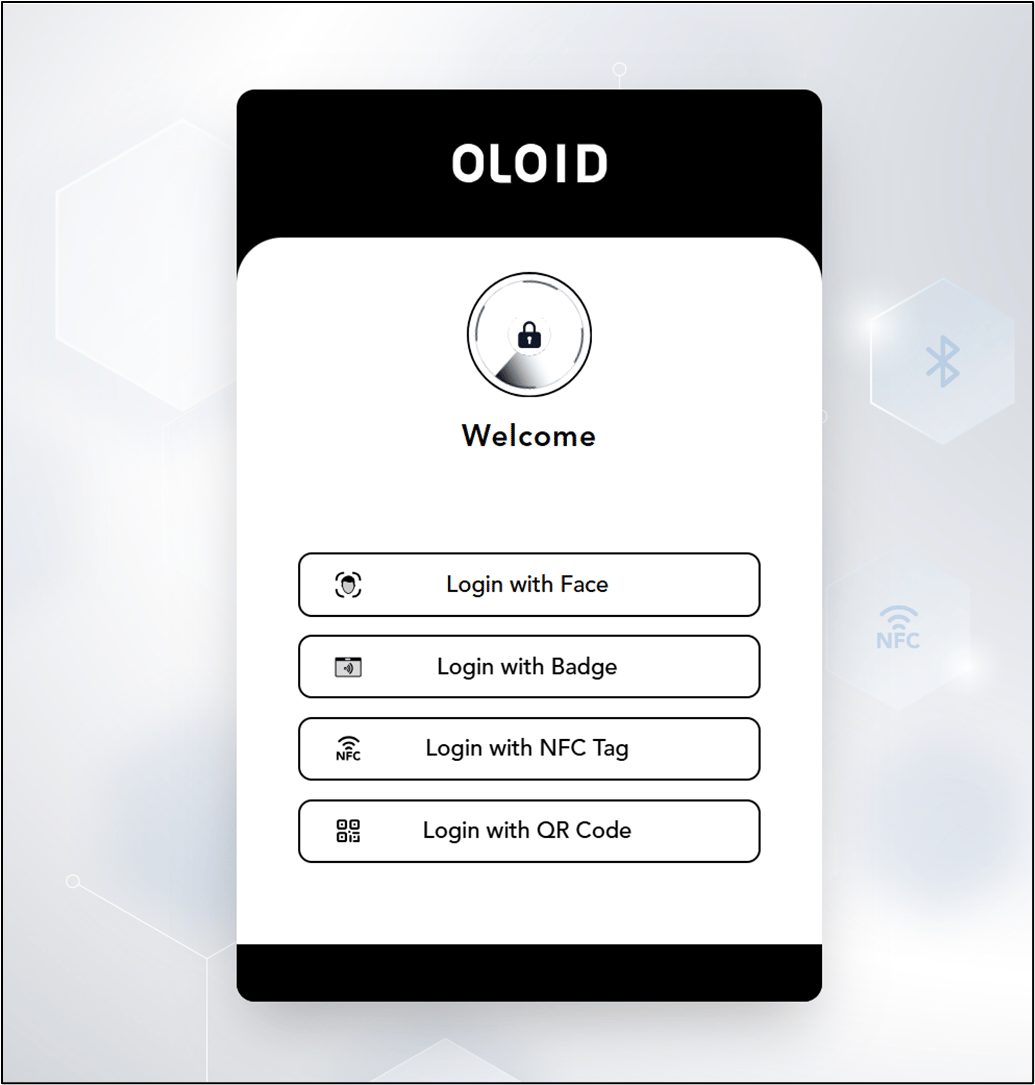
- Select the authentication factor to Login.