

- Launch the Windows Login app.
- On the login page of the app, enter the registered login credentials.

- Click Login. The paired endpoint details are displayed.
- Select Disable Passwordless.
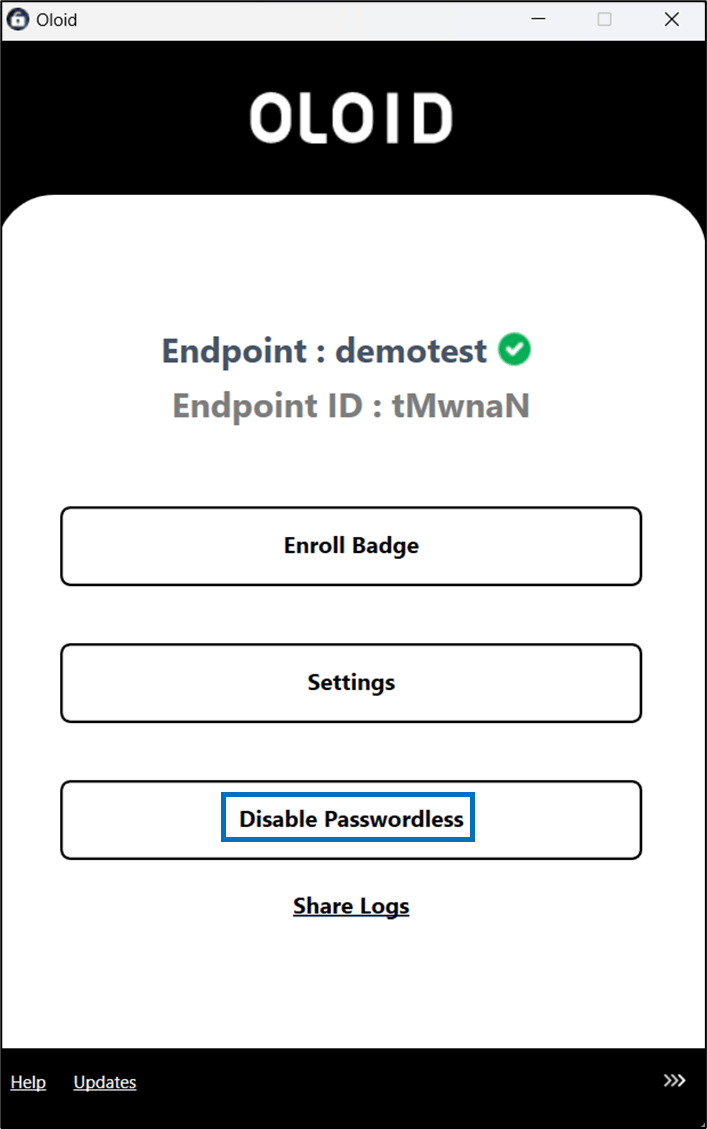
- Select Disable Passwordless.


How to disable passwordless in Windows Device App?
To disable passwordless follow the below steps:
To disable passwordless follow the below steps:
⌘I