

- Open Local system.
- Go to File Explorer > select OS (C:) from the left menu panel.

- Double click the Oloid folder.

- Double click the Oloid folder.

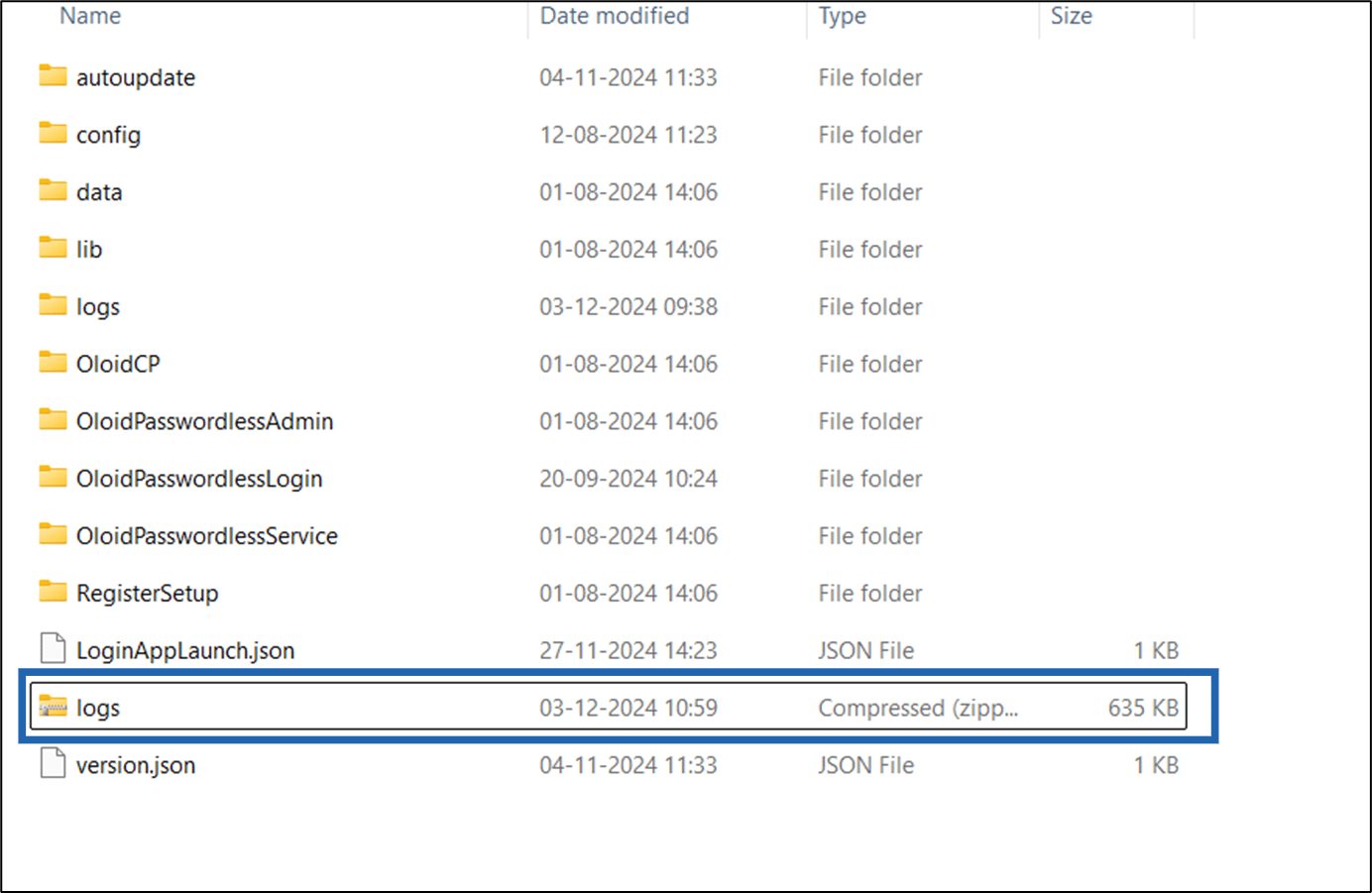
- Select Logs folder and right click. The menu is displayed.
- Go to Compress to > select Zip File.
(ADD SS)
The compressing process is started.

How to extract logs manually
This document provides step-by-step instructions to extract logs manually.
Steps to extract logs:
⌘I