

- Log in to the Oloid Portal.
- On the homepage, go to Directory.
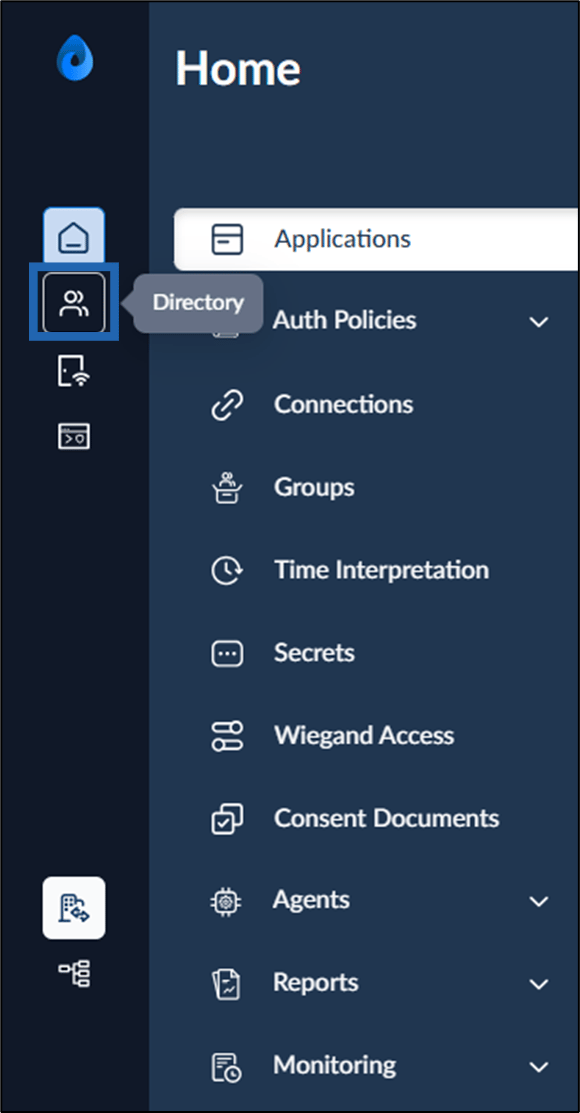
- Select User.

- Go to Time Rules tab > click +Add Time Rule.
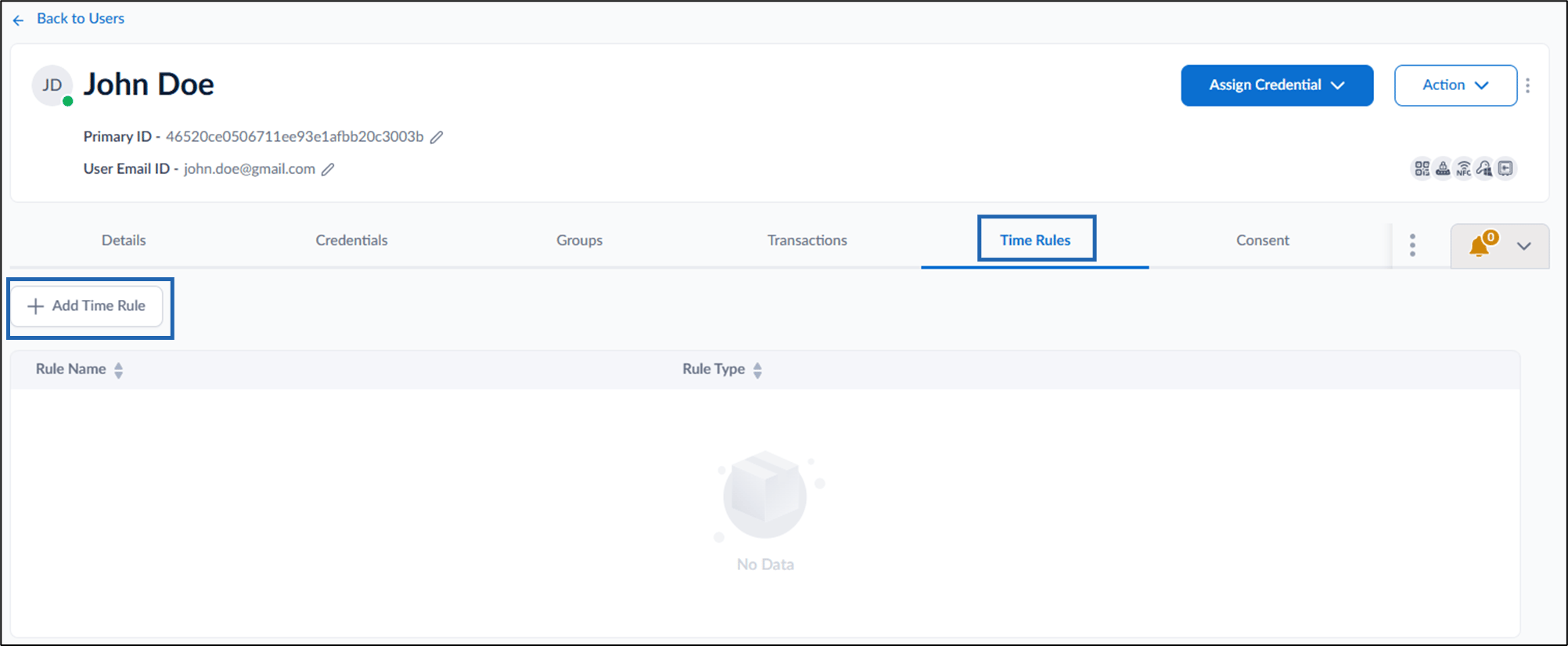
- Do the following on the pop-up box:
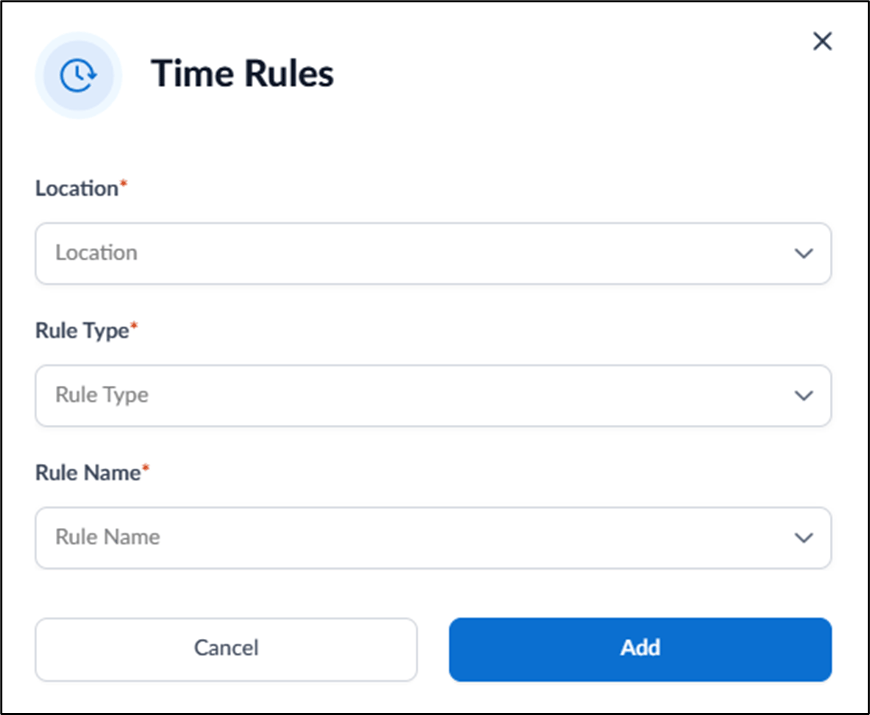
- Select location from the Location dropdown.
- Select type from the Rule Type dropdown list.
- Select Rule Name from the dropdown.
- Click Add.
The Time Rule is added and listed in the page.

How to add Time Rule to User
Steps to add Time Rule to User:
Steps to add Time Rule to User:
⌘I