

Introduction
The Vault Passkey feature allows administrators to view and manage secure passkey credentials associated with a user in the Tenant Admin Portal.Prerequisite
You must have Tenant Admin account.Steps to View and Edit Vault Passkey
- Log in to the Tenant Admin Portal.
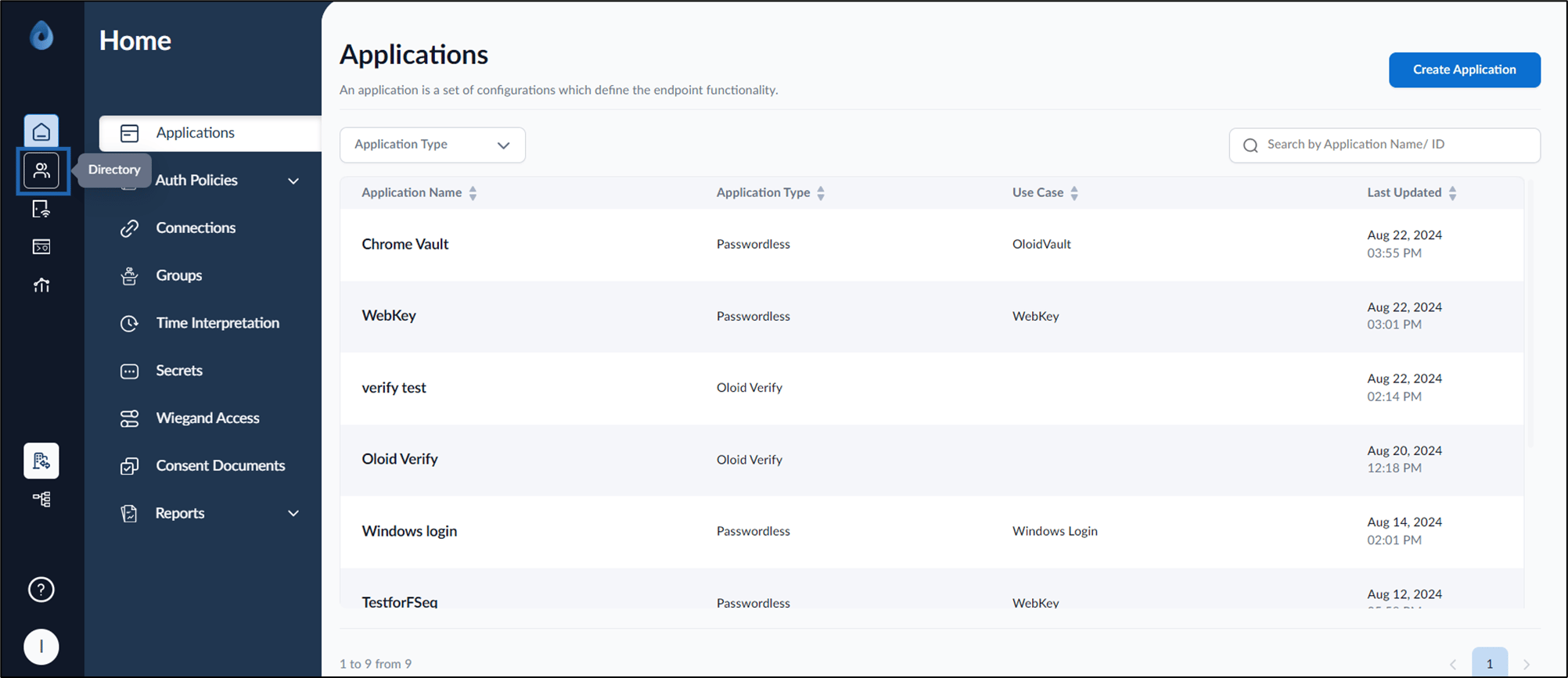
- On the home page of the portal, click Directory on the left menu panel.
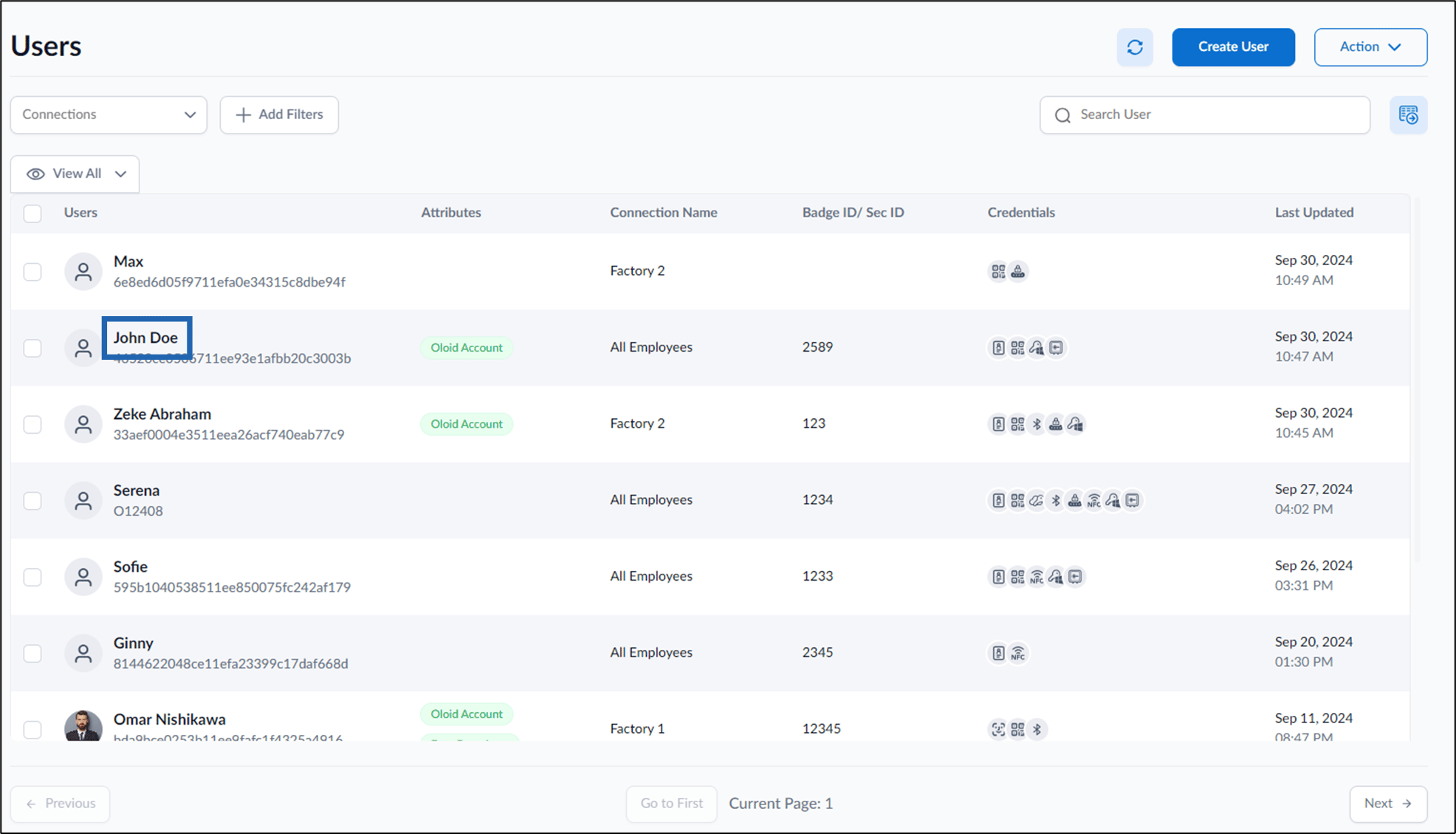
- Click user name to edit.
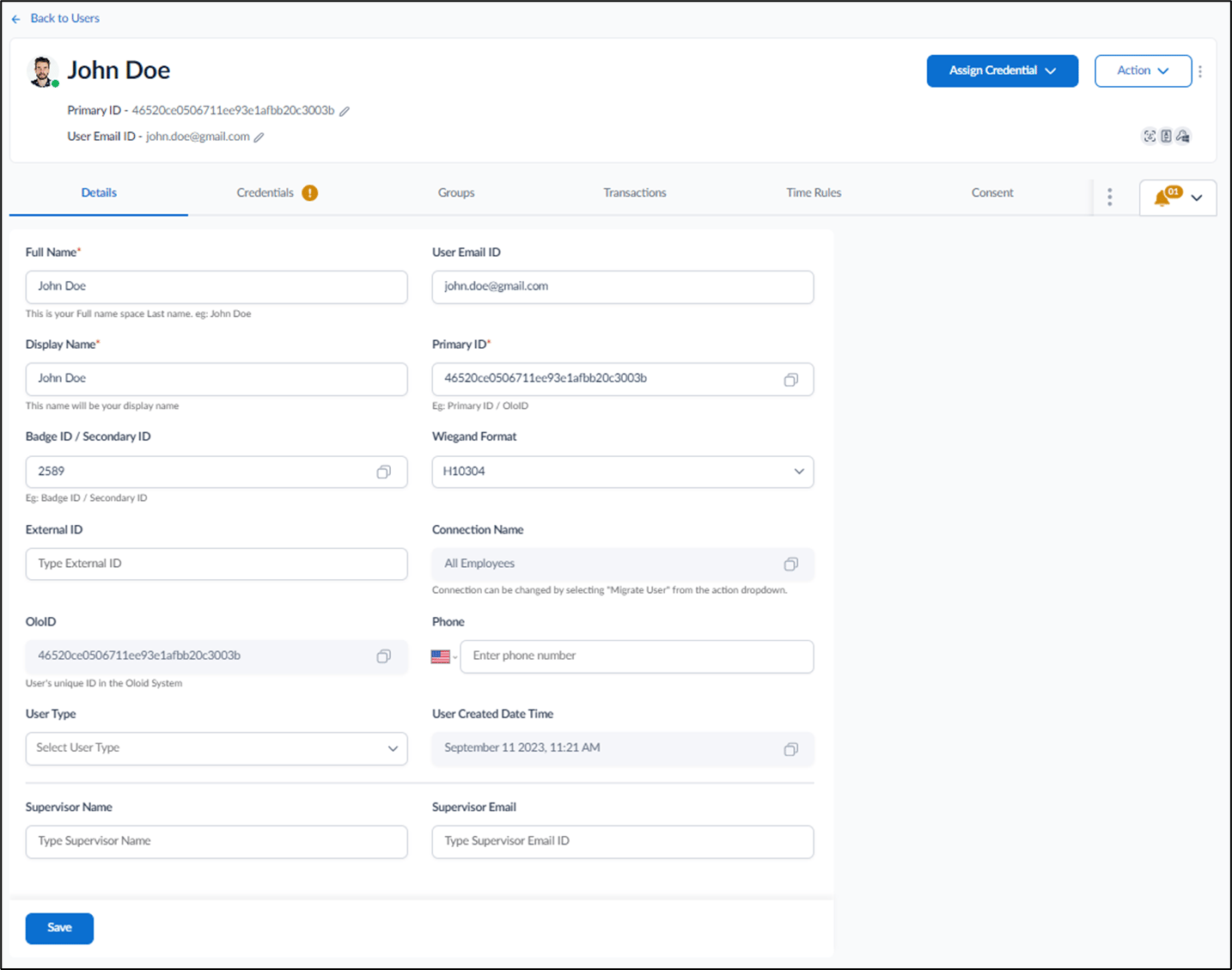
- Go to Credentials tab > Vault Passkey
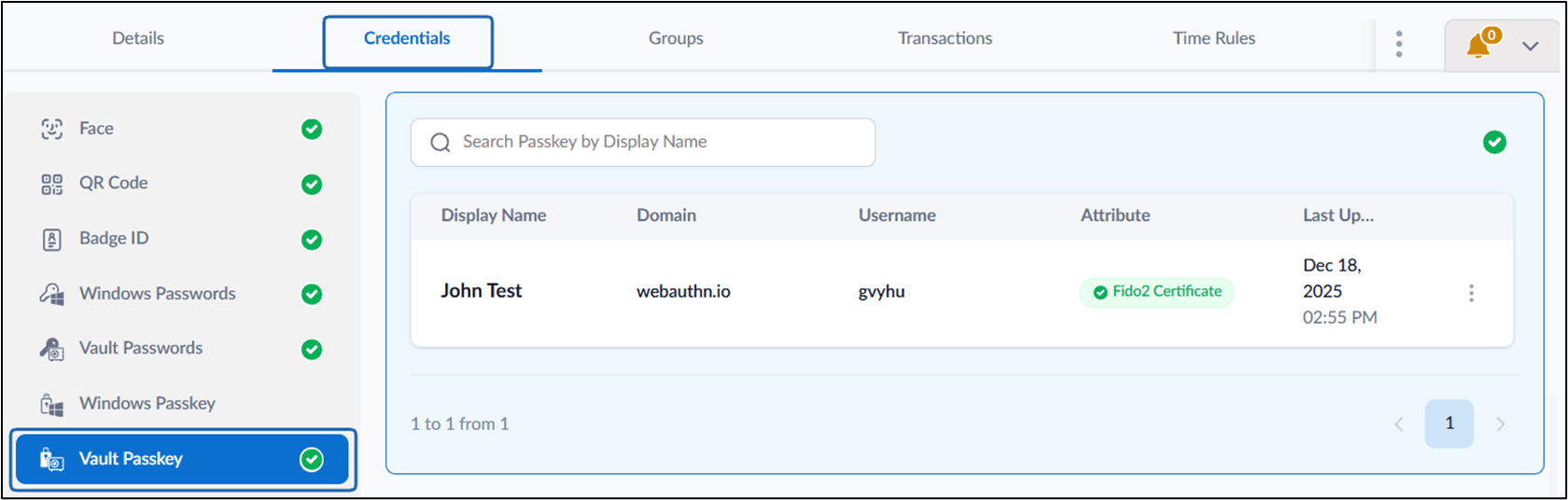
- Select the three-dot menu to open the options for viewing, editing, or deleting the passkey.
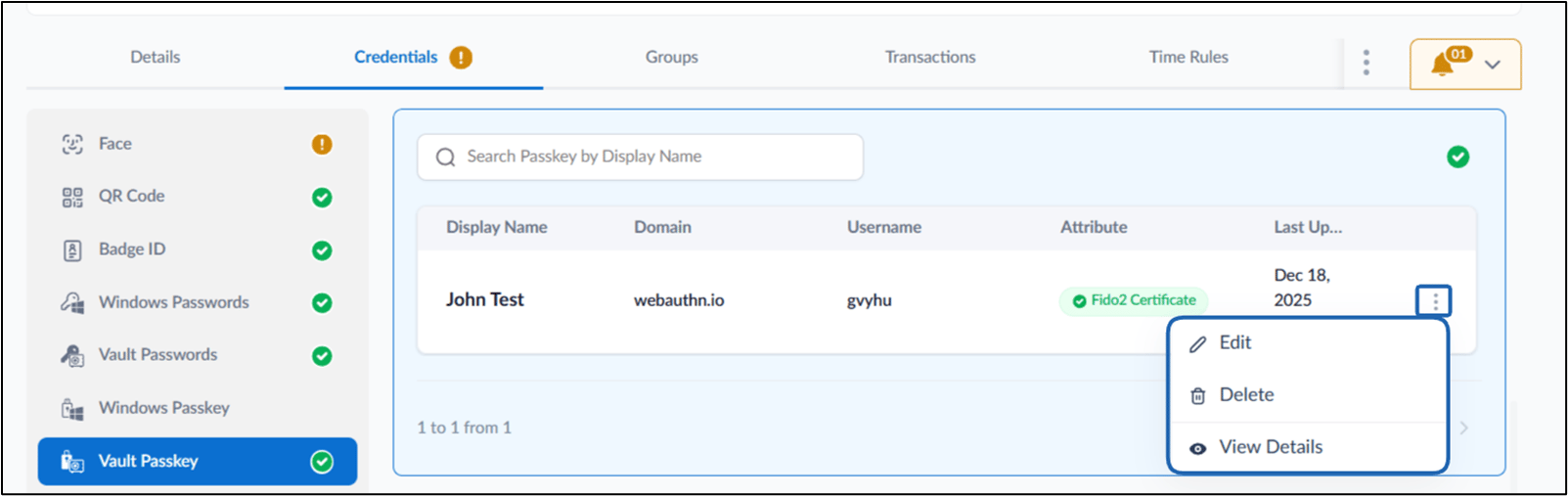
- Do the following:
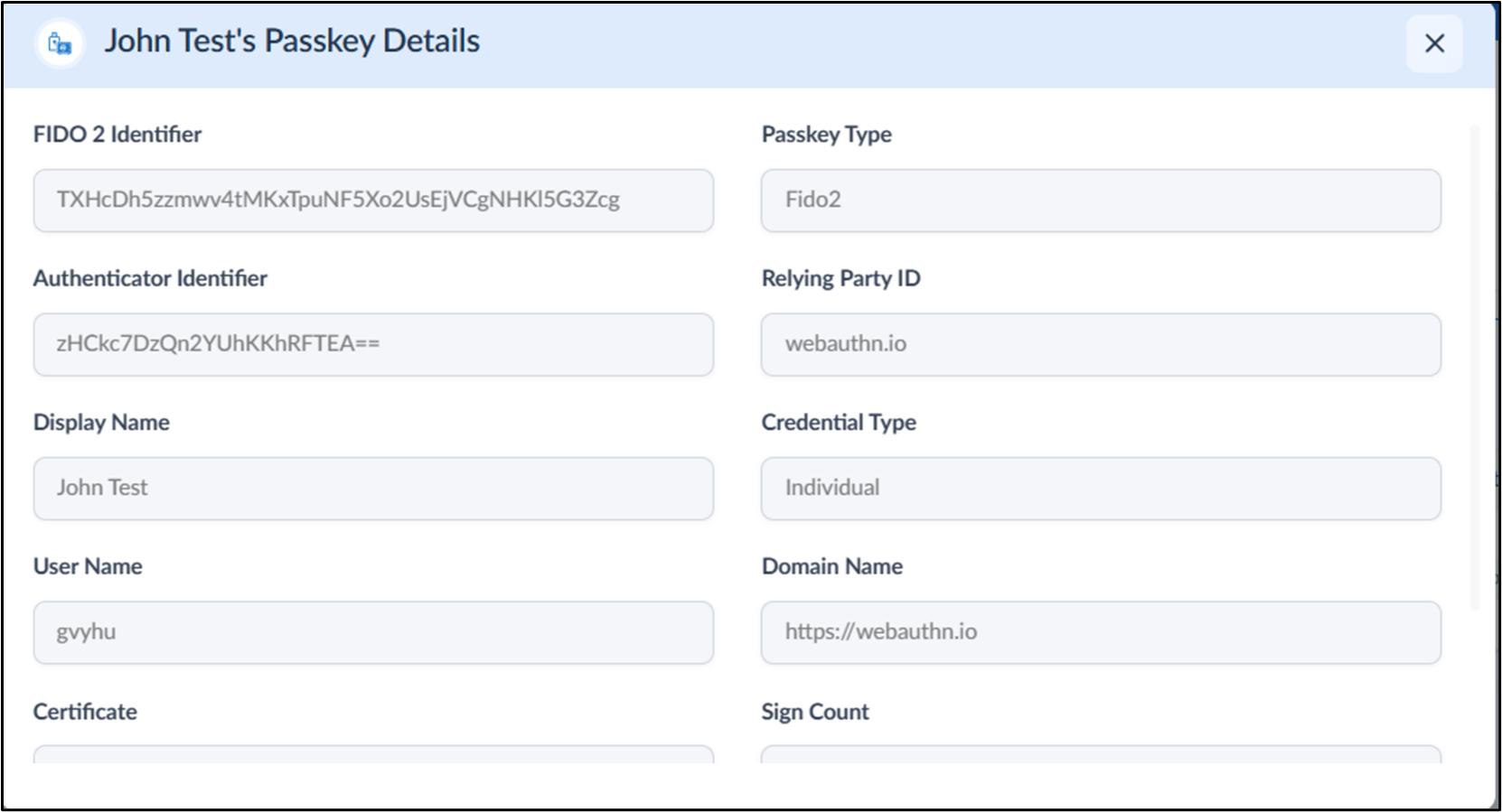
- To View: Click Three dots icon > select View Details
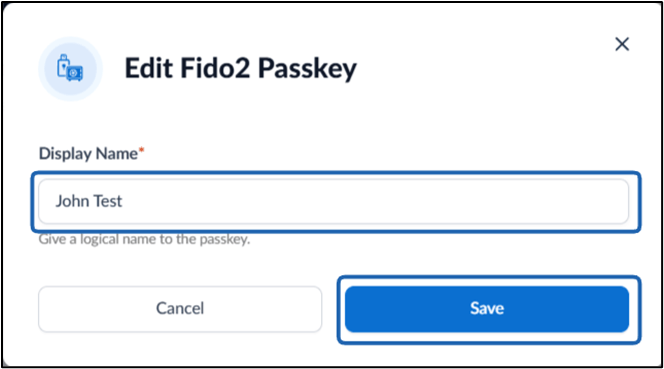
- To Edit: Click Three dots icon > select Edit > Change Display Name > Save
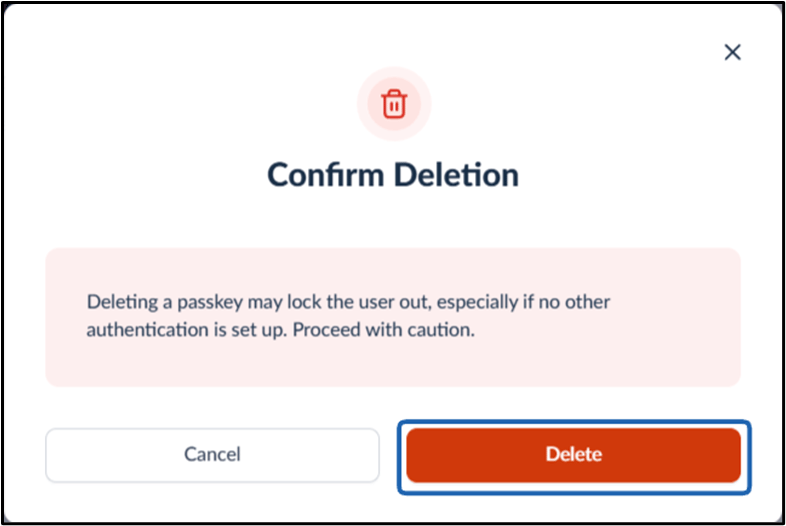
- To Delete: Click Three dots icon > select Delete > Confirm
- To View: Click Three dots icon > select View Details