Introduction
This document provides step-by-step instructions to configure Supervisor privileges in the Tenant Admin Portal.Prerequisites
- You must have Tenant Admin access to the Tenant Admin Portal.
- Ensure that the applicable user is assigned the Supervisor role.
Steps to Configure Supervisor Privileges
- Log in to the Tenant Admin Portal.
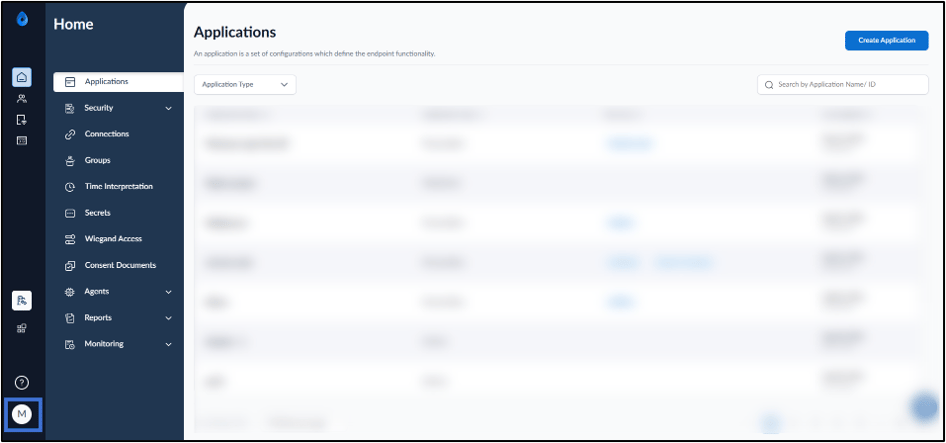
- On the homepage of the portal, click user profile icon on the bottom left corner of the menu panel.
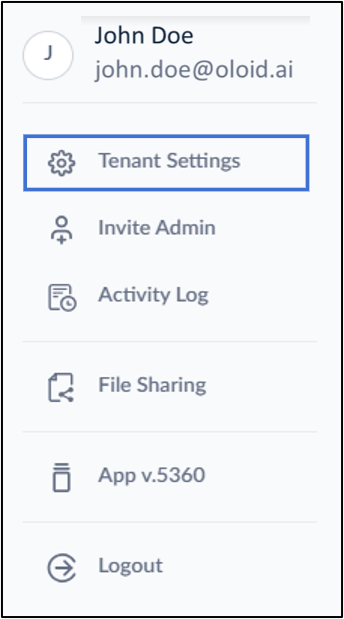
- Click Tenant Settings.
- Go to Advanced Tab > Supervisor Privileges.
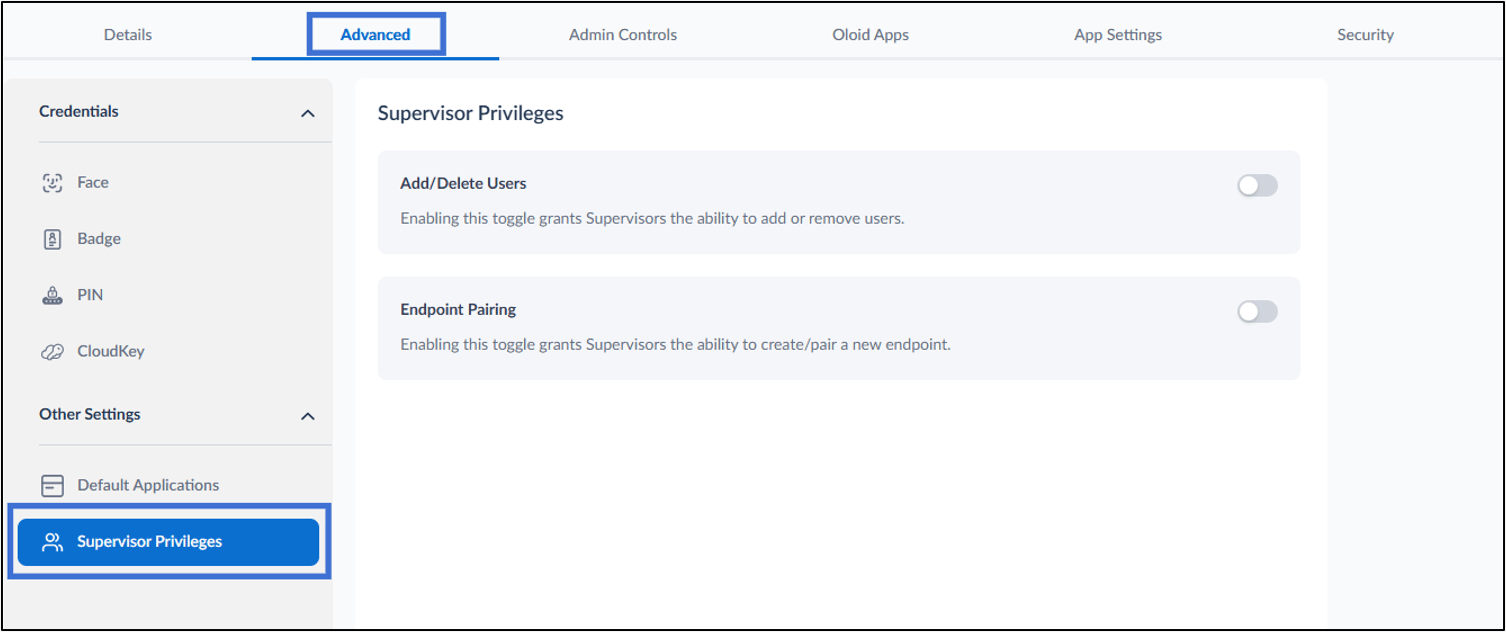
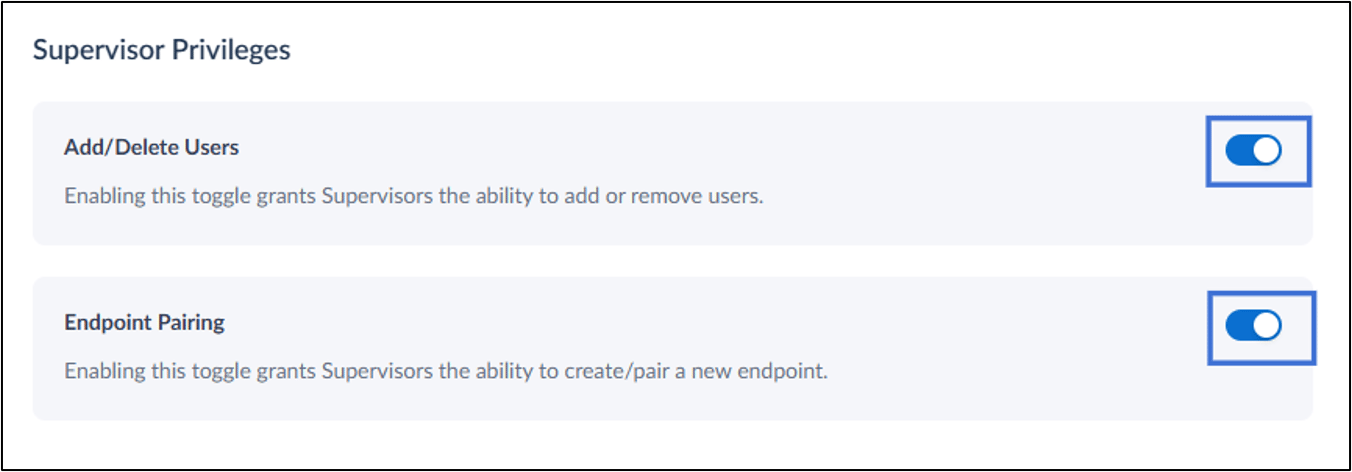
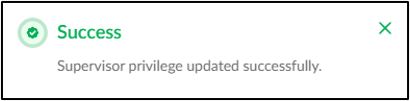
- Do the following :
- Enable Add/Delete Users toggle button to allow the supervisor to add or remove users.
- Enable Endpoint Pairing toggle button to allow the supervisor to create or pair new endpoints.