

Introduction
The Tenant Admin Portal allows admin to invite users to add their face as an authentication method via SMS. This feature includes a customizable SMS invite template that can be tailored to your organization’s messaging standards.Prerequisite
You must have a Tenant Admin account.Steps to customize SMS invite template
- Log in to the Tenant Admin Portal.
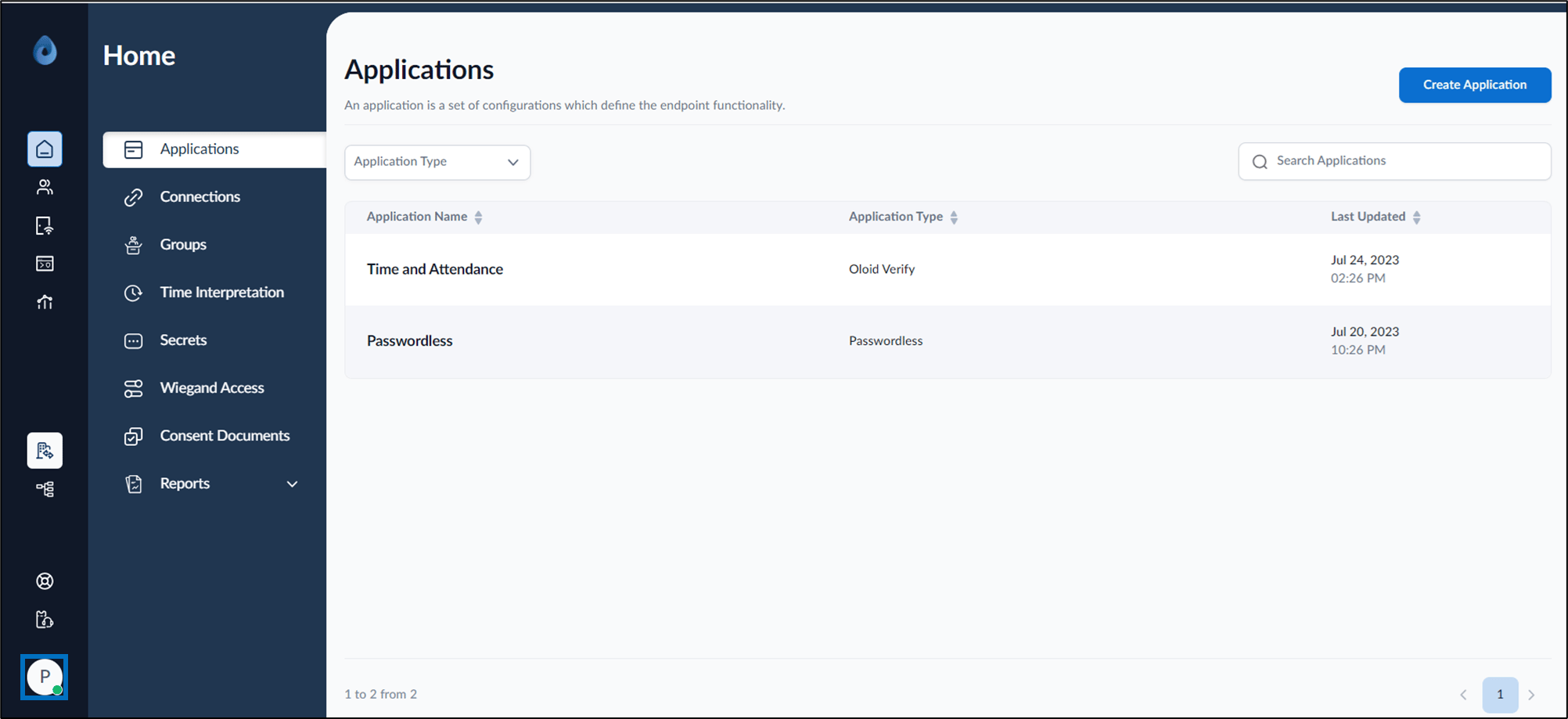
- On the homepage of the portal, click user profile icon on the bottom left.
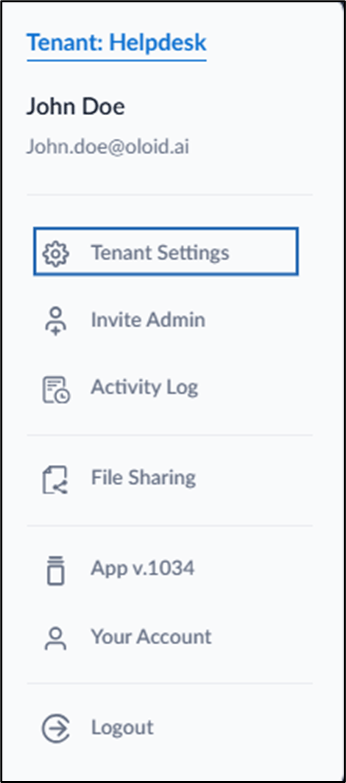
- Select Tenant Settings.
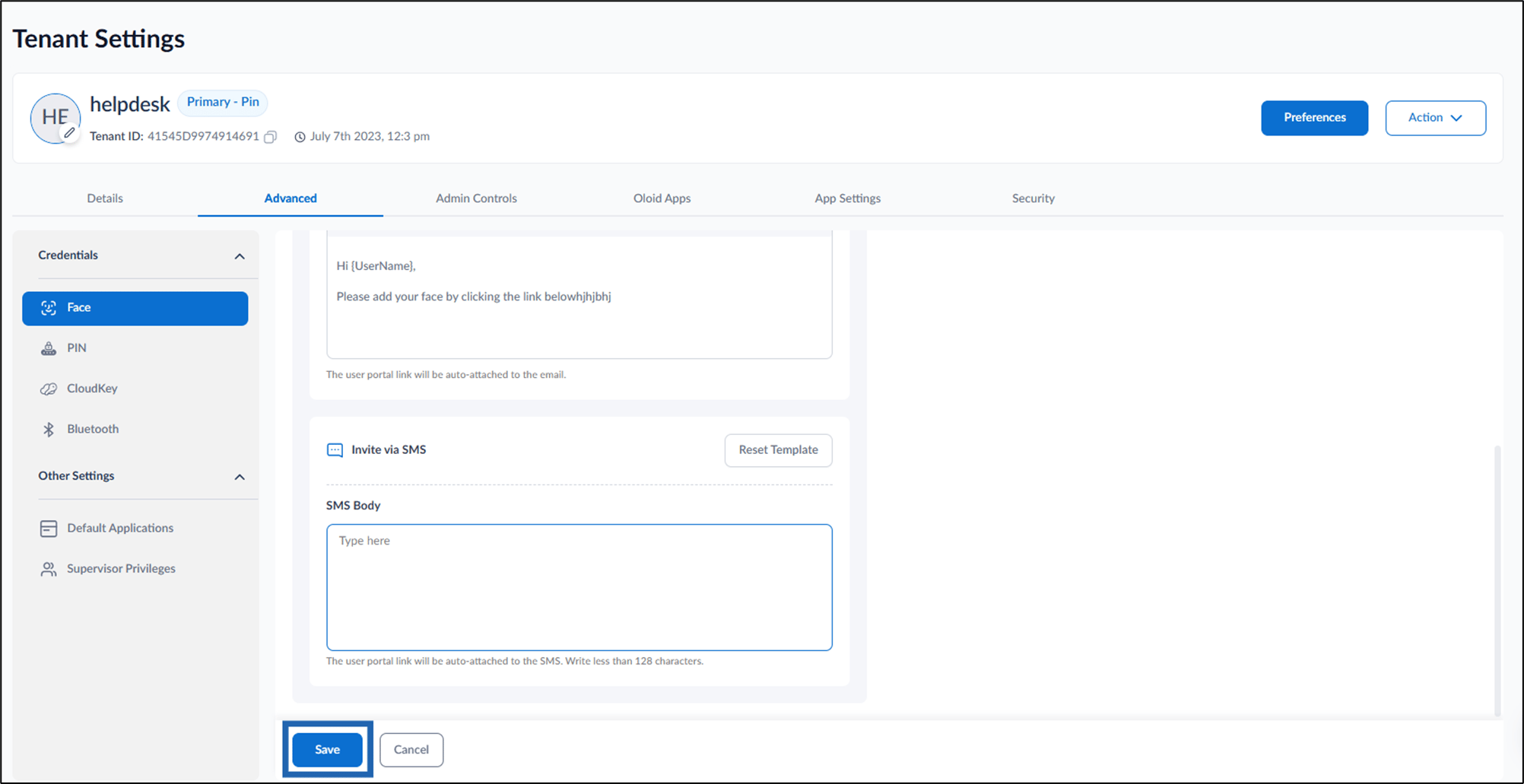
- Go to Advanced tab > select Face from the left menu panel.
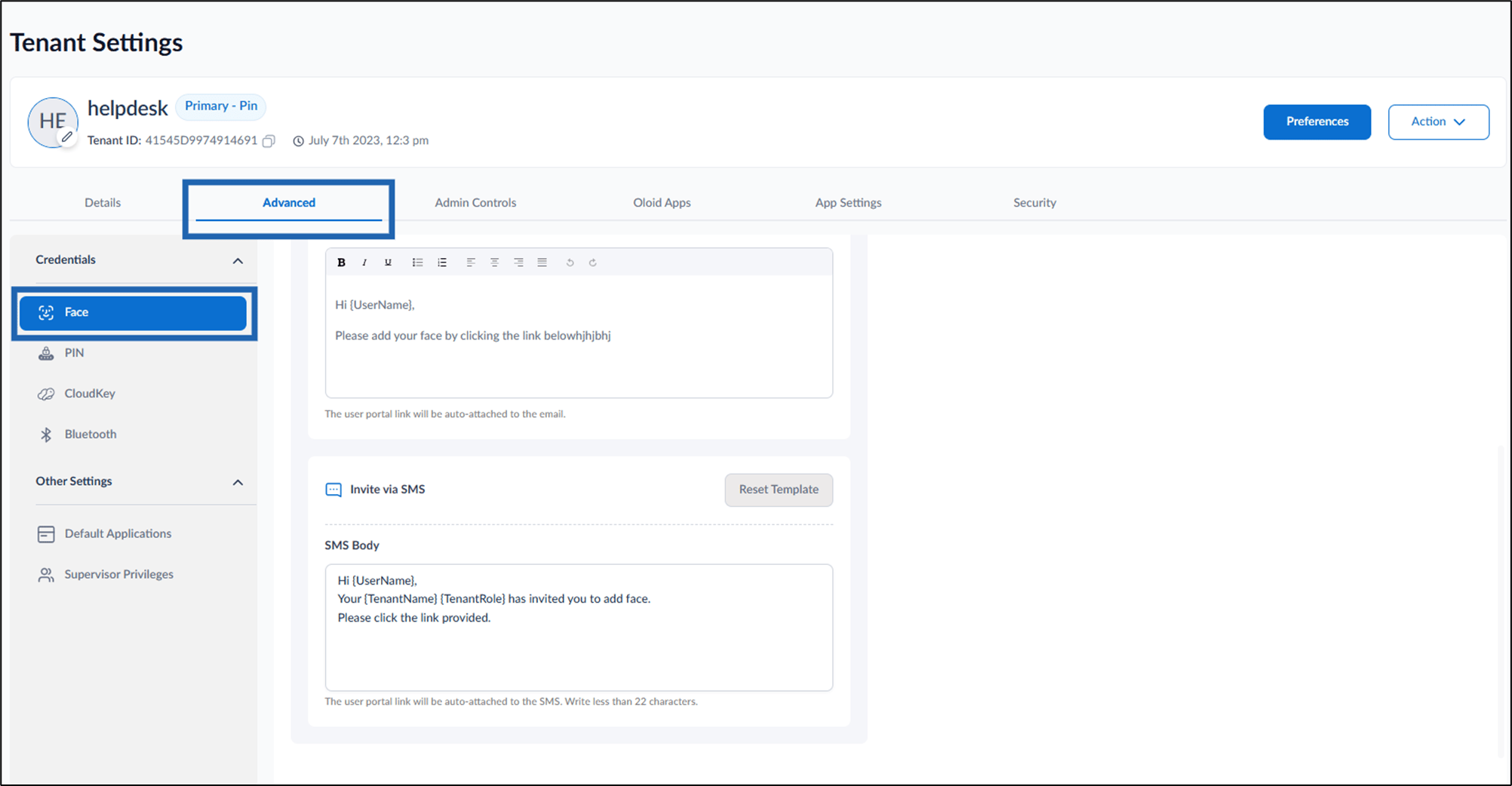
- Do the following under Invite via SMS:
-
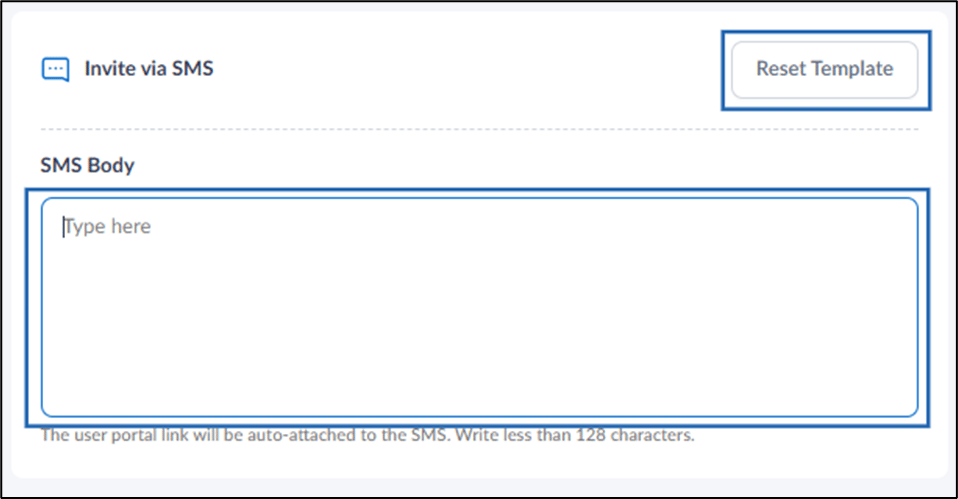
Enter SMS content in SMS body text field.
Note:
- Ensure the SMS content is within 128-character limit.
- The User Portal link will be auto-attached to the SMS.
- To restore the default SMS message, click Reset Template.
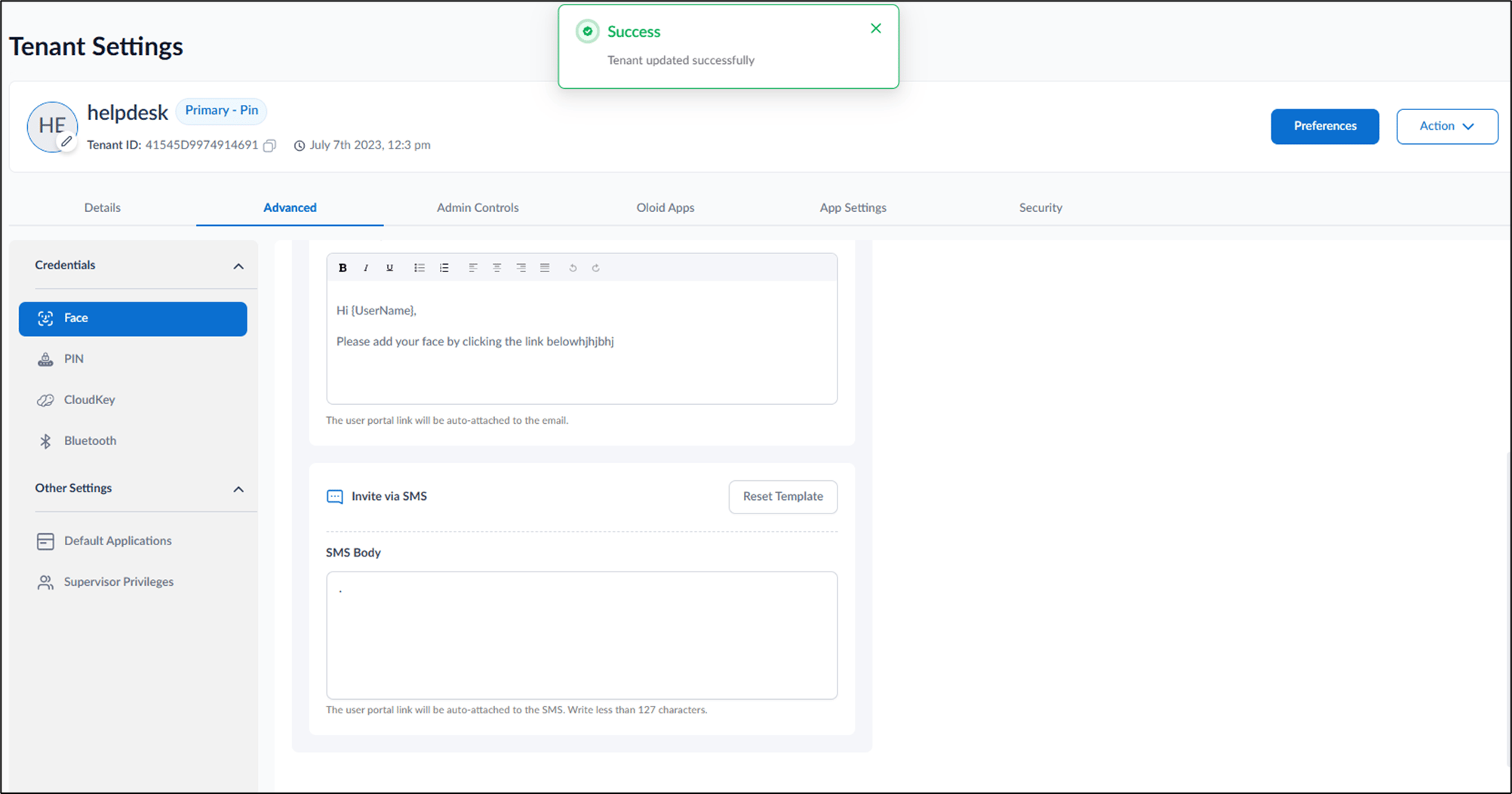
- Click Save.
-
Enter SMS content in SMS body text field.