

- Login to the Oloid Portal.
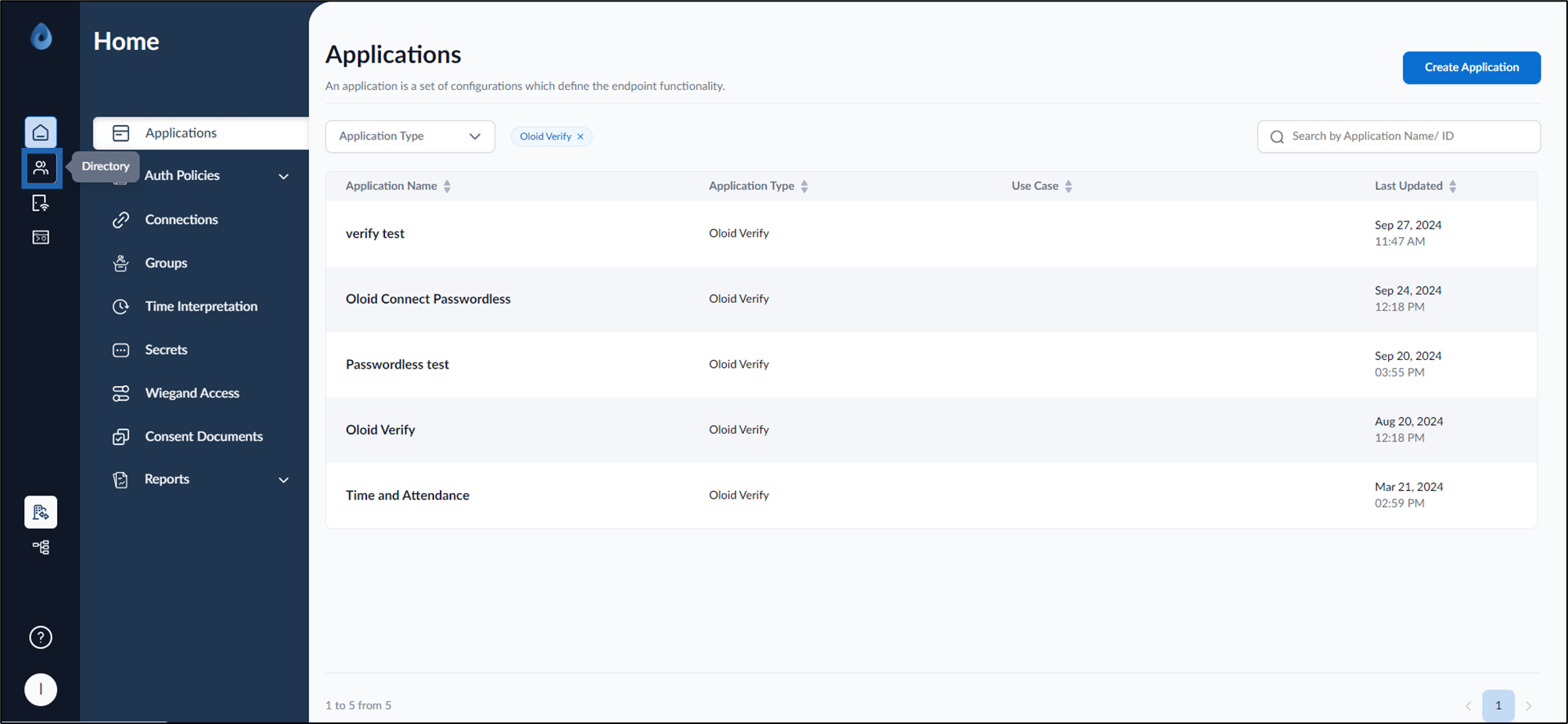
- On the homepage, click Directory from the left menu panel.
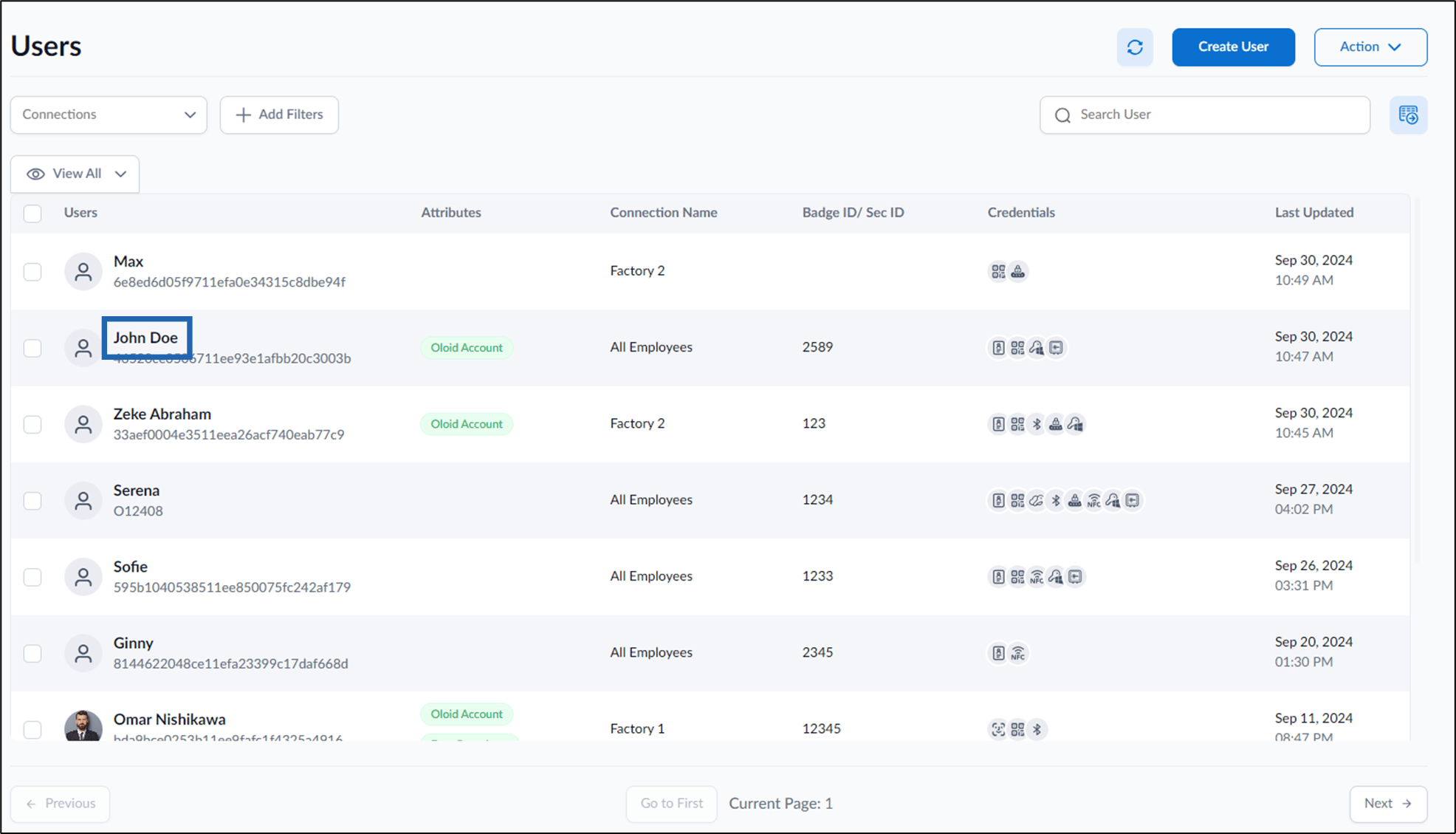
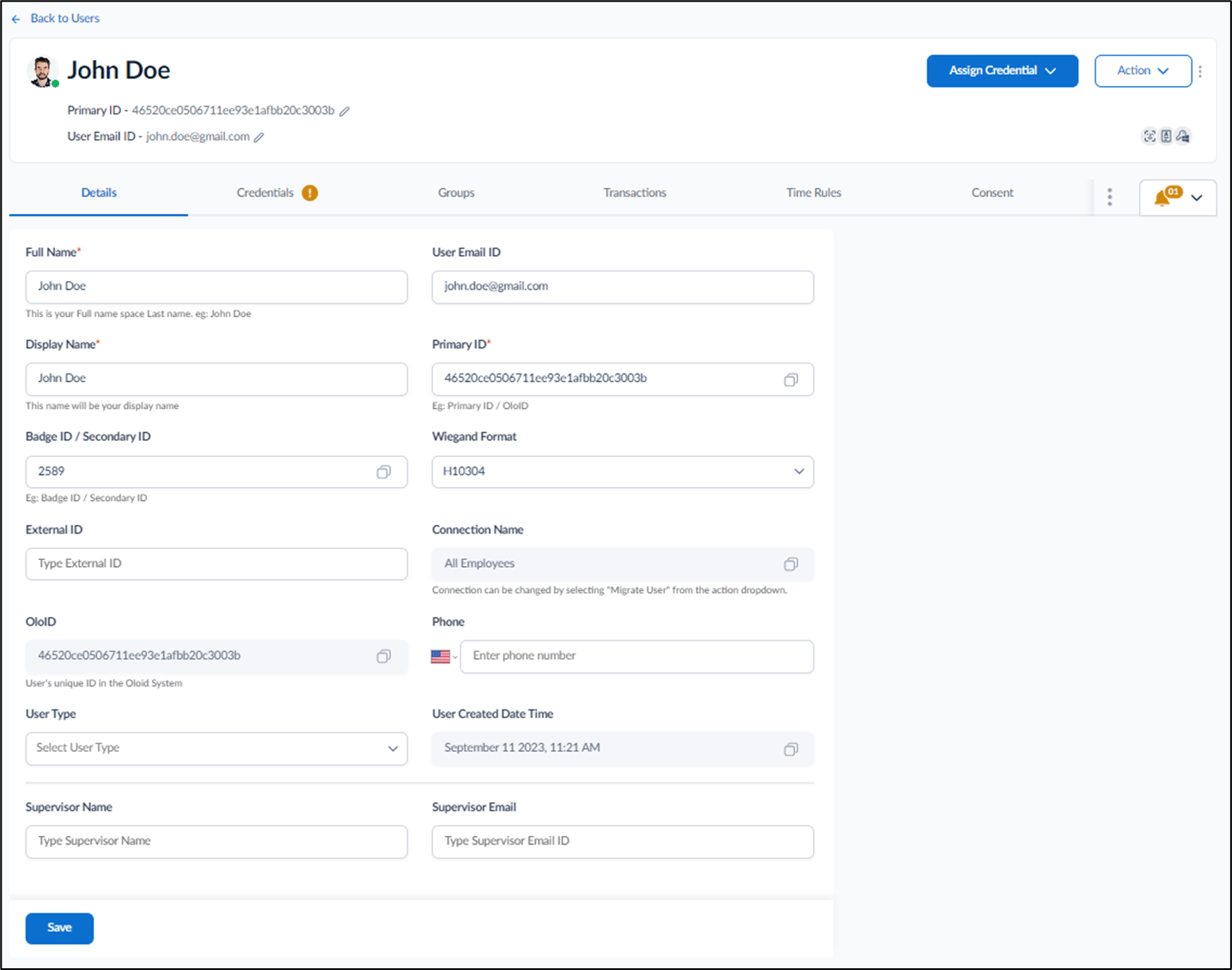
- Click username to edit.
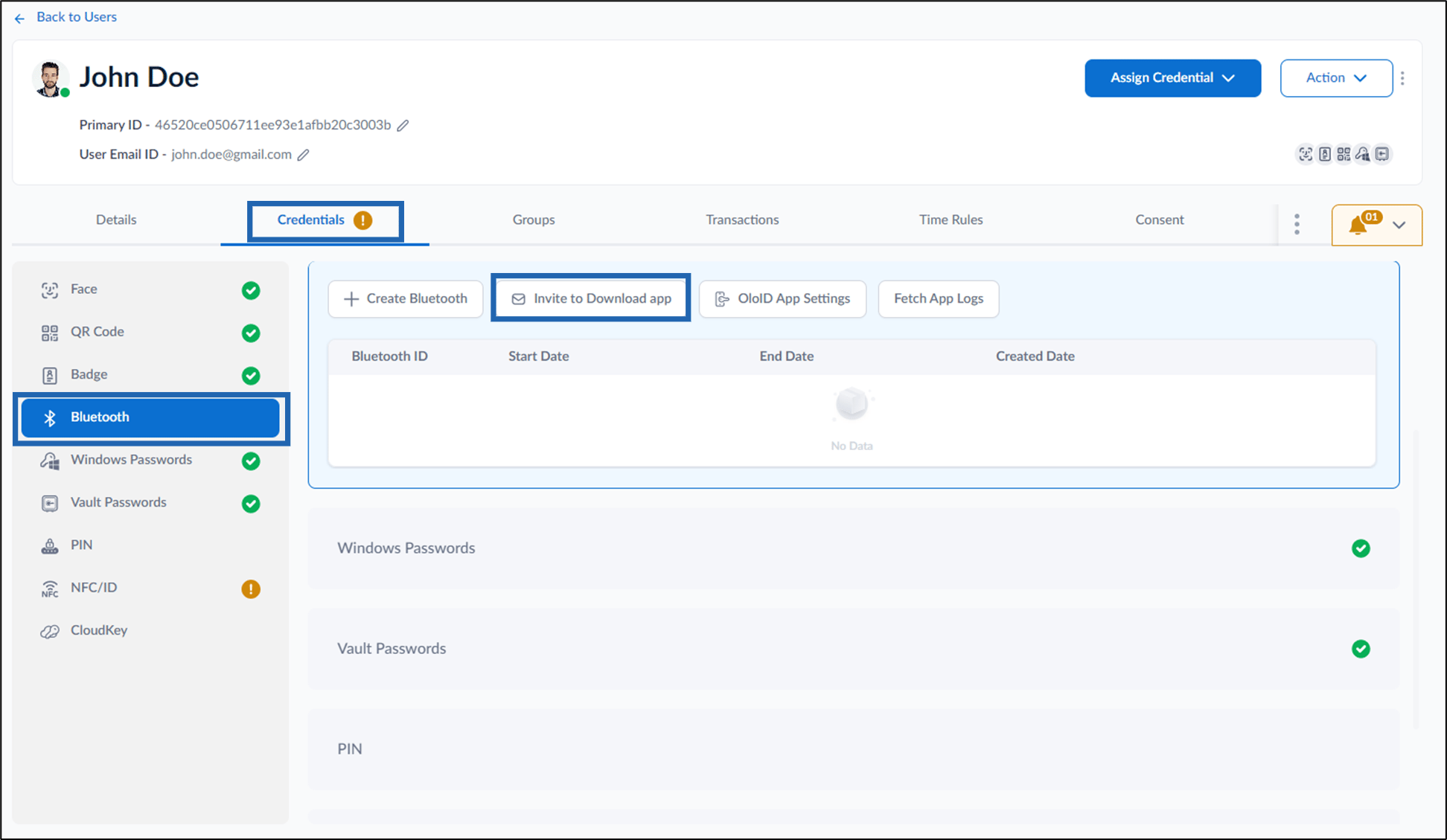
- Go to Credentials tab > Bluetooth > Invite to Download app.
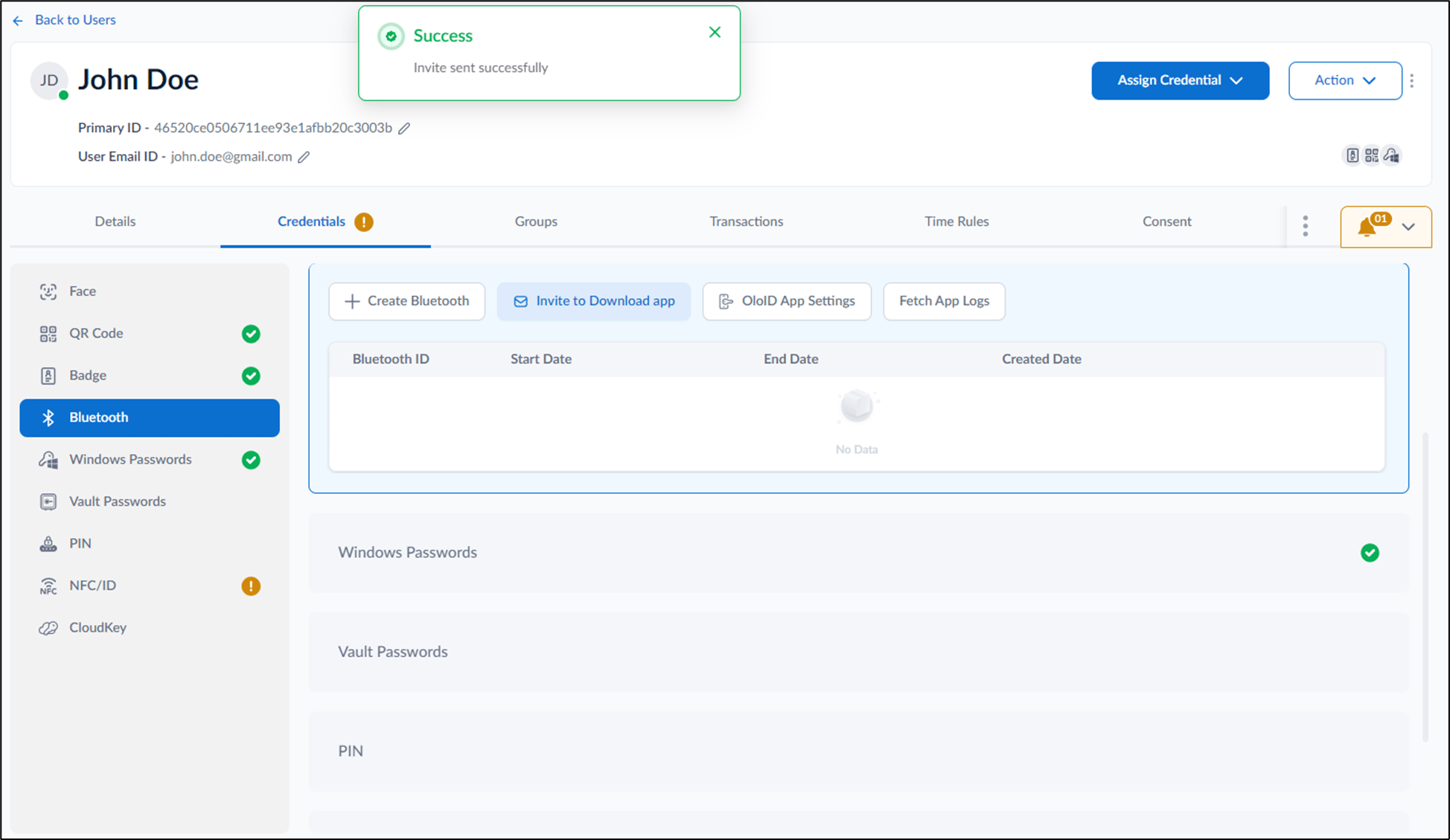
How to send invite to download app to a user
This document provides step-by-step instructions to send invite to download app to a user
Steps to send invite to download app:
⌘I