Introduction
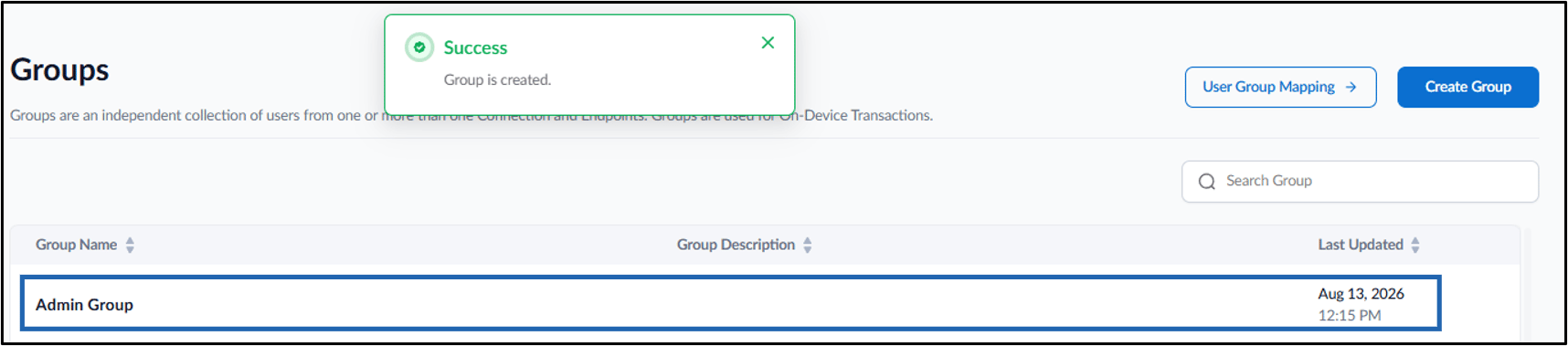
This document provides instructions to create a group in the Tenant Admin Portal. Groups help organize users and endpoints for easier management and configuration.Prerequisite
You must have admin access to a Tenant Admin Portal.Steps to Create a Group
- Log in to the Tenant Admin Portal.
- On the home page of the portal, click Groups on the left menu panel.

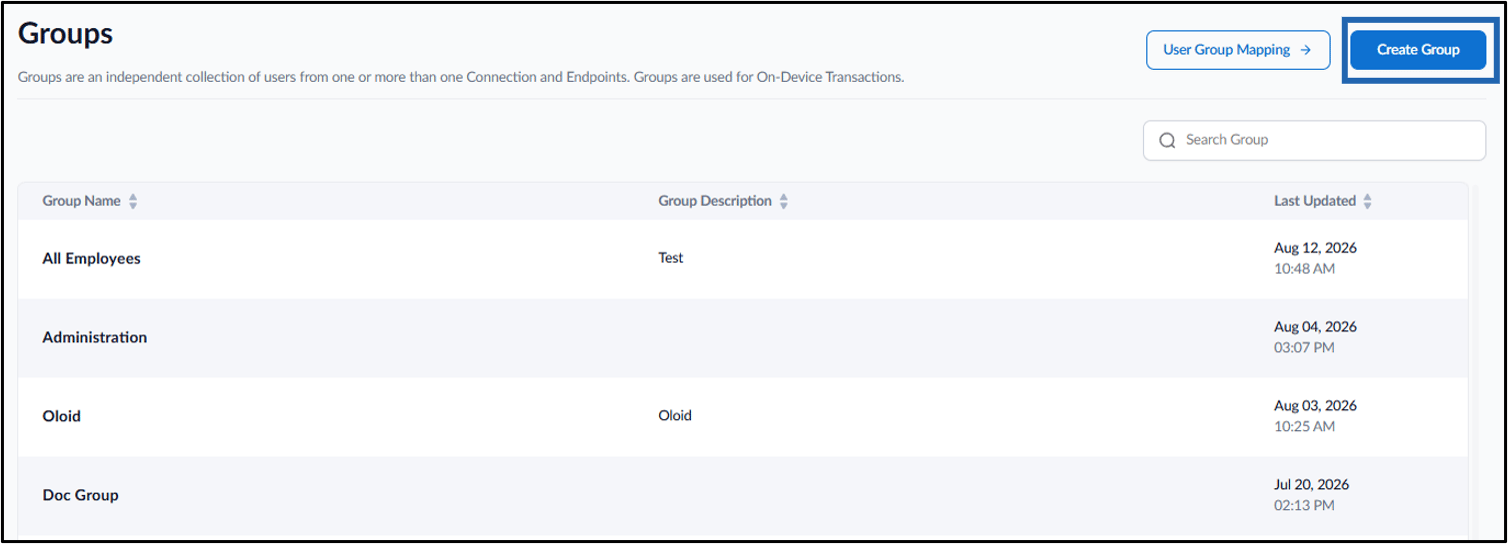
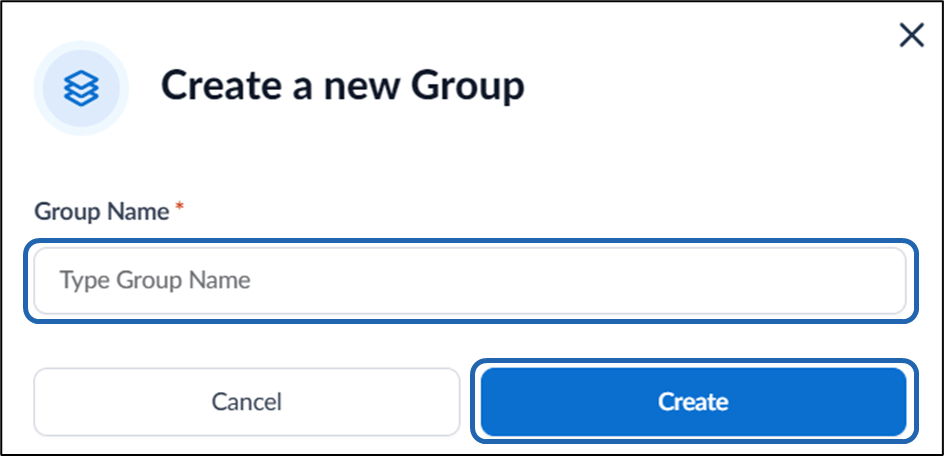
- Click Create Group on the top right corner.