Introduction
This document explains how to create a SAML Identity Provider (IdP) profile in the Oloid Portal to enable SAML-based authentication.Prerequisite
You must have Admin access to the Tenant Admin Portal.Steps to Create SAML IDP Profile
- Log in to the Tenant Admin Portal.
-
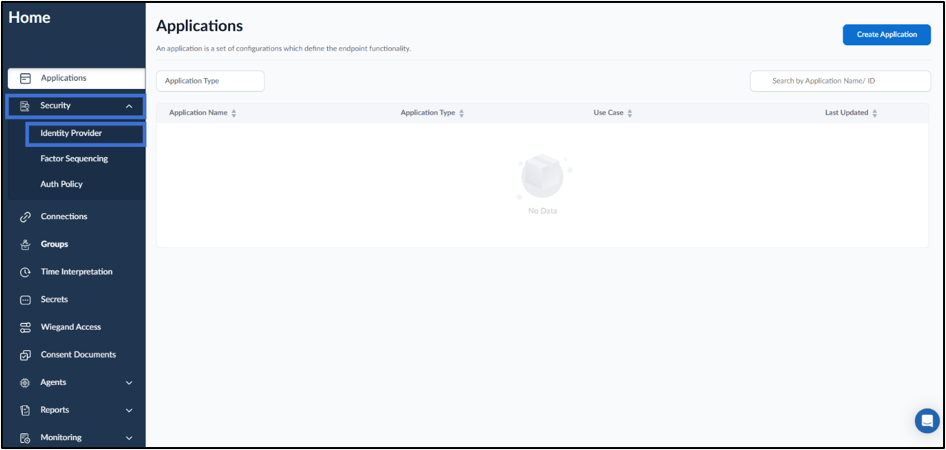
On the home page of the portal, select Security > Identity Provider.
-
Select Create IDP in the top right corner.
 Note: You cannot create a new IDP unless a default IDP is already set. Please open an existing IDP and mark it as default before proceeding. For more details refer How to make an IDP default.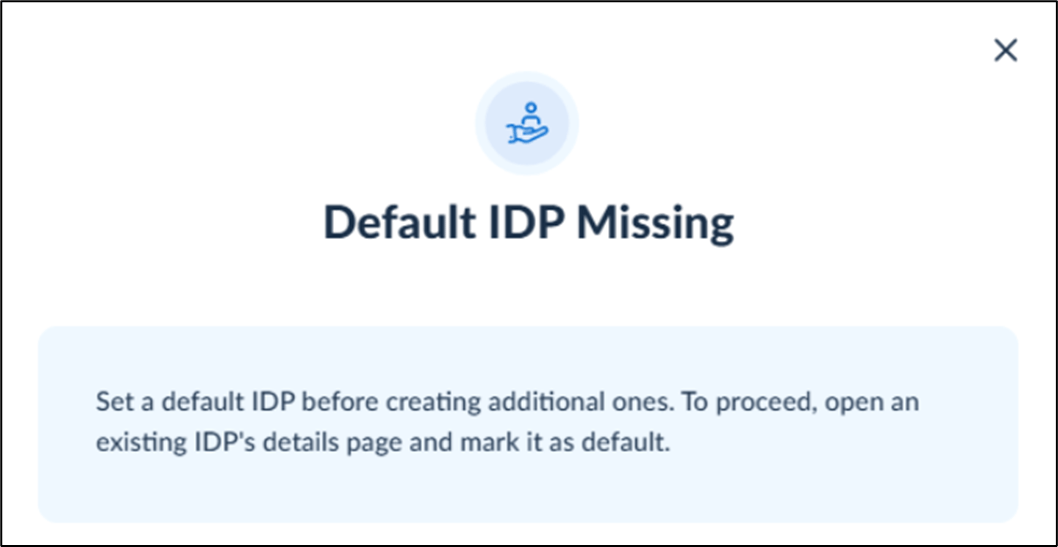
-
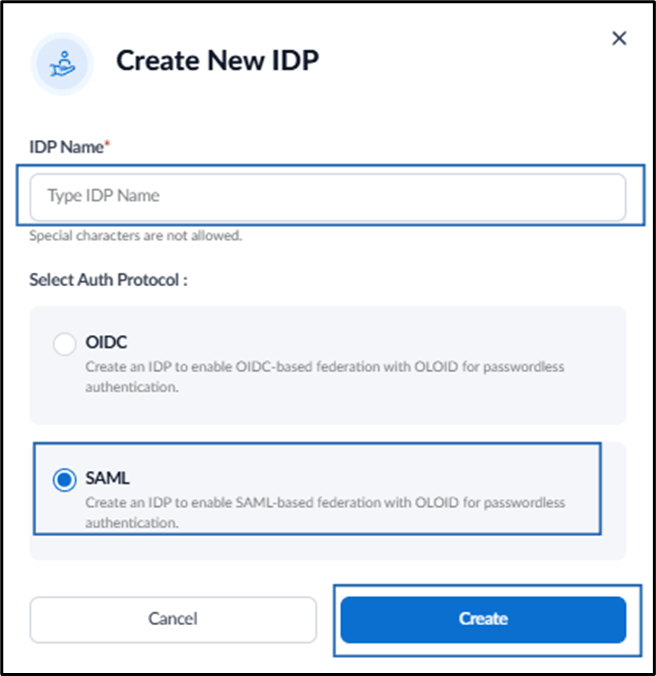
Do the following:
- Enter IDP Name.
- Select SAML asAuth Protocol.
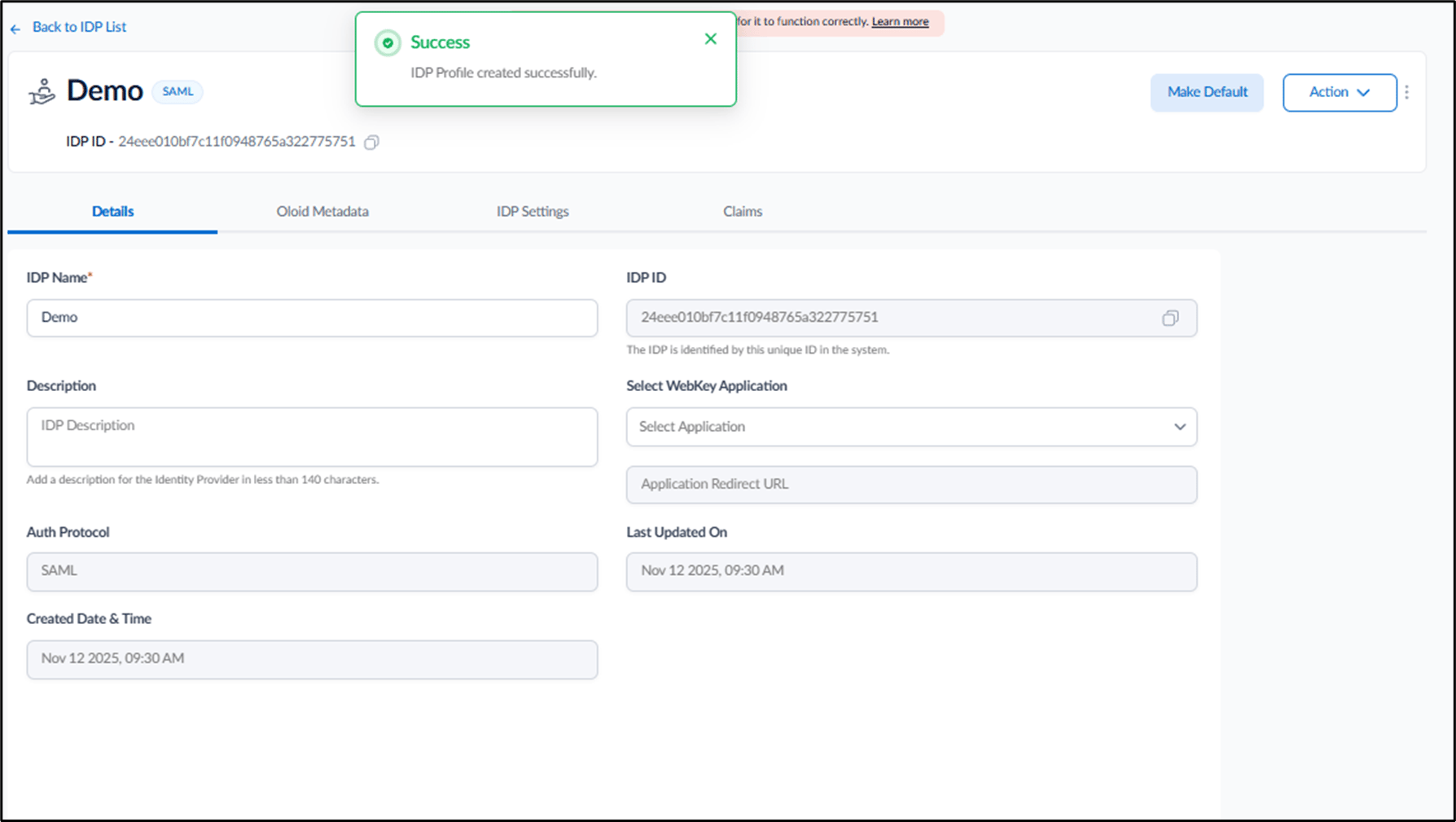
- Click Create.