

- Log in to the Oloid Portal.
-
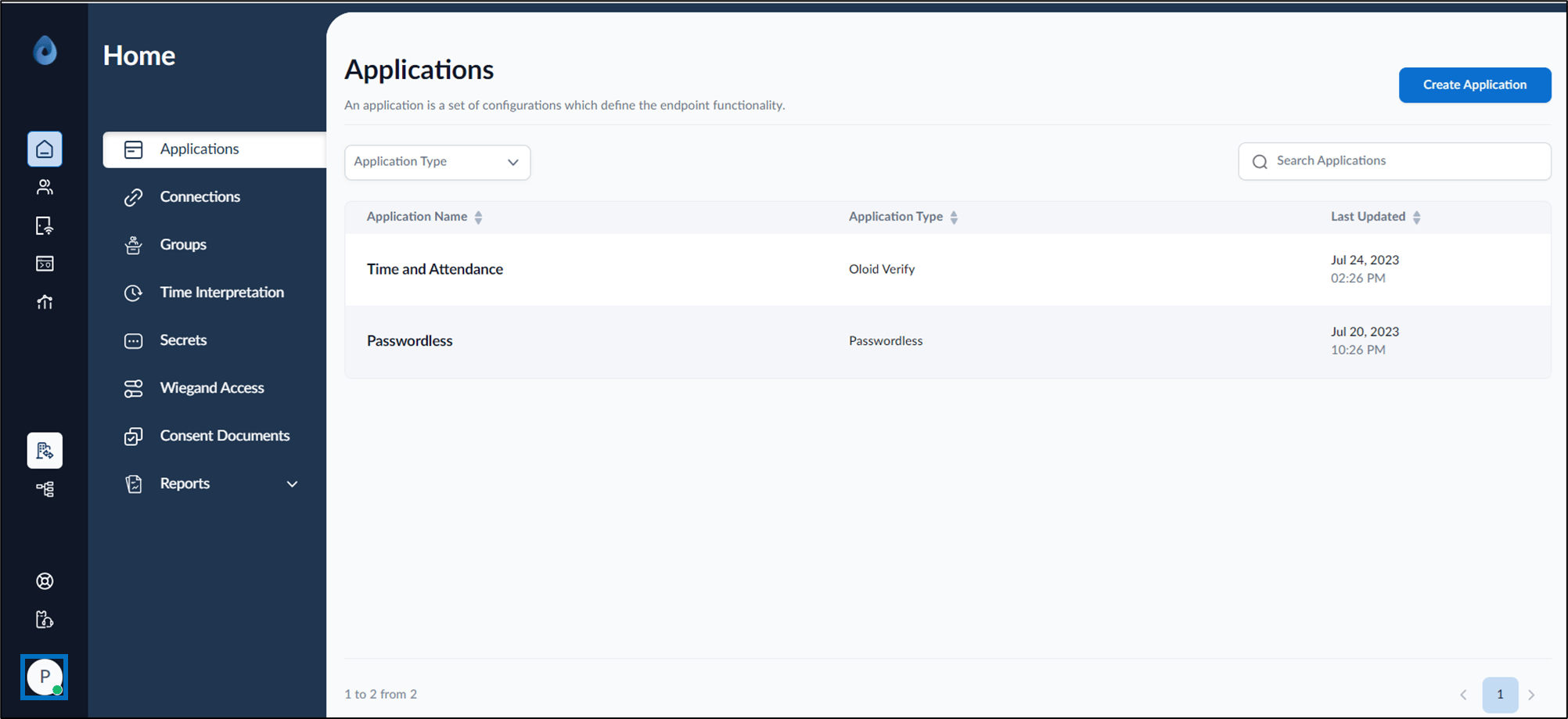
On the homepage, click user profile icon.
-
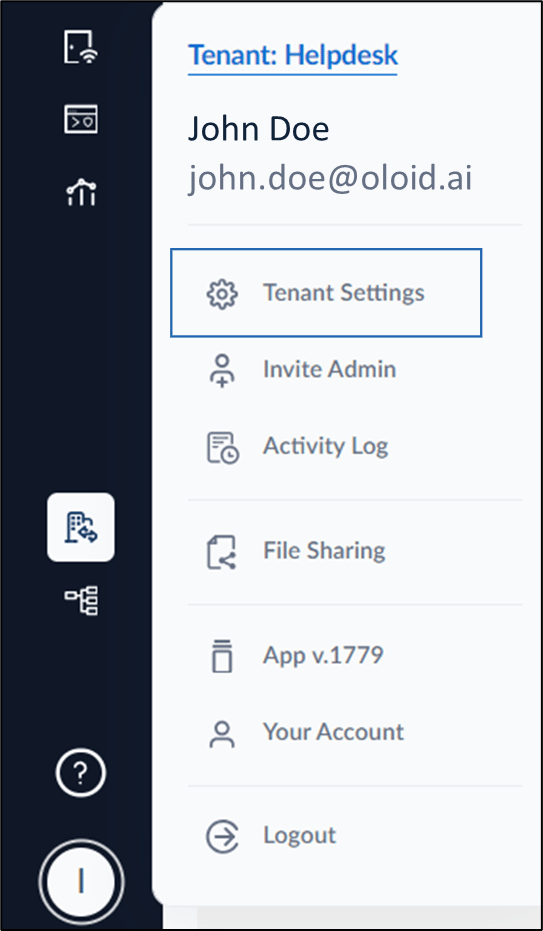
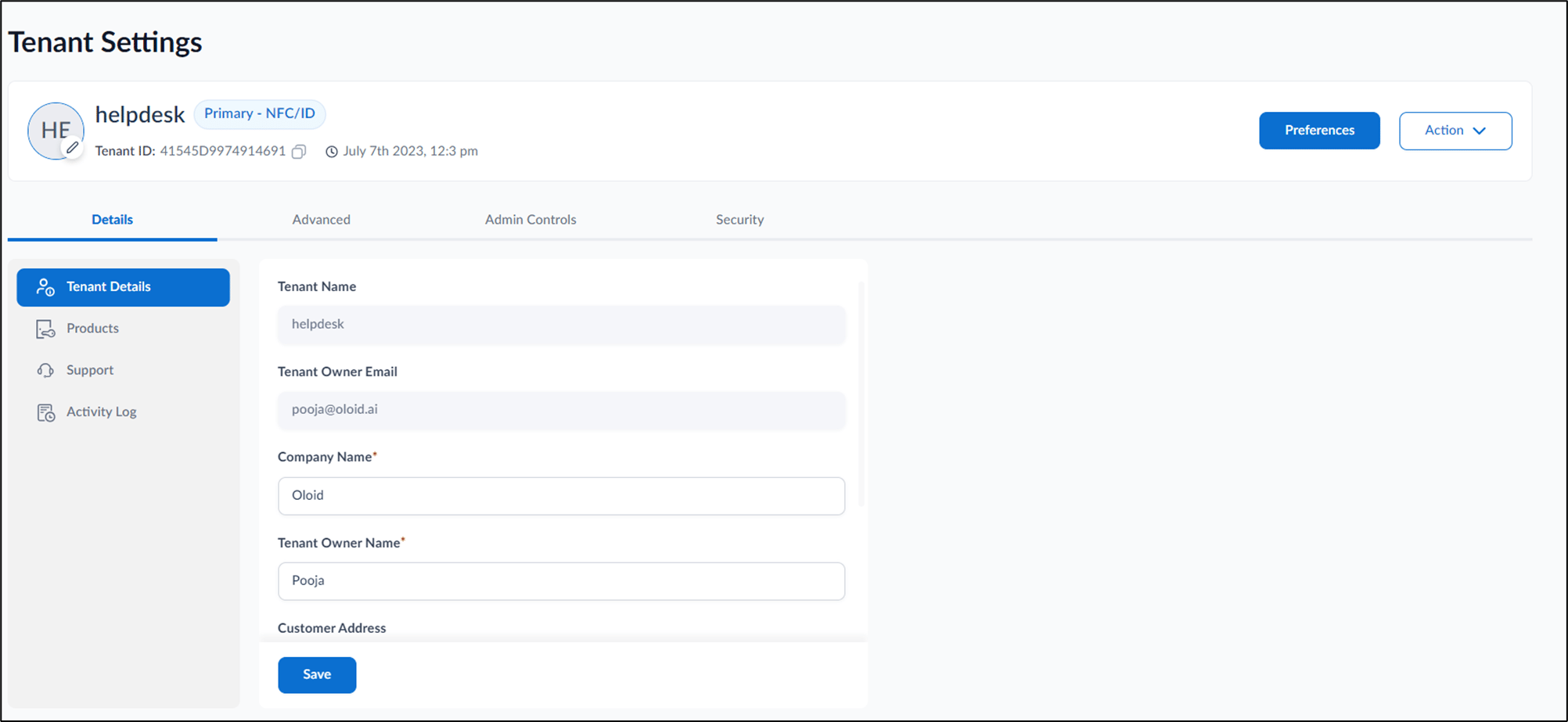
Select Tenant Settings.
-
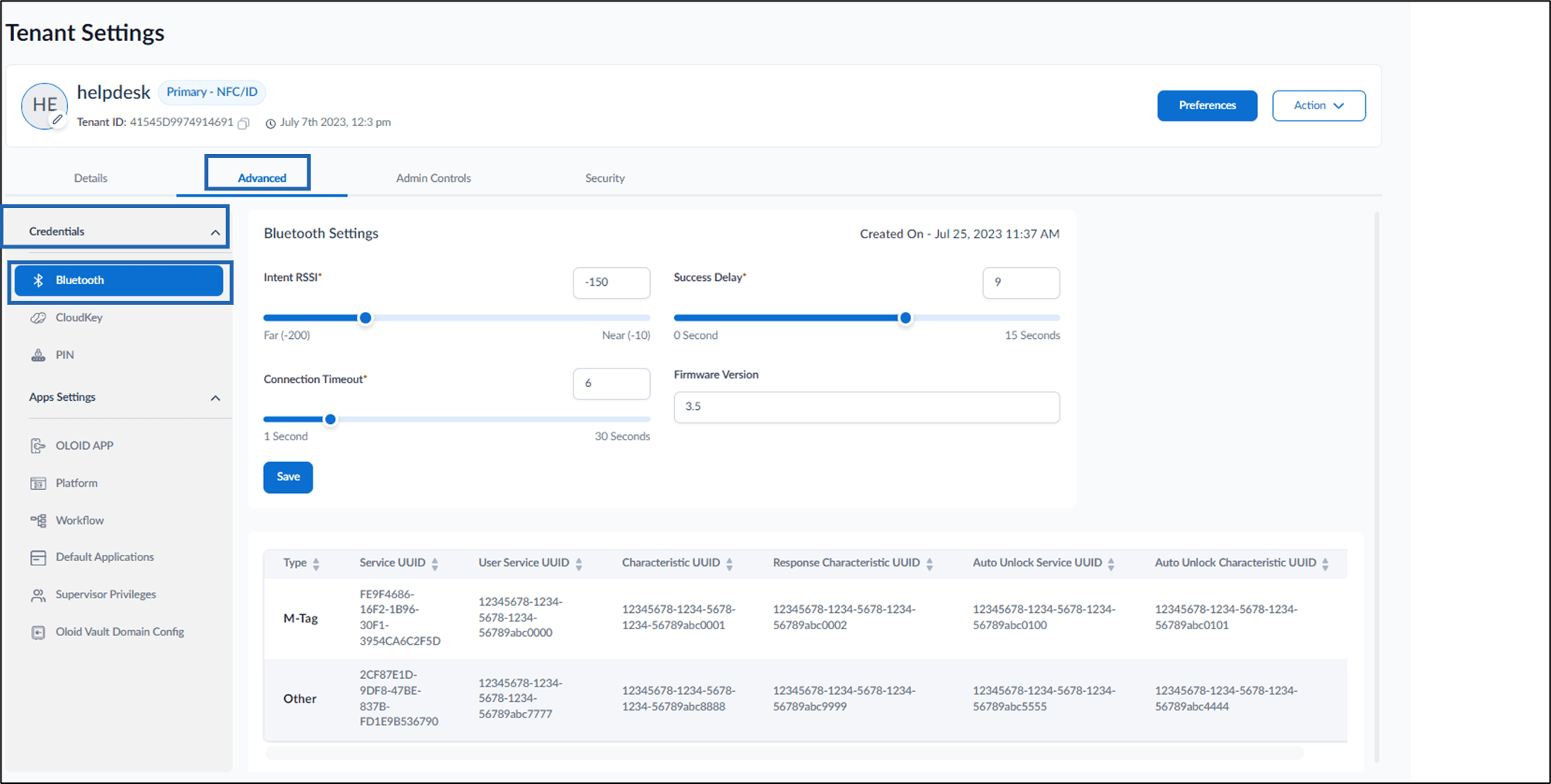
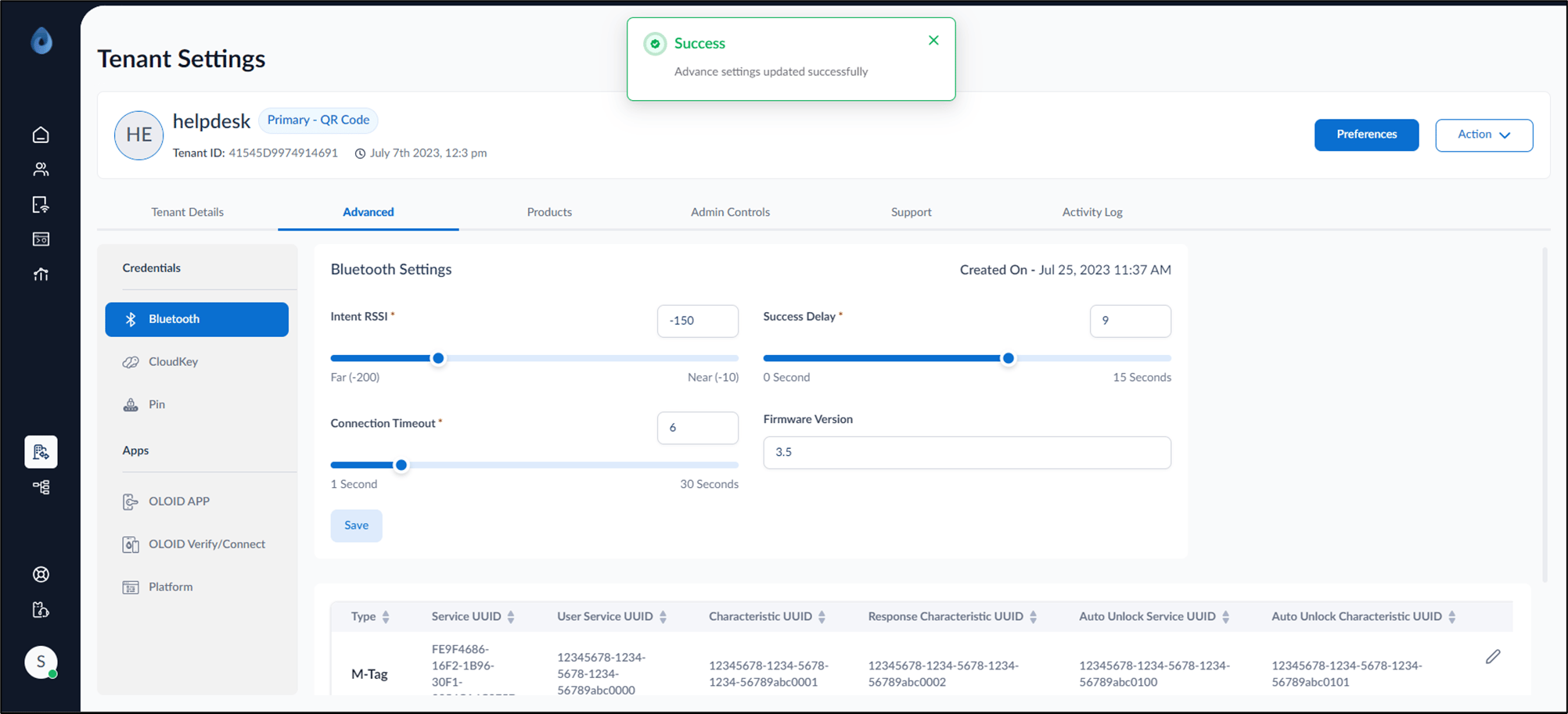
Go to Advanced tab > Credentials > Bluetooth.
-
On the Bluetooth Settings, do the following:
Note: These are one-time settings and all the default settings are recommended.
- To adjust the Bluetooth range, modify the Intent RSSI.
- To set the time duration between two successful transactions, modify the Success Delay.
- To specify the maximum duration when attempting to establish a connection, modify Connection Timeout.
- Click Save.
The Advance settings are updated successfully.
Archived- How to configure Bluetooth for M-Tag
Steps to configure the Bluetooth credential:
Steps to configure the Bluetooth credential:
⌘I