Introduction

This document provides instructions to sync users from a group to the associated endpoint devices in the Tenant Admin Portal.

Prerequisite

You must have admin access to the Tenant Admin Portal.

Steps to Sync User

  1. Log in to the Tenant Admin Portal.
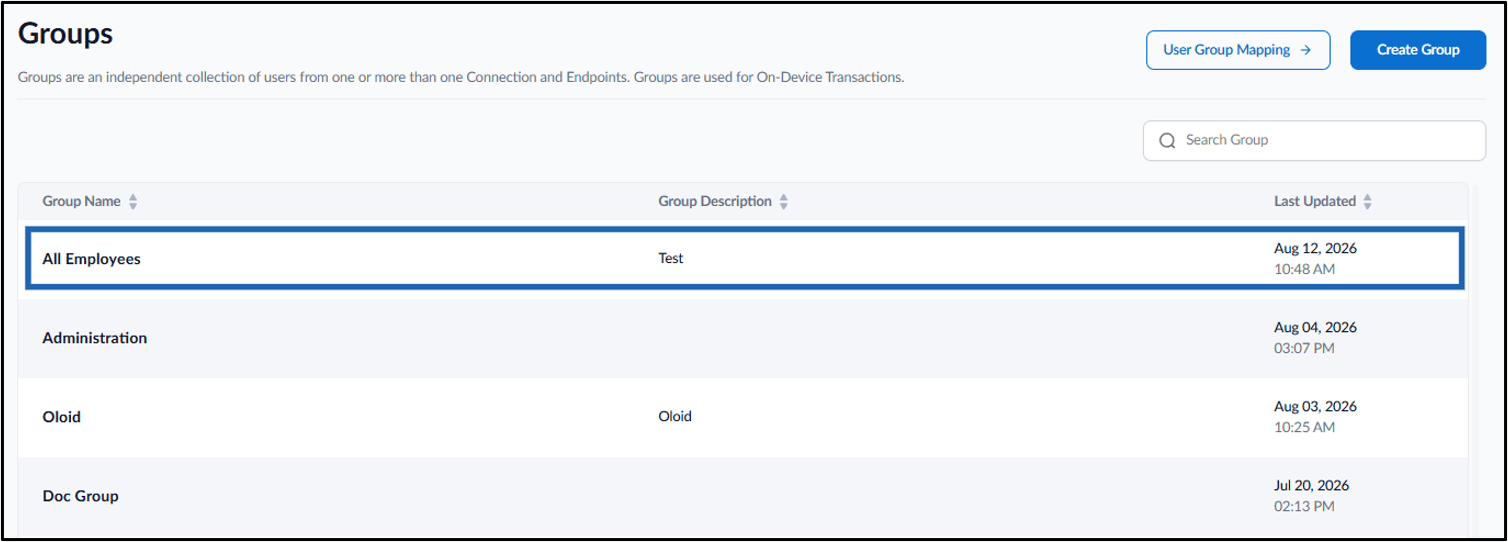
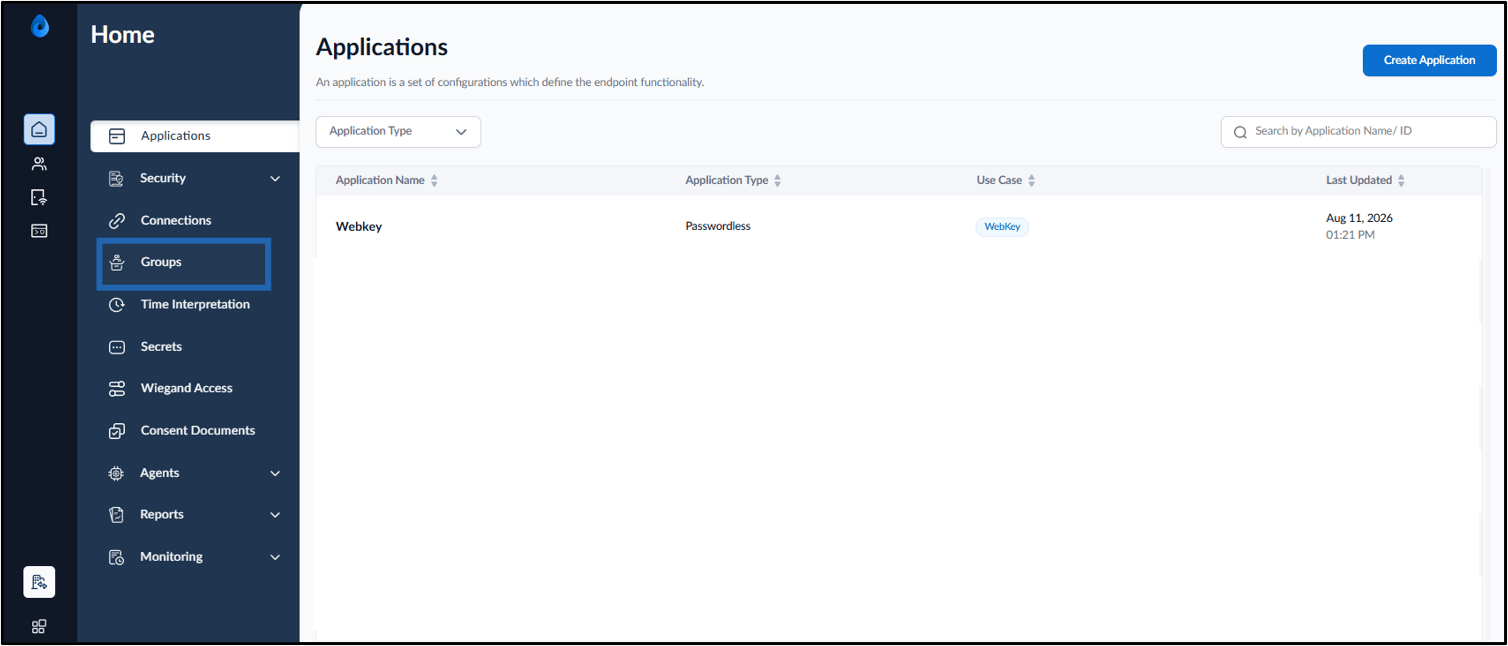
  2. On the home page, click Groups on the left panel menu. How to Sync Users in a Group - screenshot 1 The Groups page is displayed.
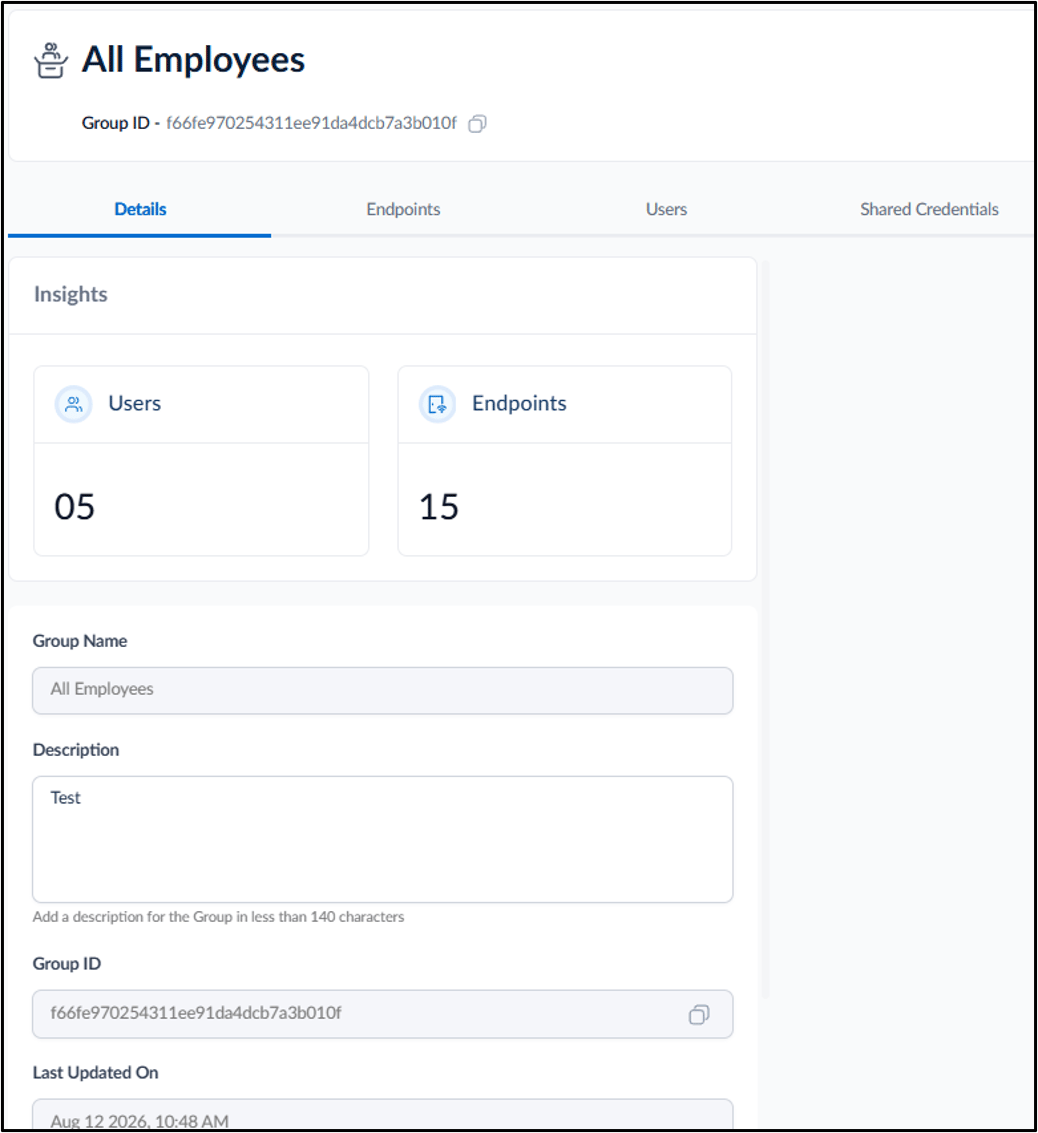
  3. Click the preferred Group Name. How to Sync Users in a Group - screenshot 2 The Group Details page is displayed. How to Sync Users in a Group - screenshot 3
  4. Do one of the following:
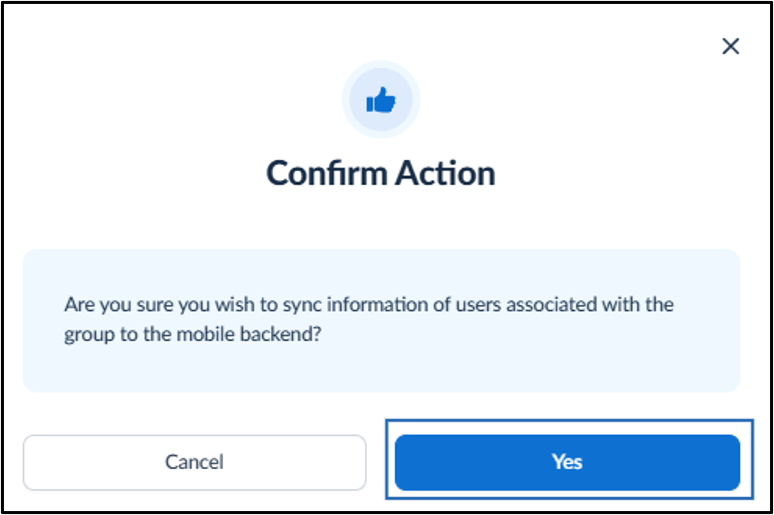
    1. Go to Action > click Sync Users. How to Sync Users in a Group - screenshot 4 The Confirm Action pop-up box is displayed.
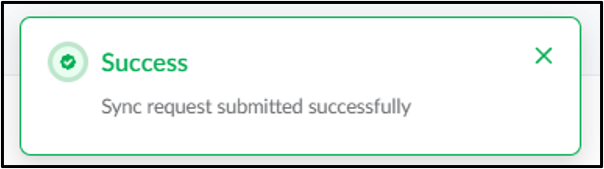
    2. Click Yes. How to Sync Users in a Group - screenshot 5 The users in the group are synced to the associated device(s) successfully. How to Sync Users in a Group - screenshot 6 OR
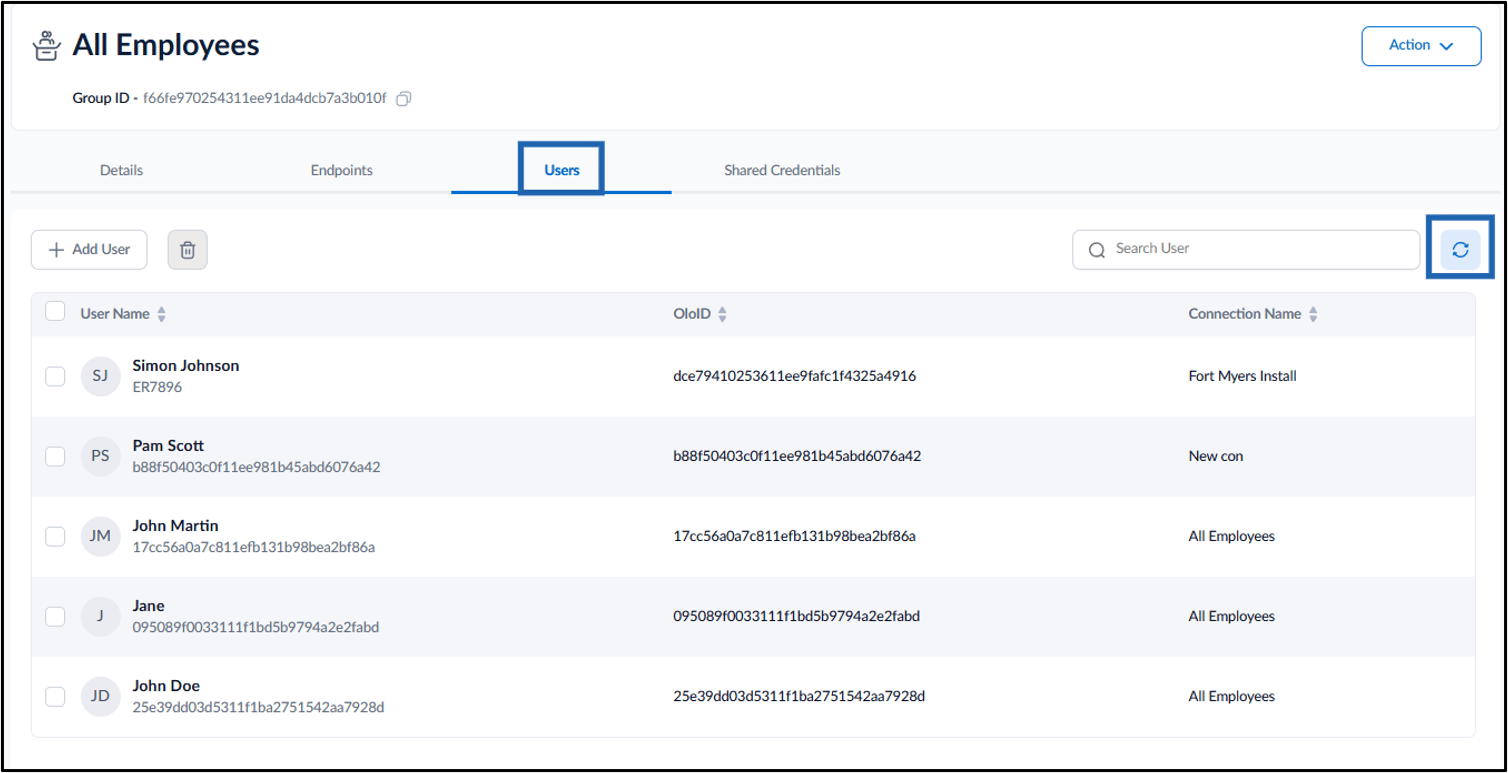
    3. Go to Users tab > click Sync icon. How to Sync Users in a Group - screenshot 7 The users in the group are synced to the associated endpoint device(s) successfully. How to Sync Users in a Group - screenshot 8